
Participant
April 3, 2025
Answered

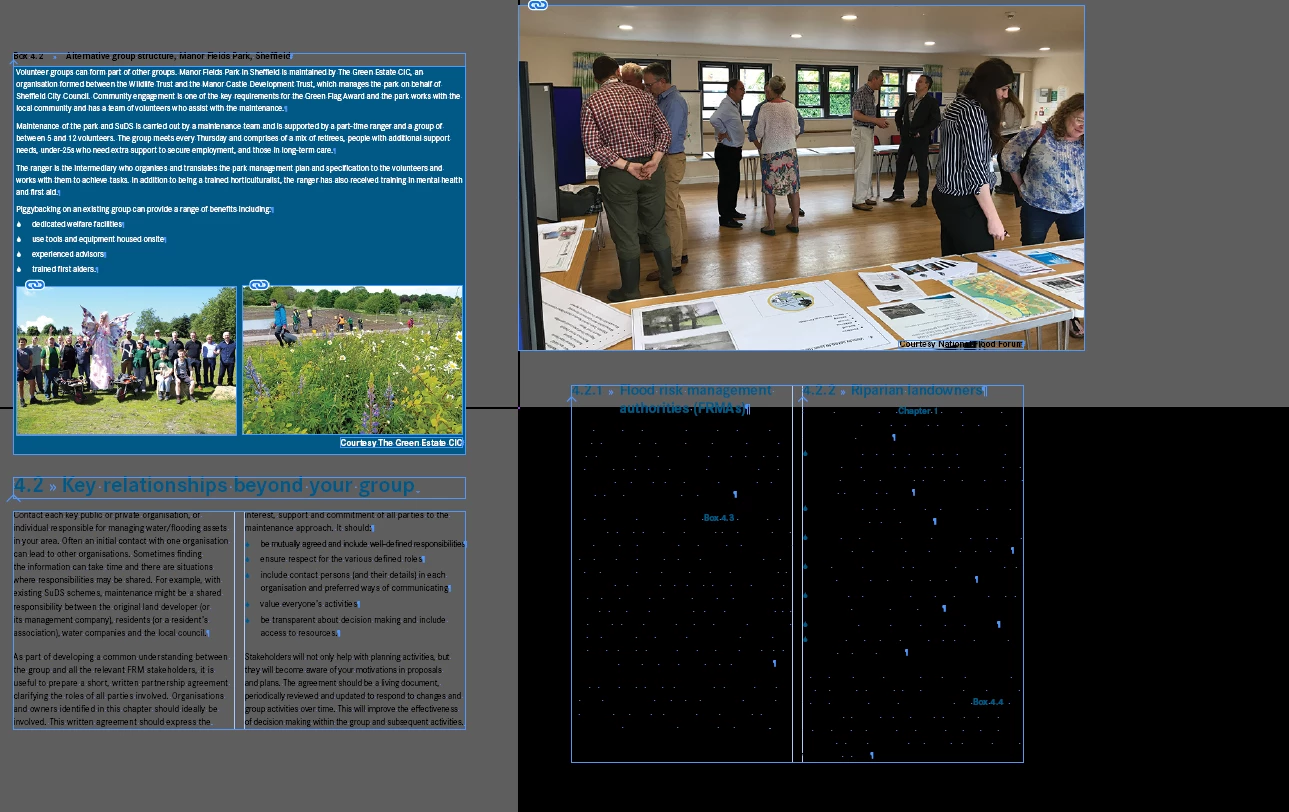
InDesign screen looks distorted...

  • April 3, 2025
  • 2 replies
  • 449 views

Hi there, I have been working on a document, but now it is showing up like this when I open it with no white background. I have looked into my settings everything looks OK, not sure what to do so any help would be greatly appreciated.
 

Correct answer BobLevine

If it's just this one document, export it to IDML and open that.

2 replies

BobLevine
Community Expert
BobLevineCommunity ExpertCorrect answer
Community Expert
April 3, 2025

If it's just this one document, export it to IDML and open that.

Participant
April 3, 2025

Thank you for helping me, it seems to have resolved the issue!

Robert at ID-Tasker
Legend
April 3, 2025
quote

Thank you for helping me, it seems to have resolved the issue!


By @claredrake


Then it looks like you need to change the way you work. 


You need to do Save As with a new name - either at the end of the day or week - depends how many changes you've done in a particular document. 


When you do Save - InDesign saves Undo History - but it's no longer available after you close the document - but is still part of the document  - and needs to be analysed every time you open this document again.


When you do Save As with a new name - InDesign is doing a basic housekeeping - gets rid of this Undo History and reorganizes the document so it opens quickly.


Robert at ID-Tasker
Legend
April 3, 2025

Are you a Mac user? Then toggle GPU support in Preferences. 


Participant
April 3, 2025

No not on a MAC

Robert at ID-Tasker
Legend
April 3, 2025

Then please confirm OS and InDesign versions.