Answered
InDesign script no longer works
Hi All,
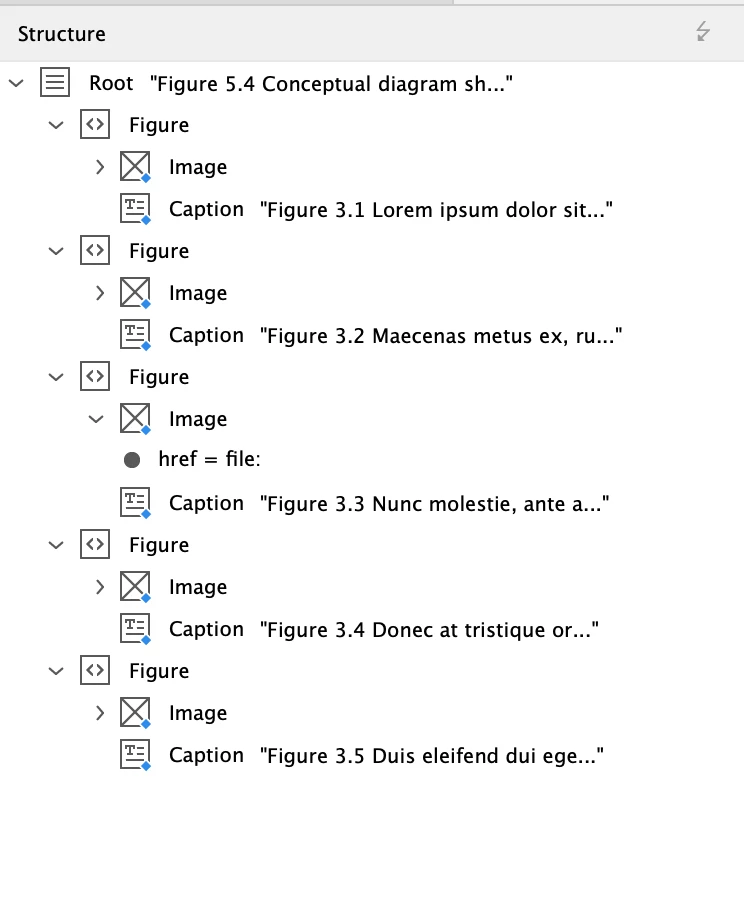
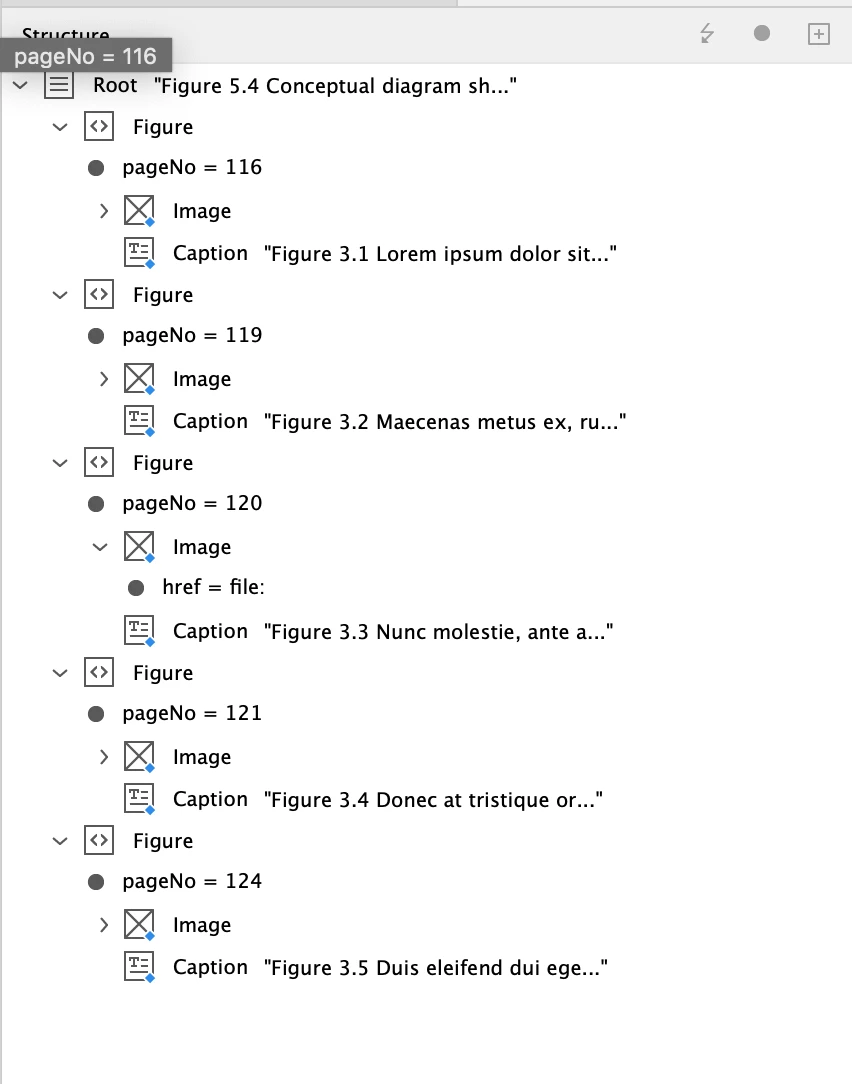
I'm hoping someone might be able to help me? I have a script from 2018 which I haven't had to use for a very long time. I recently dusted it off but it now errors when run in my current version of InDesign (19.1). The script should add a Page Number as an attribute 'pageNo' to the XML Element 'Figure' in the XML Structure. This is the structure: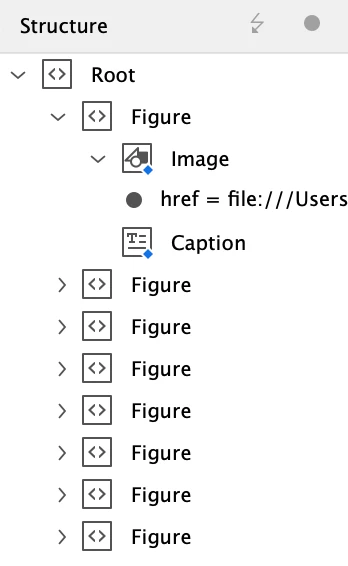
...but I now get an JavaScript error: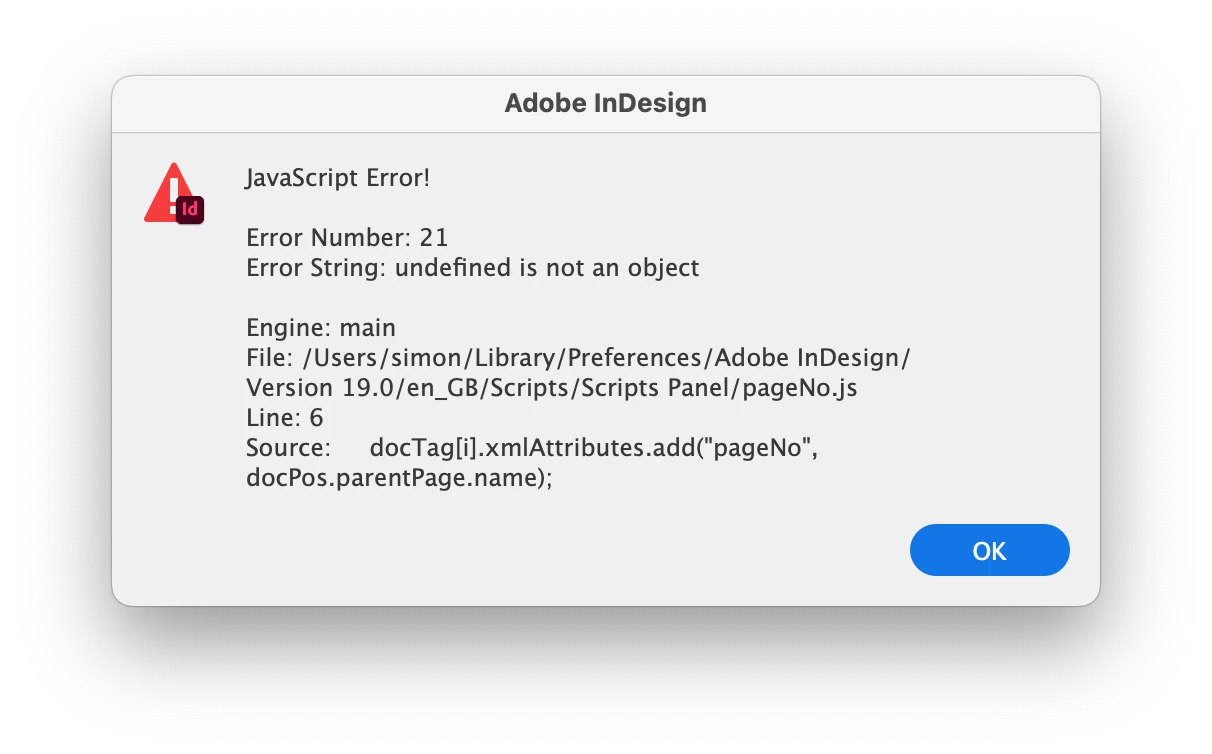
The javascript is:
var myDoc=app.activeDocument;
var root = myDoc.xmlElements[0];
var docTag = root.evaluateXPathExpression('//Figure');
for(i=0; i<docTag.length; i++) {
    var docPos = docTag[i].xmlContent.insertionPoints[0].parentTextFrames[0];
    docTag[i].xmlAttributes.add("pageNo", docPos.parentPage.name);
}
I've tried adding a semicolon (;) to the start of the first line to see if that might help, but unfortunately it's still erroring. Does anyone have any suggestions? I'm struggling to see what's upsetting InDesign with this!
Many thanks, Simon
 AdChoices