
Participant
August 18, 2019
Question

InDesign Server CC 2019 not finding fonts on Windows

  • August 18, 2019
  • 1 reply
  • 2741 views

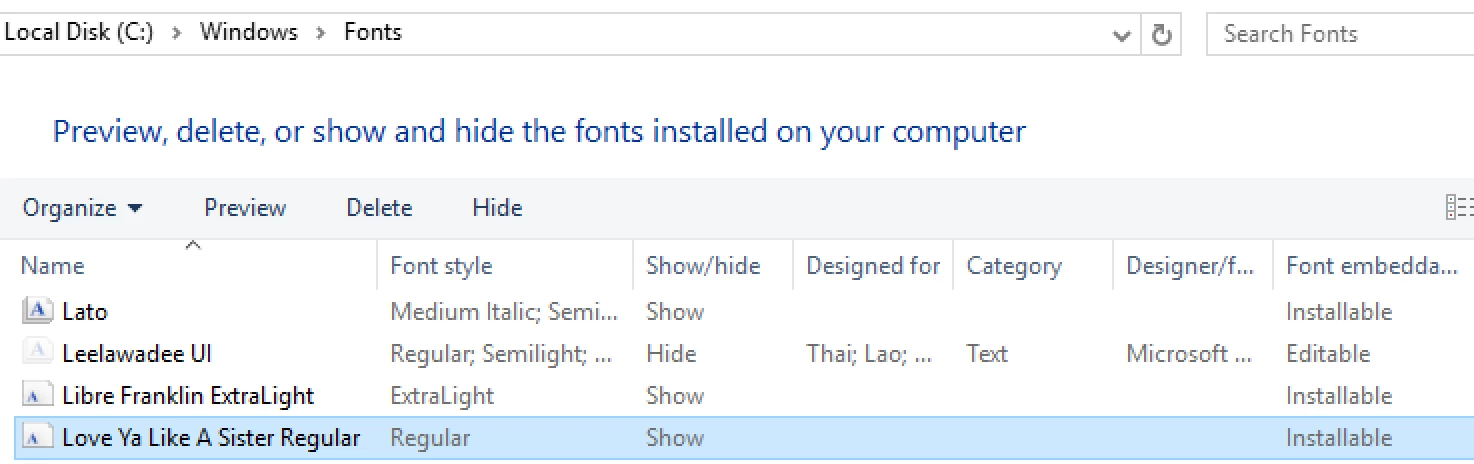
On Windows, InDesign Server CC 2019 reports that the fonts  Love Ya Like A Sister Regular is missing, despite it being installed in the Windows fonts folder:
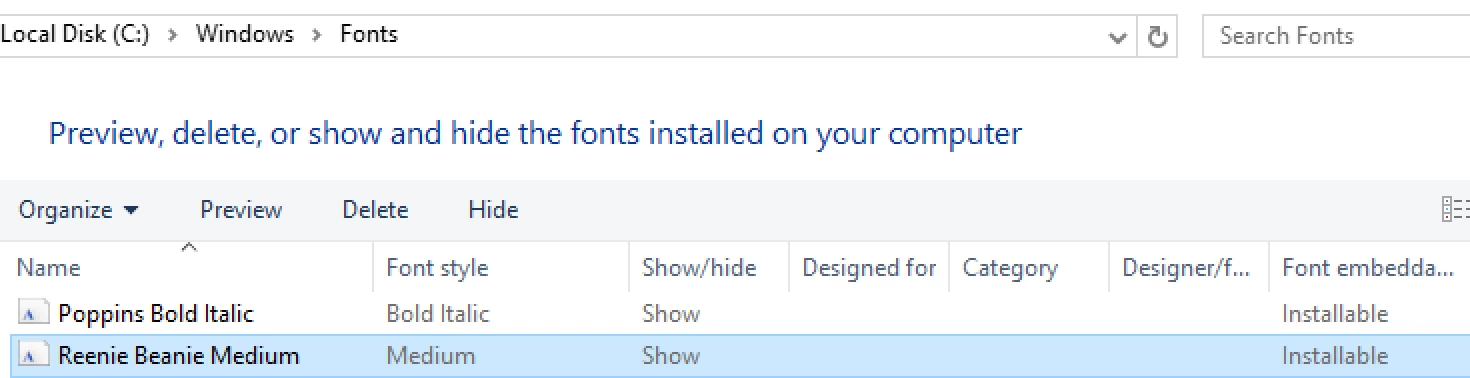
Another font in the same document, Reenie Beanie Medium, also available in the Windows fonts folder, is discovered without problems:
The font status reported by InDesign Server for Love Ya Like A Sister Regular is FontStatus.NOT_AVAILABLE.

I have tried placing the font in Document Fonts as well as the Fonts folder in the InDesign Server application folder, to no avail.

Strangely enough, it works on macOS.

Any clues would be much appreciated.

This topic has been closed for replies.

1 reply

Jongware
Community Expert
Community Expert
August 18, 2019

Could it be that this worked before, but you recently updated your Windows?

It is highly likely that these two fonts were plain "Installed" rather than "Installed for every user". The difference is subtle enough for InDesign to not being able to locate them.

Delete the fonts and re-install them "for every user" should make them come alive again. (Possibly some deft manipulation of the font's system access properties may be enough but I have not tried that yet, in a hurry to get things going as I ever am.)

crishojAuthor
Participant
August 19, 2019

Thank you for the ideas.

Windows Server 2016 was recently installed from scratch, no major updates have occurred since.

I've tried reinstalling the font, to the best of my abilities, but to no avail. It's present in C:\Windows\Fonts, and Windows reports it as being already installed. However, InDesign Server still reports the font as missing.

crishojAuthor
Participant
August 19, 2019

Hm. Do you have access to the desktop version of InDesign CC 2019 on a Windows 10 machine?

Try the same with a Document fonts folder there. If you have access to InDesign CC 2019 on Mac OS X also test this.

I suppose the font is indeed the problem.

Regards,
Uwe


The desktop version of InDesign CC 2019 is available on the same machine, and is able to use the font (in the Document Fonts folder) with no issues.

Even after re-linking and saving the document in the desktop version, InDesign Server still reports that the font is missing.

Could this be a bug in InDesign Server?