Copy link to clipboard
Copied
So this is an issue that has been poppin' up every once in a while.
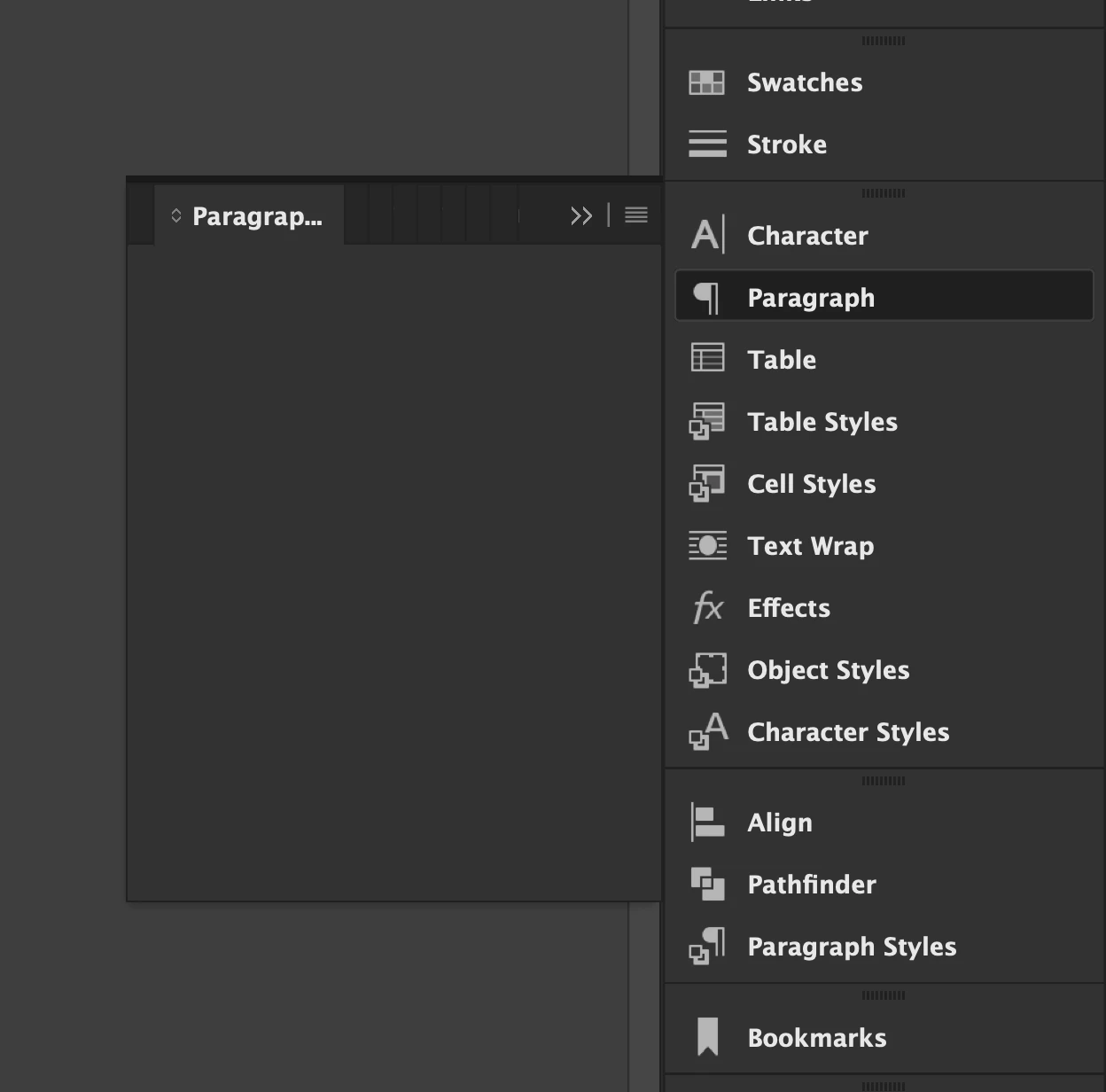
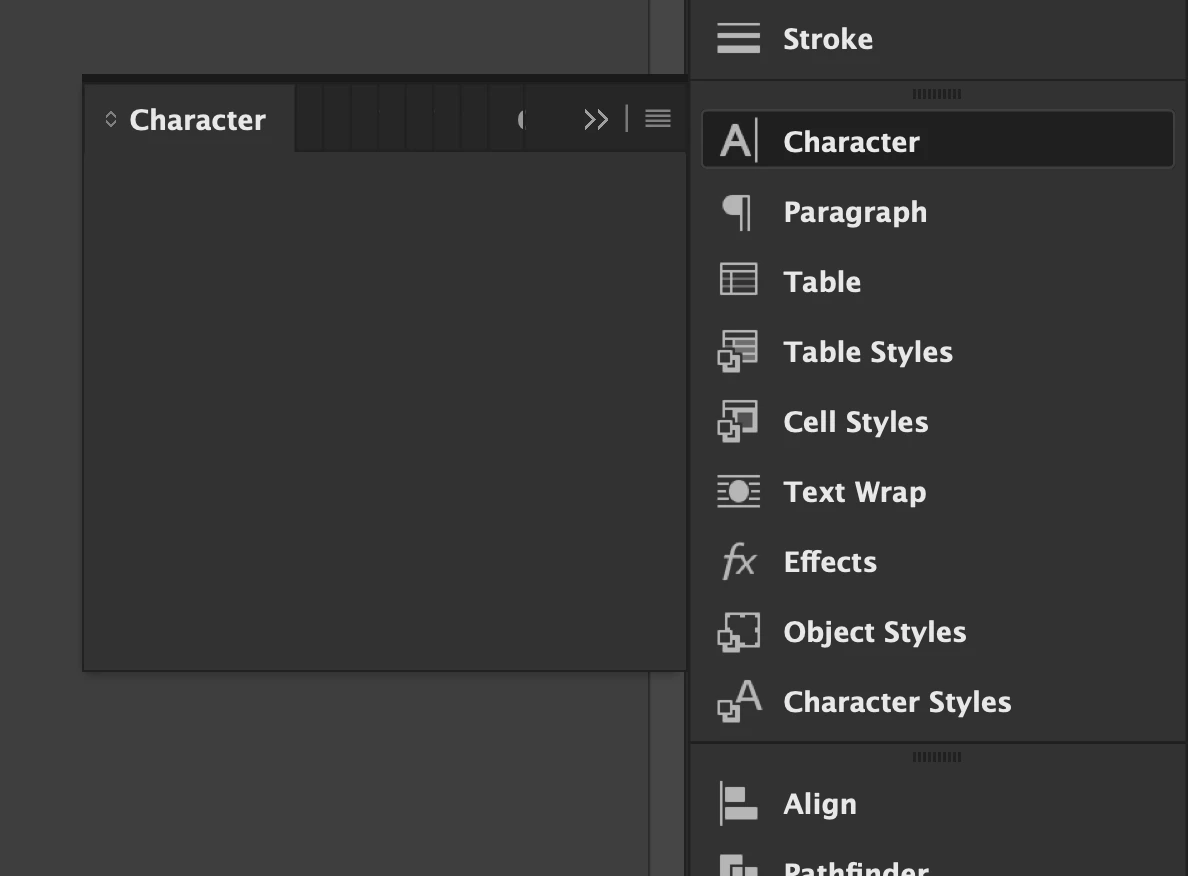
Out of nowhere, the left tabs stop displaying the options, specially the CHARACTER and PARAGRAPH tabs.
I can unfold both tabs, but there are no options in them (see attached).
Other tabs remain active and available, but these two, of the most important, just cease working.
I quit and restart the app, and the problem persists, and I end up having to reboot the machine.
I'm on a late 2015 iMac running Monterey.
Adobe apps are becoming a mess of instability.
I've reported dozens of sudden crashes, troubleshoots. 8 out of 9 times, InDesign crashes when quitting, which is funny but not really.
Getting tired of this.
  
Copy link to clipboard
Copied
in the future, to find the best place to post your message, use the list here, https://community.adobe.com/
p.s. i don't think the adobe website, and forums in particular, are easy to navigate, so don't spend a lot of time searching that forum list. do your best and we'll move the post (like this one has already been moved) if it helps you get responses.
<"moved from cc desktop bugs">
Copy link to clipboard
Copied
Try to reset preferences: quit InDesign and relaunch it while holding down the Shift, Ctrl, Alt and Cmd keys? Don't release the keys until you see a warning message asking for confirmation.
Copy link to clipboard
Copied
This is most likely an issue of corrupt preferences. Those files/folders are updated every time you open and close InDesign and corruption is going to happen at some point.
Take a look at this post and work your way from the top to the bottom, checking after each step and stopping when this is resolved.
https://www.rockymountaintraining.com/adobe-indesign-rebuilding-preferences-cache/
~Barb
Get ready! An upgraded Adobe Community experience is coming in January.
Learn more