Known Participant
April 8, 2022
Question

indesign table

  • April 8, 2022
  • 4 replies
  • 1033 views

This topic has been closed for replies.

4 replies

Community Expert
April 8, 2022

Bob said: "You can click create table from the table menu and then drag out a frame to hold the table."


Bob is right, Elise.

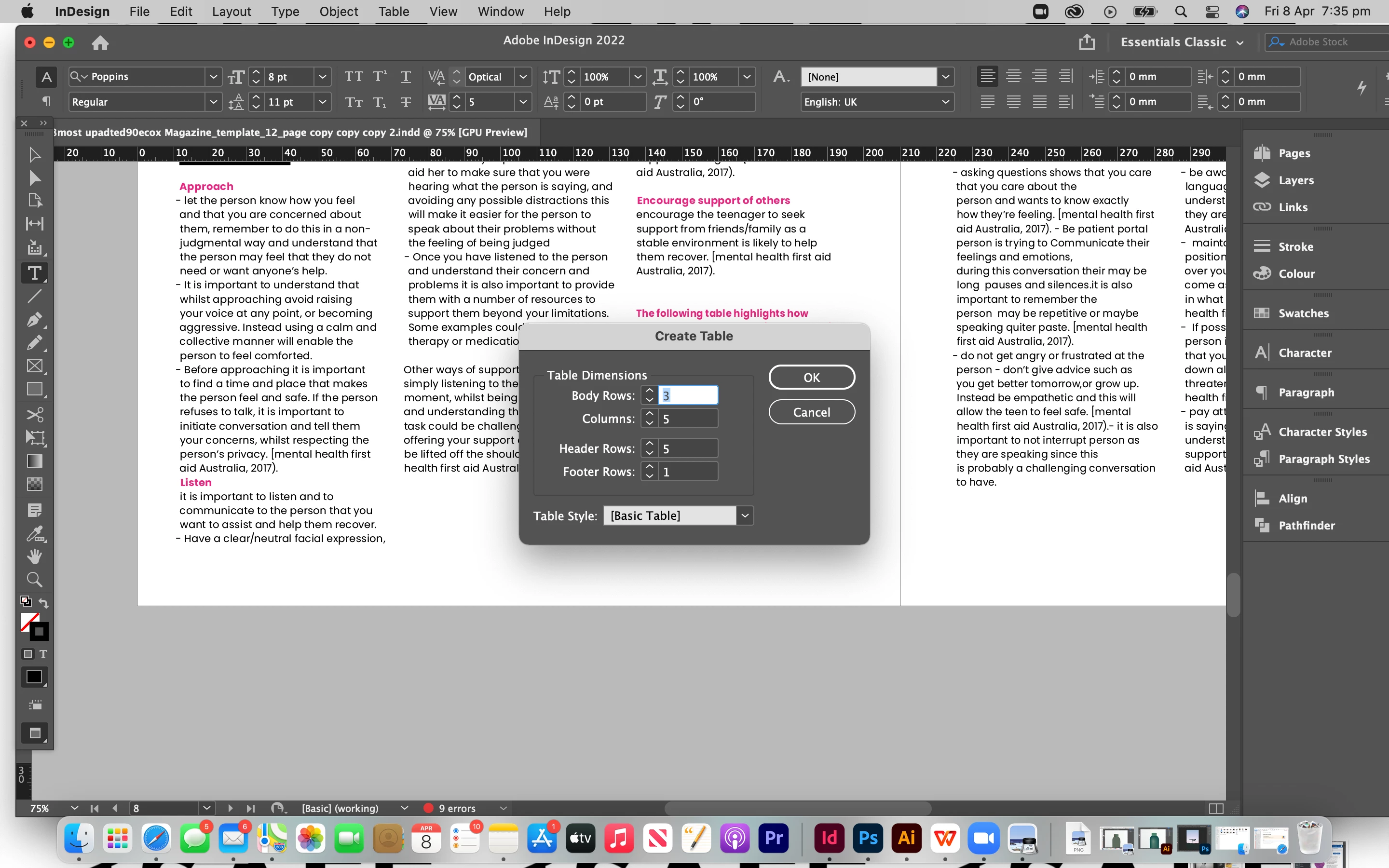
If you hit the OK button with "Create Table" you should be able to see your cursor with a loaded table icon.

To create the table you have to draw a rectangular area with that loaded cursor. Or just click, but I would not recommend that. Before, change the view on your layout from Preview to Normal view. Also enable InDesign to show you frame edges and hidden characters. That will give you more visual control to create or add your table where you intend it to.

 

Regards,
Uwe Laubender

( ACP )

jmlevy
Community Expert
Community Expert
April 8, 2022

Hi Elise,

what is your question?

Elise5ED1Author
Known Participant
April 8, 2022

i want to know how to include a table but i cant

BobLevine
Community Expert
Community Expert
April 8, 2022

Before you invoke the Insert > Table command, you must have an active insertion point (a blinking text cursor within a text frame).


That's not true anymore. You can click create table from the table menu and then drag out a frame to hold the table.

Willi Adelberger
Community Expert
Community Expert
April 8, 2022

Do you have a question?

Elise5ED1Author
Known Participant
April 8, 2022

it didnt work and i dont knwo why

Elise5ED1Author
Known Participant
April 8, 2022

does anyone know how to create a table, when i go to the table bar nothing works 

Willi Adelberger
Community Expert
Community Expert
April 8, 2022

What did not work?