
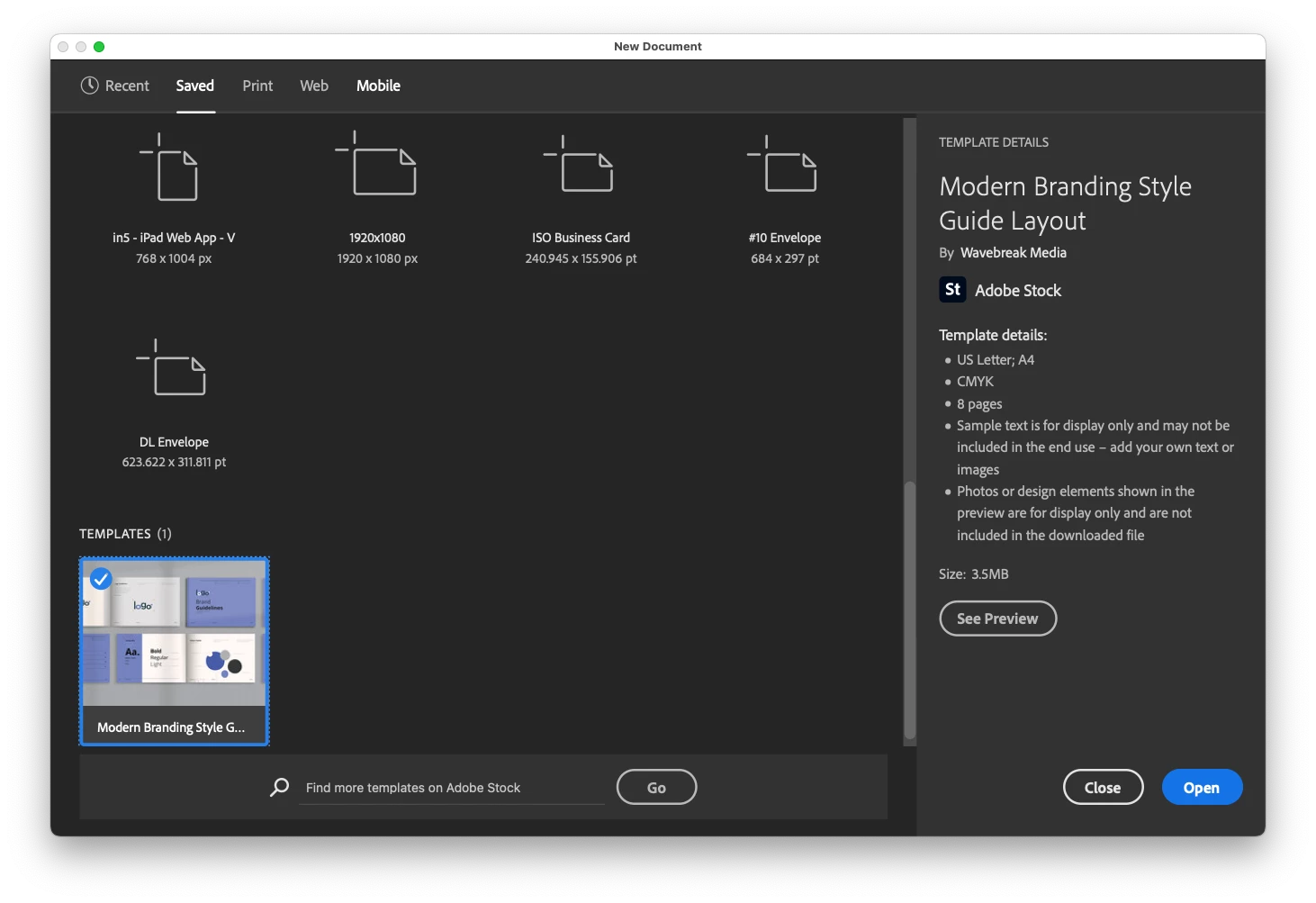
InDesign template preset (new document dialog)
Does anyone know where on macOS template files are stored once a template is downloaded from the preset manager (via Adobe Stock)? I'd like to save my own template (actually, a lot of templates) that contains several parent pages, styles, etc. so that it works exactly like the template file shown that I was able to download within the new document window.
I realize the template shown in the image below was acquired through Adobe Stock, which downloaded an INDT file to my machine and will automatically prompt me to save 'Untitled-1.indd' as a new file. I can inspect my file newly saved INDD by choosing CMD+Click "About InDesign..." (Apple menu) and see the many saved histories from the original author of the INDT file.
Where is this preset file located within Finder? I simply want to drop my own INDT templates there so they show up in the new document dialog window.
I couldn't care less about the 35+ document presets available, that also show up in the various tabbed panes that only allow you to save margins, page size, etc.
 AdChoices