
Participant
June 21, 2023
Answered

Indesign Text Wrap Issues

  • June 21, 2023
  • 3 replies
  • 1819 views

I'm editing a book and adding photos with captions. Some of the photos have huge spaces underneath them before the text and I can't seem to change it. The text wrap options says there is no space around some of the wrapped photos, yet has a massive space underneath. Other photos have 0 pt space and have almost no space around the text wrap, as they should.


I can't seem to change the wrap settings no matter what I do. They are either greyed out or if I can edit them, no changes happen. Can someone please help me.
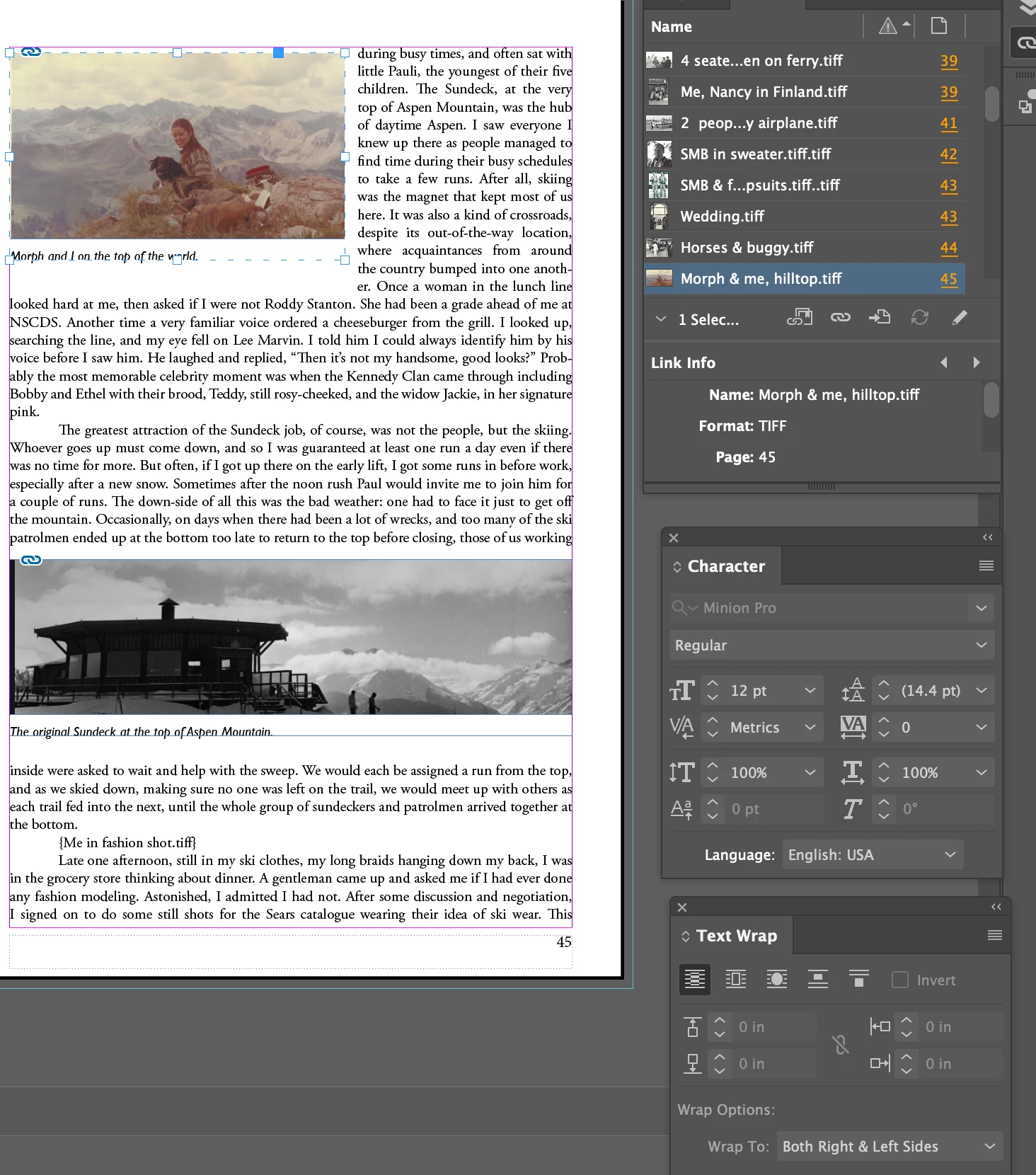
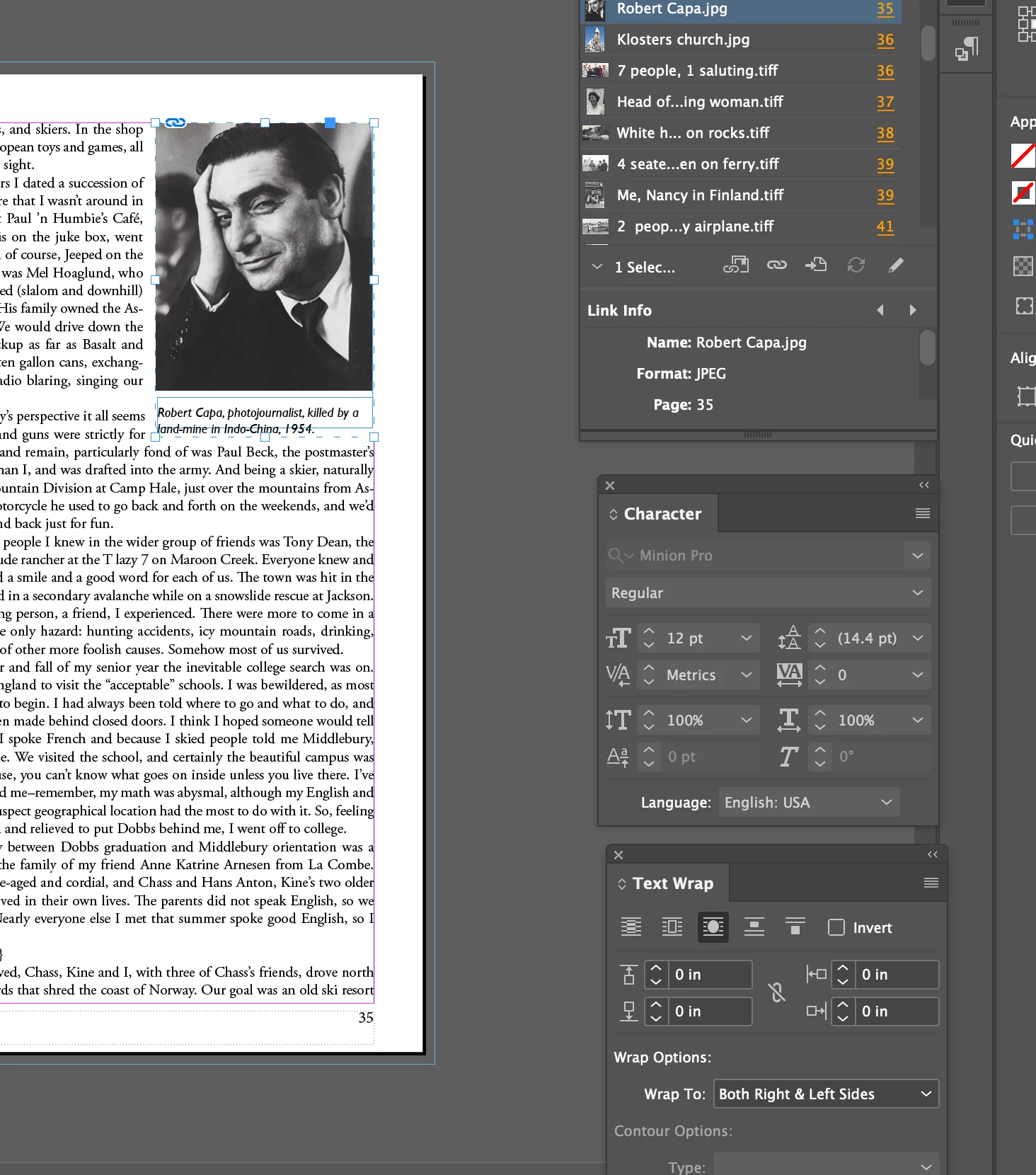
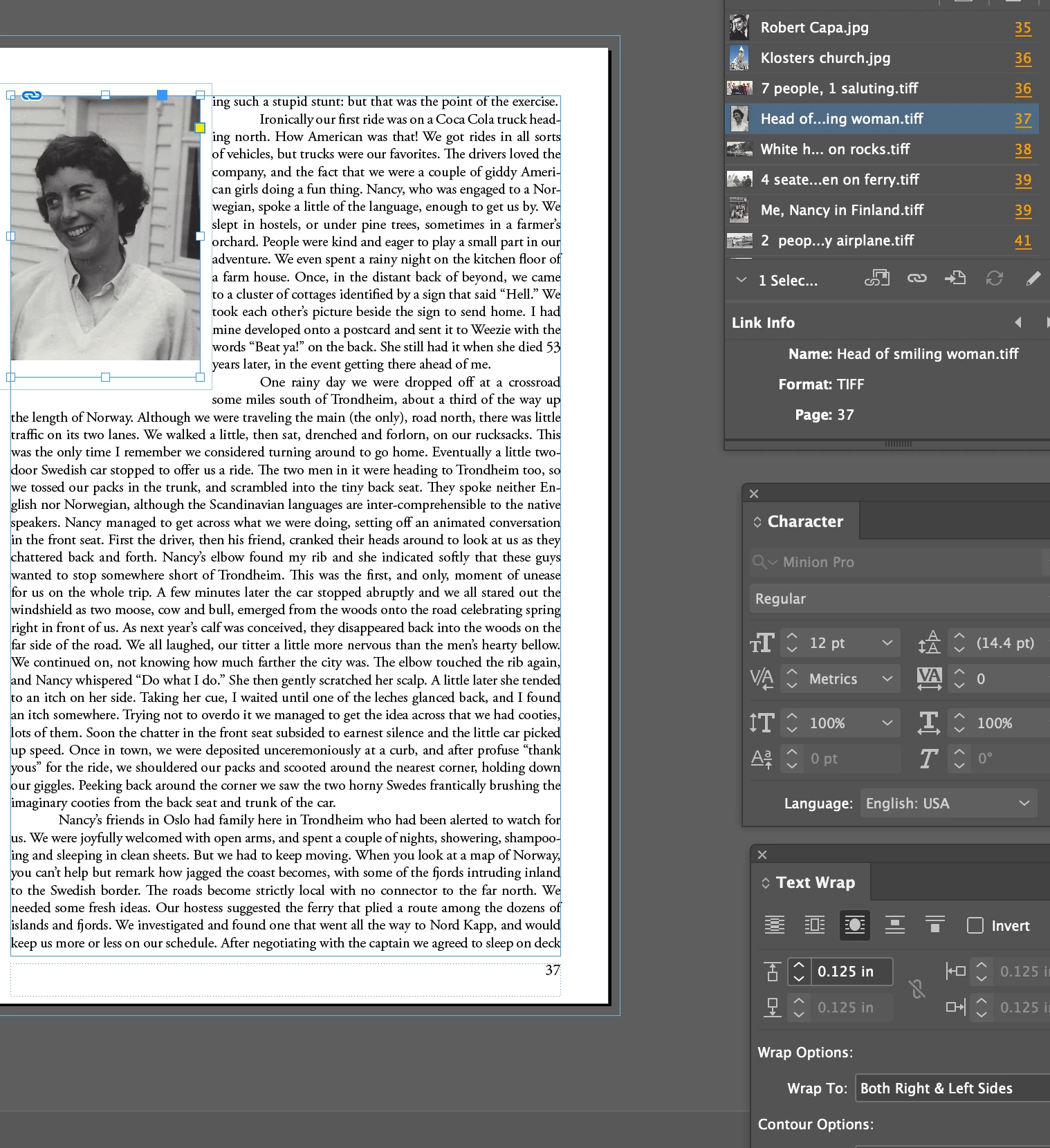
This topic has been closed for replies.
Correct answer Test Screen Name

I don't know about the first two, but in the third, it looks to me as if there is white space INSIDE the graphic frame (below the woman's head). This will be adding to the effect. Fit frame to content?

3 replies

Test Screen NameCorrect answer
Legend
June 21, 2023

I don't know about the first two, but in the third, it looks to me as if there is white space INSIDE the graphic frame (below the woman's head). This will be adding to the effect. Fit frame to content?

Participant
June 21, 2023

You are correct.. I just fixed that to tak eup the white space but the issue I'm having is below the frame there's a huge gap underneath it before the text begins and the settings are "greted out" and uneditable when I go into the text wrap panel.

Rene Andritsch
Community Expert
Community Expert
June 21, 2023

Try setting the wrap to none and apply it anew. Does that change anything?

Peter Spier
Community Expert
Community Expert
June 21, 2023

Boy does that look familiar. I've done three editions of a saliboat history with hundreds of photos that get wrapped with captions like that. Ultimately, the solution is to adjust the size and or cropping of the photo very slightly so the text wrap doesn't intrude into an extra line.

Rene Andritsch
Community Expert
Community Expert
June 21, 2023

There might be several possibilities to tackle the problem. I guess you are using a baseline grid. Depending on the text wrap settings this might push lines further down as you expect. Also check images by themselves if they have a text wrap applied to.


In your first screenshot the group has no text wrap applied to it but maybe the image or the caption by itself has a text wrap.

In your last screenshot you have a uniform text wrap which also affects the line below the image. change it to non uniform and then maybe try “zero” or a negative text wrap for the bottom offset.