

Question
Indesign to PDF to Print: White Borders
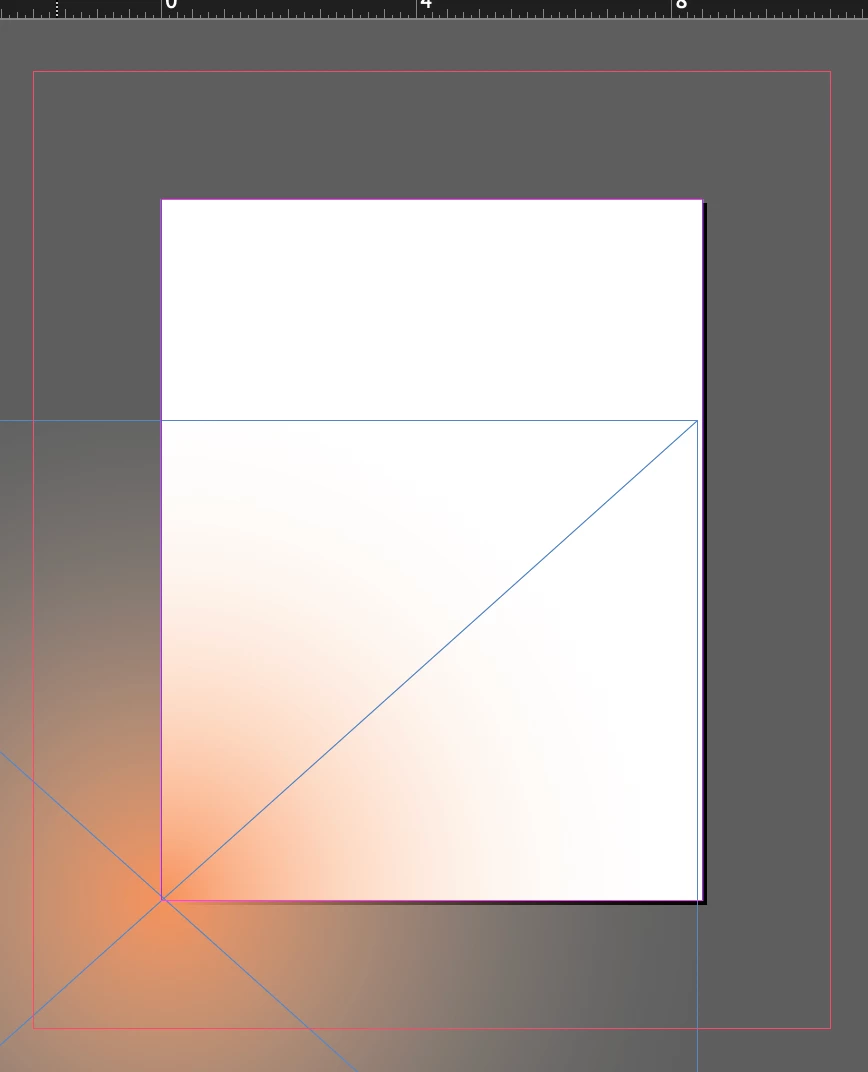
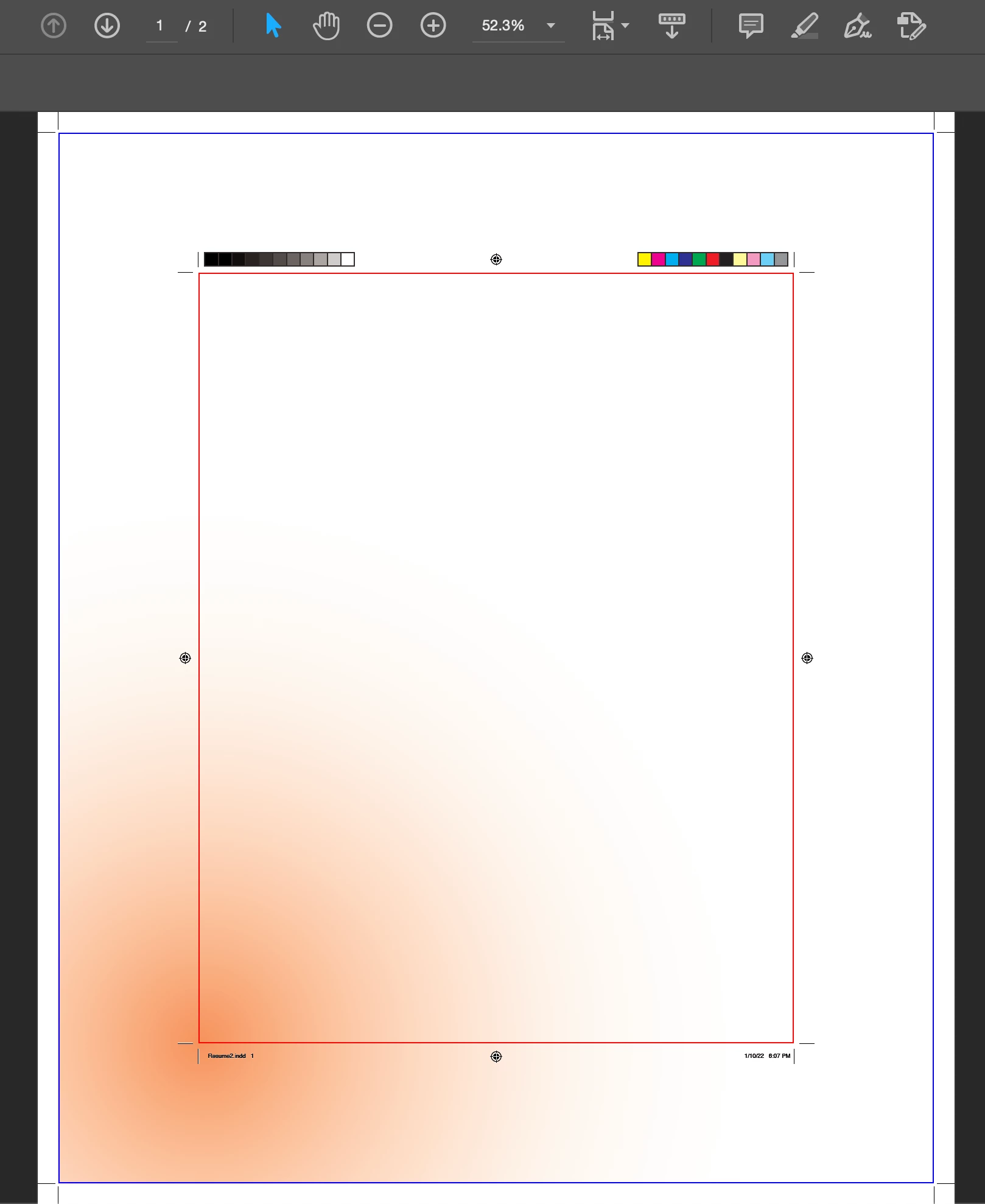
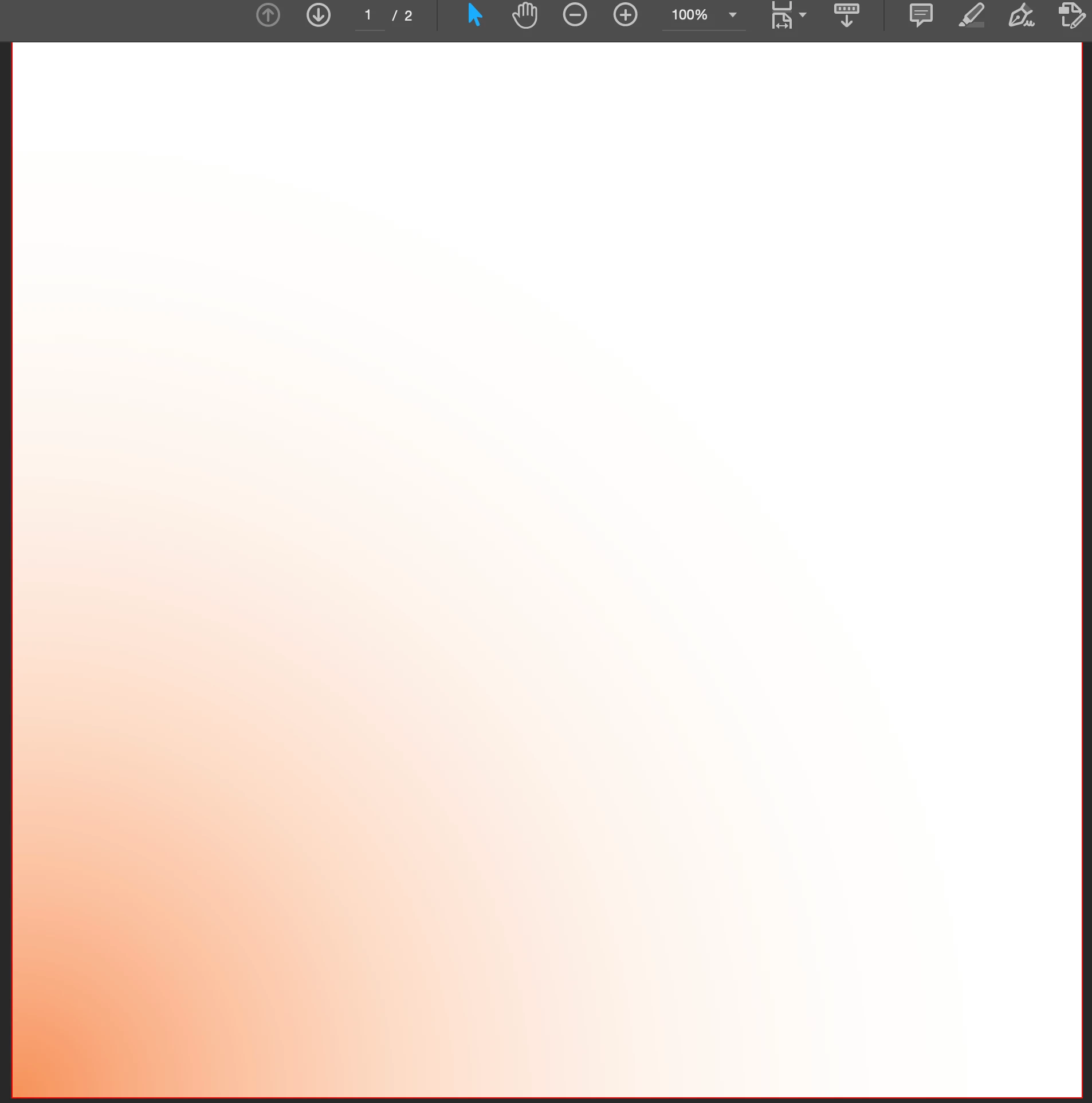
Created document in InDesign and exported to PDF. PDF looks just how I set up in InDesign but when I print, I keep getting a white border (photos of InDesign, PDF, and printout below).
I try the solutions I find online but nothing seems to fix problem.
Starting in InDesign:
I have correct page size (8.5in x 11in)
Added Bleed so gradient extends past edge of page.
Do test export with all Marks, Bleed Marks displayed to double check print area.
Once in Acrobat, the doc looks just how I want on screen. I go into the Print Production tool and check off Remove White Margins.
Once I print from Acrobat, the gradient no longer goes to edge of page. I can't find where these margins (if they are margins) are coming from.

 AdChoices