
InDesign: Unable to drag and drop images
Hi to everybody, I'm new on this forum.
I need drag and drop image from my plugin to working area of InDesign.
I found out that html links with certain configuration are possible to drag from plugin to working area as a text.
What I basically tried to remove TextFrame after dropping it and placing image instead.
It works, but it is not looking good, because while dragging it, it is showing text instead of a picture.
Does anybody know is it possible (and how) to D/D an image from plugin, like you would normally do from File Explorer to Adobe InDesign?
Result of dragging text is a Text within TextFrame.
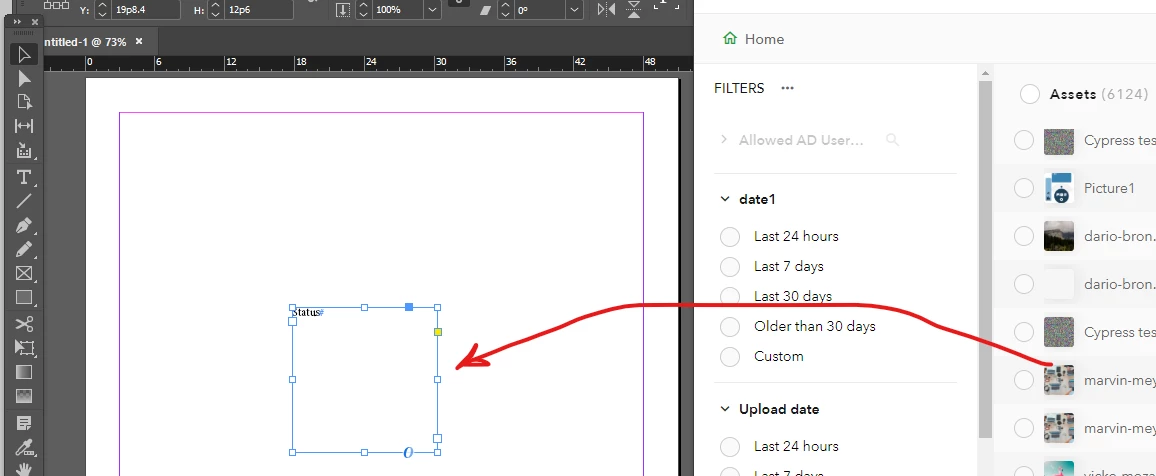
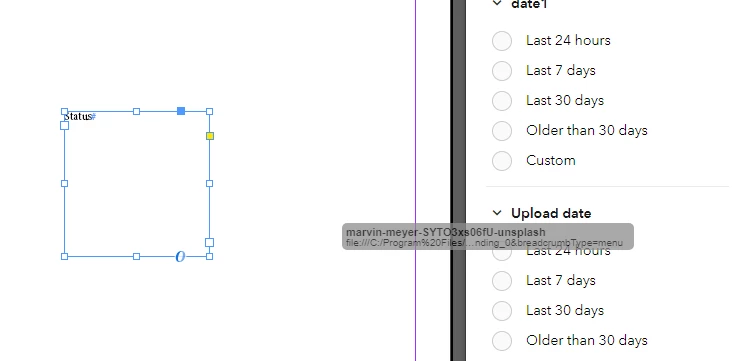
If somebody is interested in my work around, it is below.
`1. In plugin html, set attribute to a href:
<a [myRouterLink]>draggable text
Angular MyRouterLink should set routerLink property, like this.routerLink = "draggable text"
Now the link is draggable from plugin to Adobe Indesign as a plain text and would create TextFrame.
Listening 'afterSelectionChanged' event, removing TextFrame and placing picture.
app.addEventListener(
'afterSelectionChanged',
event => {
const selection = event.target.selection[0];
if (selection instanceof TextFrame ) {
event.target.selection[0].remove();
app.activeDocument.place(fileRef, false, null); // placing picture instead
},
false,
);
`
But what should I do to drag and drop picture without this nasty workaround?
 AdChoices