Participant
April 14, 2022
Question

Indesign unlock icon

  • April 14, 2022
  • 2 replies
  • 245 views

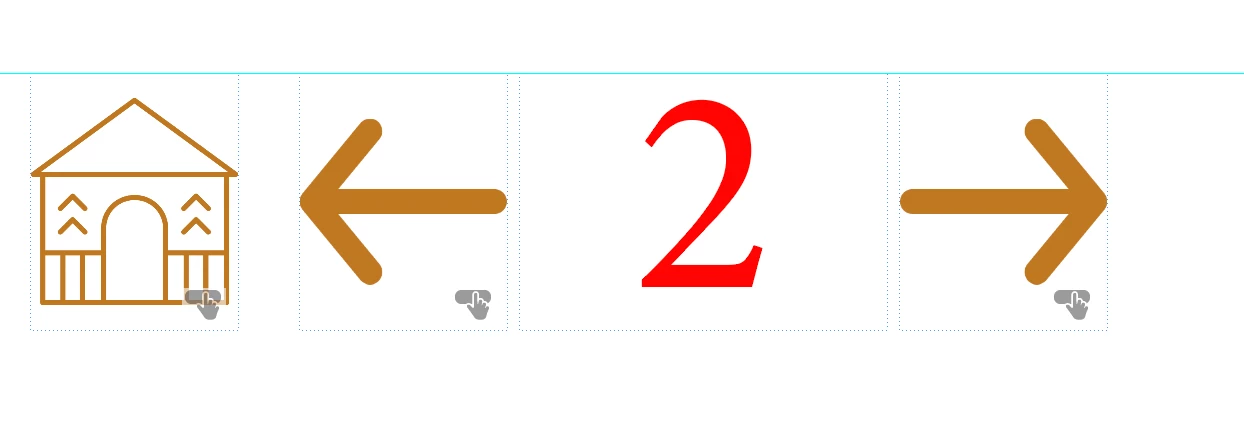
Hi everyone, I've been trying to find some way to unlock and be able to move these icons and numbers but for some reason, I'm unable to, so I need help.

thank you in advance.

This topic has been closed for replies.

2 replies

Community Expert
April 14, 2022

Hi Laura,

well, the objects left and right to the frame with the "2" are buttons with perhaps several states that contain their own objects.

Moving the objects should be able by simply selecting them and moving them around. Just use the Selection tool and draw a rectangular marquee. All objects that touch the area of that marquee should be selected. Do not do a double-click on the button objects; you will only select objects inside the first state of that button and not the button itself.


Well, also check if you can see the buttons in the Layers panel.

If they are not there, they might be positioned on the applied Parent page.


Regards,
Uwe Laubender

( ACP )

Diane Burns
Inspiring
April 14, 2022

To add to others, if on Parent/Master page, Shift-Click on them to release them and you should be able to move them. Three of the two are, as Uwe mentions, buttons.

jmlevy
Community Expert
Community Expert
April 14, 2022

See the dotted line instead of a plain one? It means that these objects are on a Parent (formerly master) page.