Participant
February 25, 2018
Question

Indesign won't open properly

  • February 25, 2018
  • 2 replies
  • 1212 views

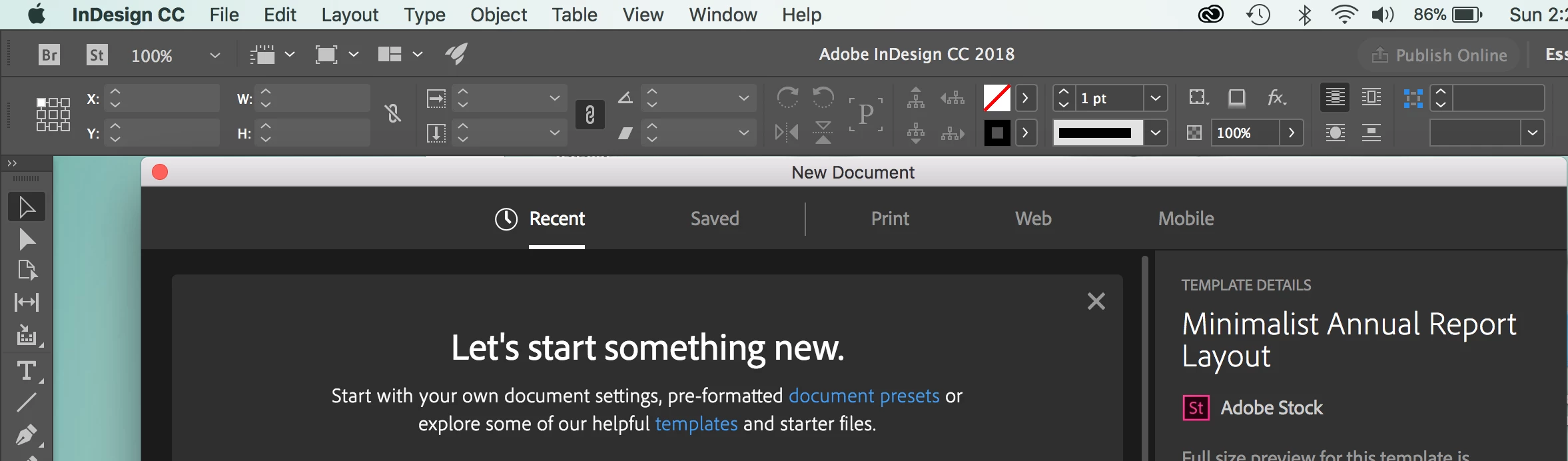
My InDesign won't open up properly. Every time I try to launch the application, it opens up but it disappeared afterward. Then the application bar and frame won't connect to each other anymore.  

I have tried everything to uninstalling the Indesign and reinstalling the program. I have called Adobe and after calling Adobe it worked for a little while but when I close the application and come back it does it again or when I'm working on a project and then I try to package my files, it crashes. I NEED HELP!! What should I do?  

This topic has been closed for replies.

2 replies

Participant
March 4, 2018

I tried everything and still not working

Dave Creamer of IDEAS
Community Expert
Community Expert
March 4, 2018

In addition to the prefs, you may have to delete the cache files manually. Scroll down to "Restore all preferences and default settings" and look for the SavedData info that applies to your OS. Link below:

Set preferences in Adobe InDesign

If that doesn't work, uninstall and run Adobe CC Cleaner app to wipe out all install files from InDesign, then reinstall.

Use the Creative Cloud Cleaner Tool to solve installation problems

David Creamer: Community Expert (ACI and ACE 1995-2023)
Barb Binder
Community Expert
Community Expert
February 26, 2018

Hi Lillian:

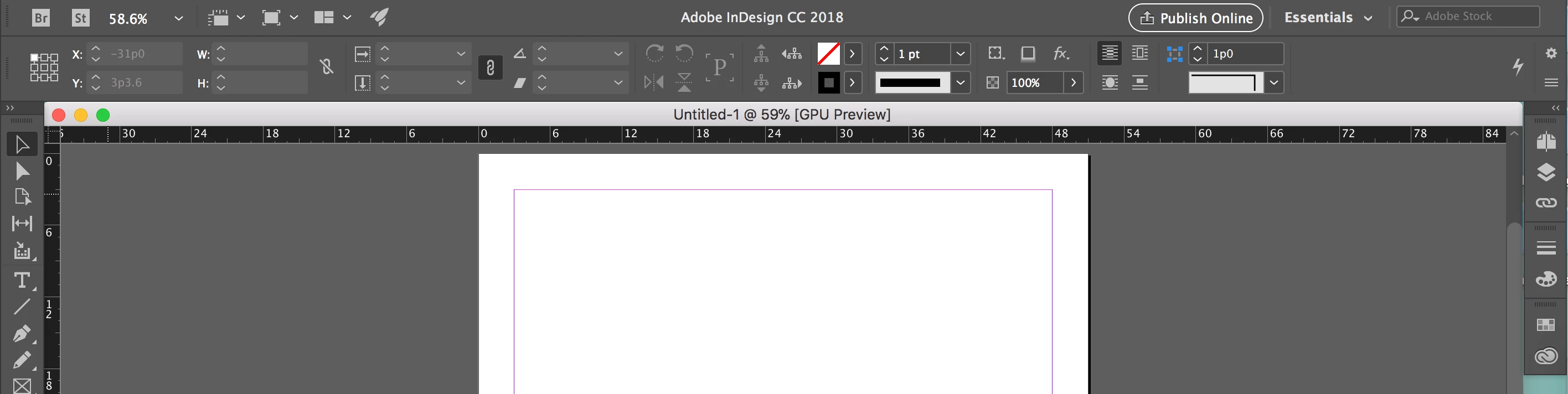
Window > Arrange > Consolidate All Windows

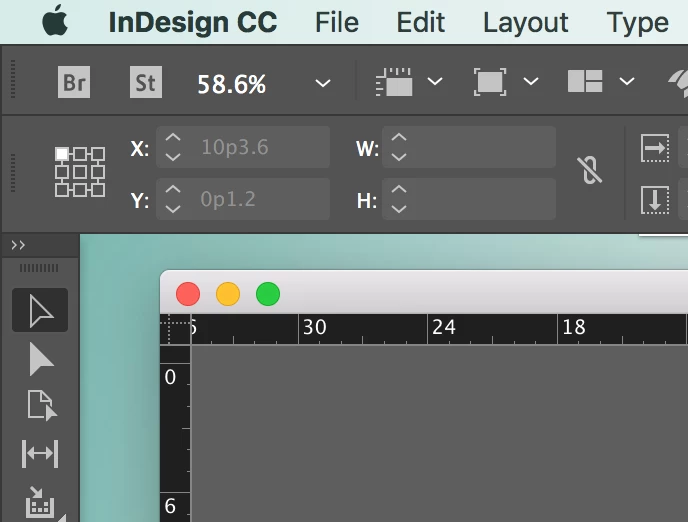
Before:

After

This will happen if you drag down just a little bit on the document tab with the file name and magnification percentage—the document window will undock.

If this happens each time you open InDesign, check your Interface preferences. Is Open Documents as Tabs checked?

Crashing during packaging is a separate issue, and merits its own thread.

~Barb

~Barb at Rocky Mountain Training
Participant
February 26, 2018

Hi Barb,

I did the window solution but it didn't work still separate. And Yes the Open Documents as Tabs is checked.

Barb Binder
Community Expert
Community Expert
February 26, 2018

Hi Lillian:

When InDesign starts misbehaving, it's time to trash preferences. There are two techniques outlined in this post. If the first one doesn't work (the keyboard option) move on to the second one (manually deleting two files).

Troubleshooting 101: Replace, or "trash" your InDesign preferences

Let us know if that takes care of it.

~Barb

~Barb at Rocky Mountain Training