Participant
July 23, 2025
Question

Indesign wont print booklet postscript file

  • July 23, 2025
  • 5 replies
  • 320 views

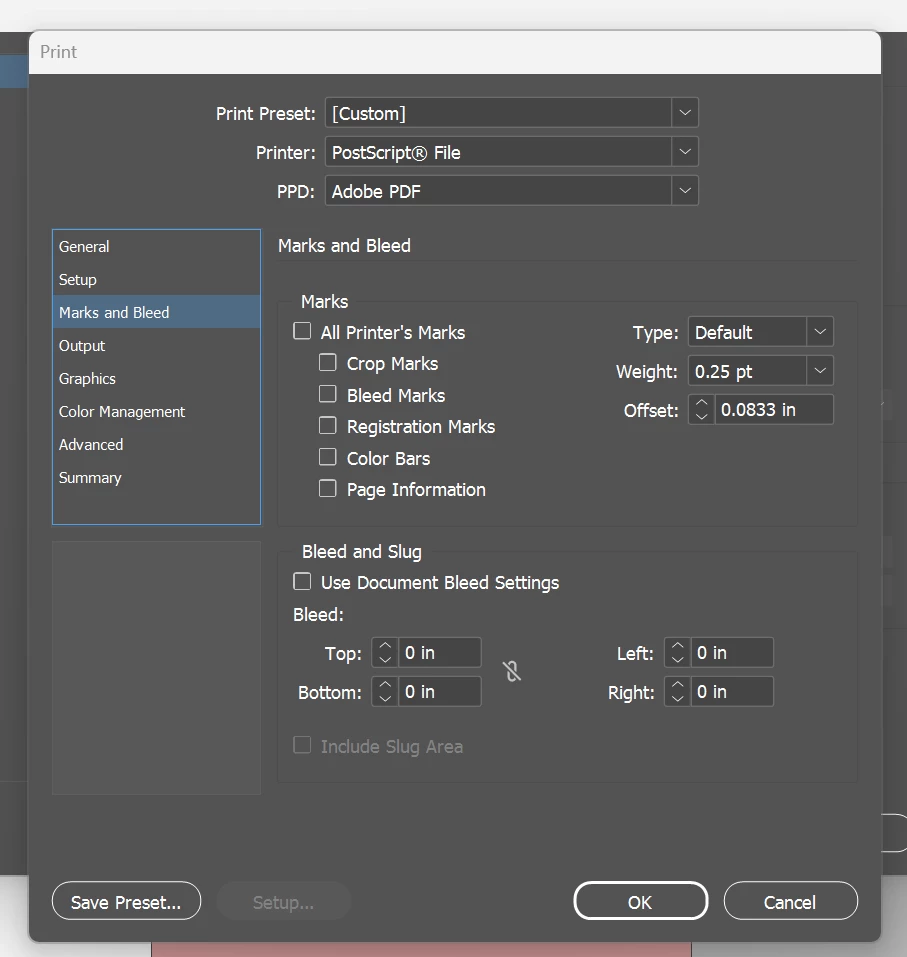
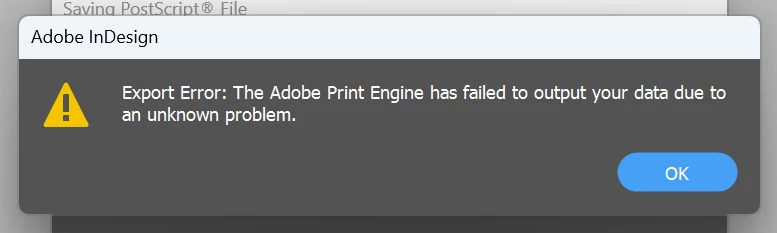
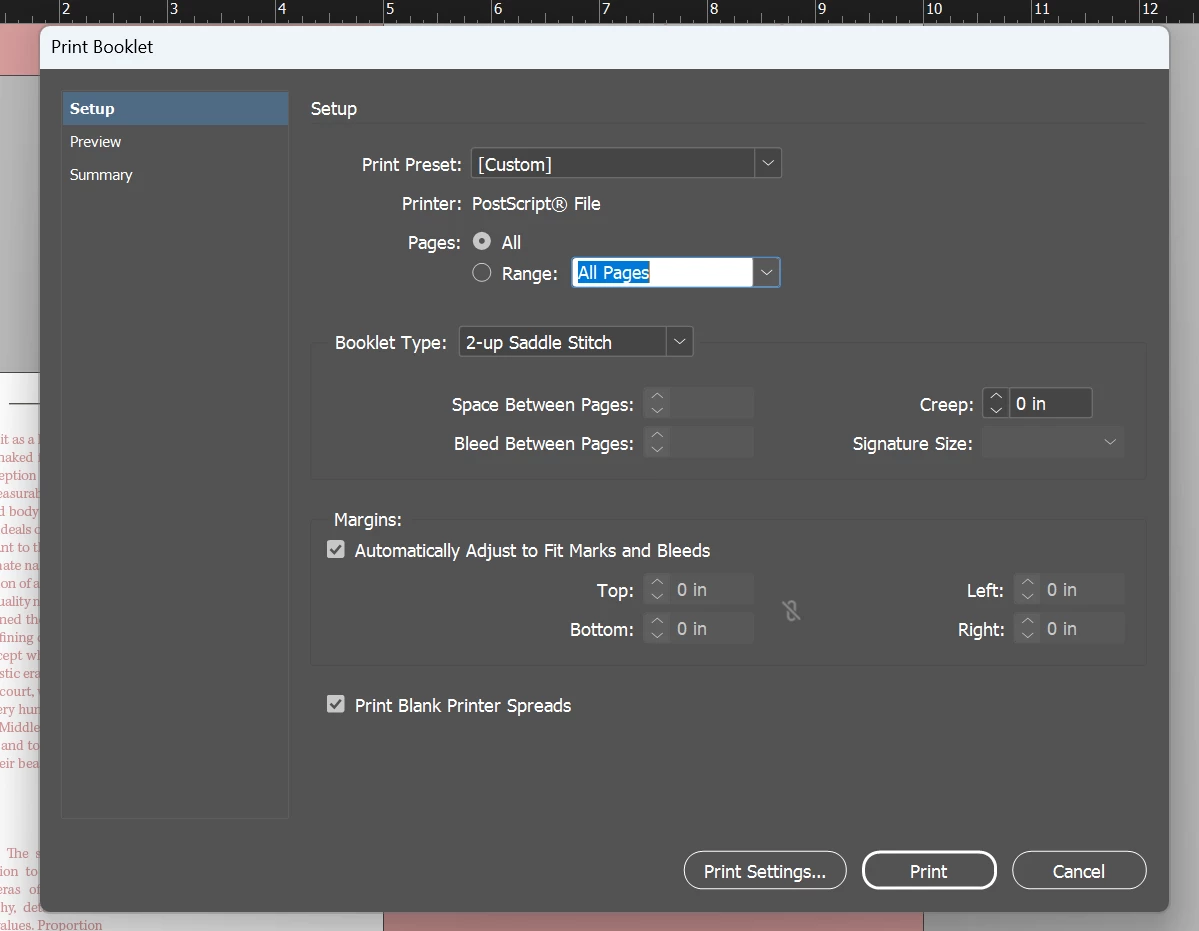
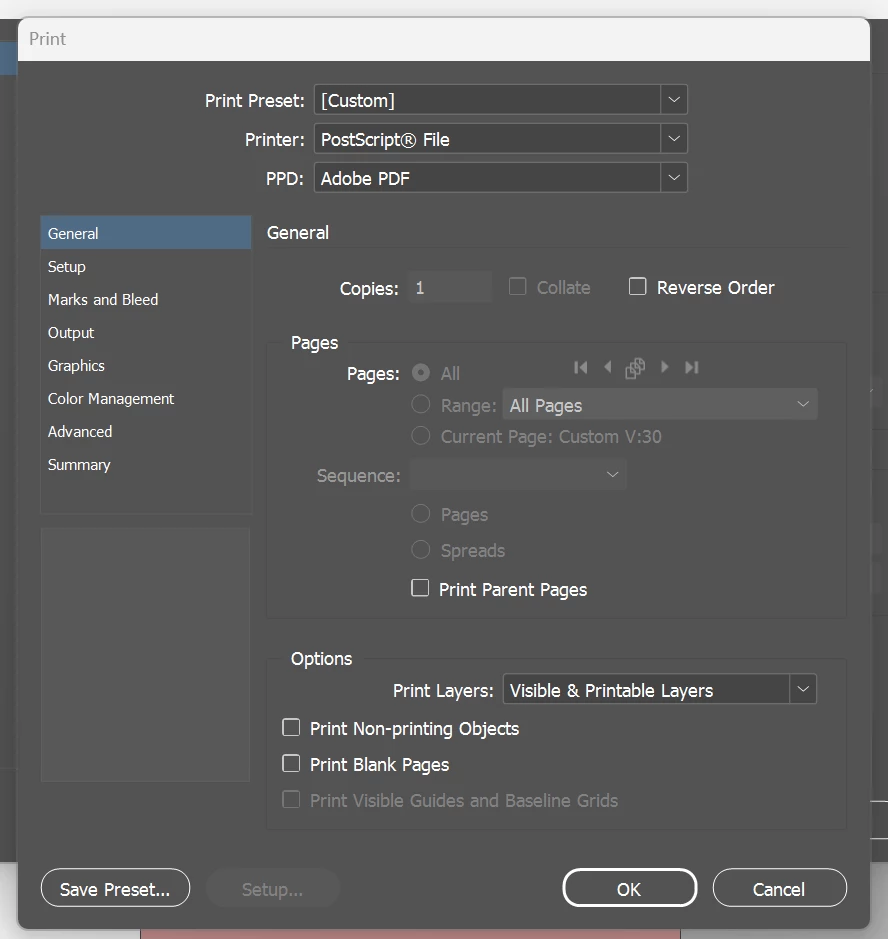
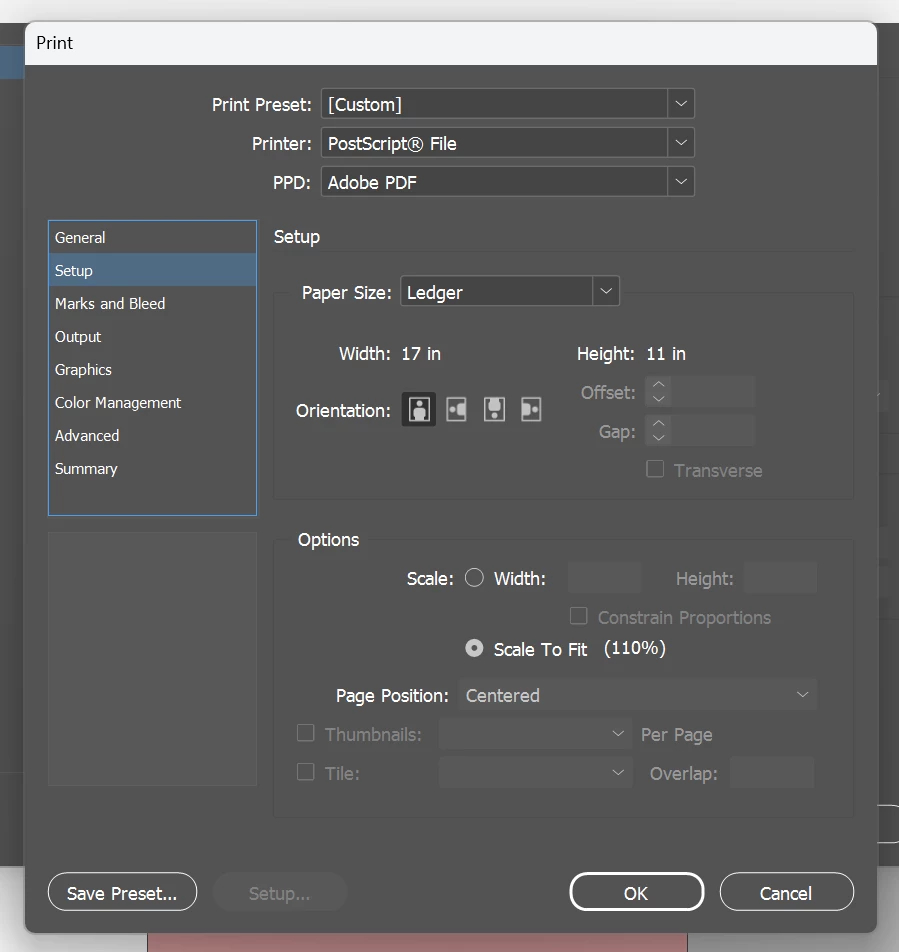
Hi! I'm trying to print a booklet, 32 pages, with covers, 5x10 inch pages. However every time I try to postscript my file it shows error (see screenshots) I've tested other docoments and it works fine, I removed some images and it worked but stopped again. I'm lost and not sure how to fix this. My print booklet settings are srceenshoted below.
5 replies

rob day
Community Expert
Community Expert
July 23, 2025

Hi @Gabrielle33530913b3gs , I wouldn't use this for commercial printing (a printer should be doing ther own imposition) but for inhouse impositions, this script exports an imposed PDF:


https://www.dropbox.com/scl/fo/2wjwe13fsrw9iszebo15e/h?rlkey=nwt5o3uex31fgra7oj15qvs7z&dl=0


BobLevine
Community Expert
Community Expert
July 23, 2025

Why are you printing to PostScript? Totally unnecessary on Windows.


Just print to Adobe PDF if you really need an imposed PDF. But...there should be no need for this. Imposition is the printer's responsibility.

Participant
July 23, 2025

It's the only way I've been taught to print booklets, creating a postscript file and then creating a pdf through adobe acrobat, would creating a pdf and then printing that work just fine? Thanks for the help

BobLevine
Community Expert
Community Expert
July 23, 2025

Why not try it and find out?


Also, if you're printing in house, you can export a proper PDF and then use Acrobat's booklet printing feature.

Willi Adelberger
Community Expert
Community Expert
July 23, 2025

Does your printer require imposed files?

Brad @ Roaring Mouse
Community Expert
Community Expert
July 23, 2025

The PPD you are showing now SHOULD be the same (if this is the one that was installed with the Adobe PDF printer driver , so if you install the one I linked, and you are still getting an error, then something in the file is in play. I would need to see the other settings in the print dialog (Output, Graphics. Color mangement, etc)

Brad @ Roaring Mouse
Community Expert
Community Expert
July 23, 2025

Try a different PPD and see if it works better. (Where did you get the one your are using?)

This one is quite successful (you will see the download link halfway down the page):

https://helpx.adobe.com/ca/indesign/kb/add-acrobat-ppd.html

Participant
July 23, 2025

the PPD I was using was just a default option I'll try this one and see if it works, thanks!