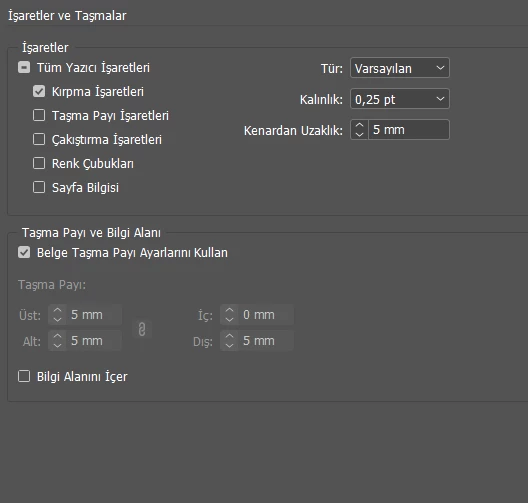
No. You are confusing the bleed amount with the offset for crop marks. You can set the bleed distance independently for each side, but crop marks are set to a single offset amount from the trim edge, controlled by the offset filed in the upper right corner of the export dialog.
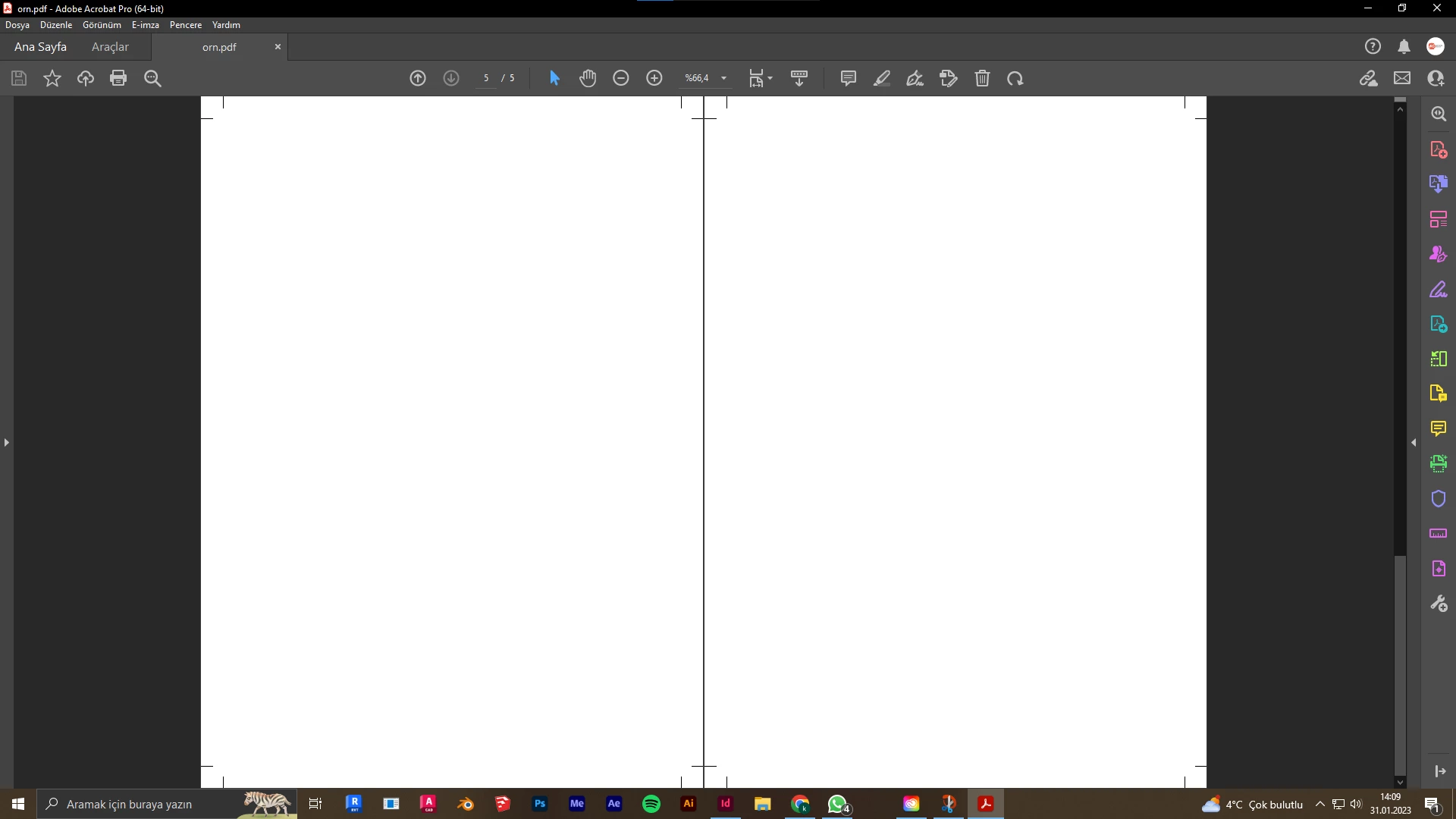
Crop offset should always be set to a minimum of the largest bleed allowance to be sure the marks cannot appear in the trimmed document in case of a cutter misalignment. Your PDF page size will always be equal to the trim size of the document, plus any bleed, plus any amount of offset larger than the bleed plus the length of the crop marks. You cannot eliminate extra page area in the PDF unless you eliminate marks.
You will need to manually add crop marks, as Peter has already stated. Here is a link to a related discussion, with instructions to create a pdf with no bleed or crop marks on the inside:
https://community.adobe.com/t5/acrobat-discussions/booklet-and-bleed/m-p/9737476

 AdChoices