

Installing InDesign on my second computer (home) loses ALL custom settings
As time passes there's been several methods for migrating from one old version to another new one and keep all customizations. None of them have ever just worked good for me. Every time it's a hassle.
Now in 2022 the method for syncing should be "the previous settings and preferences are automatically synced in new installation" Several hour later, "automatically" doesn't work great either.
I've done a clean install (erased all traces of Adobe) and installed anew.
Same thing: all of my custom settings and preferences are lost.
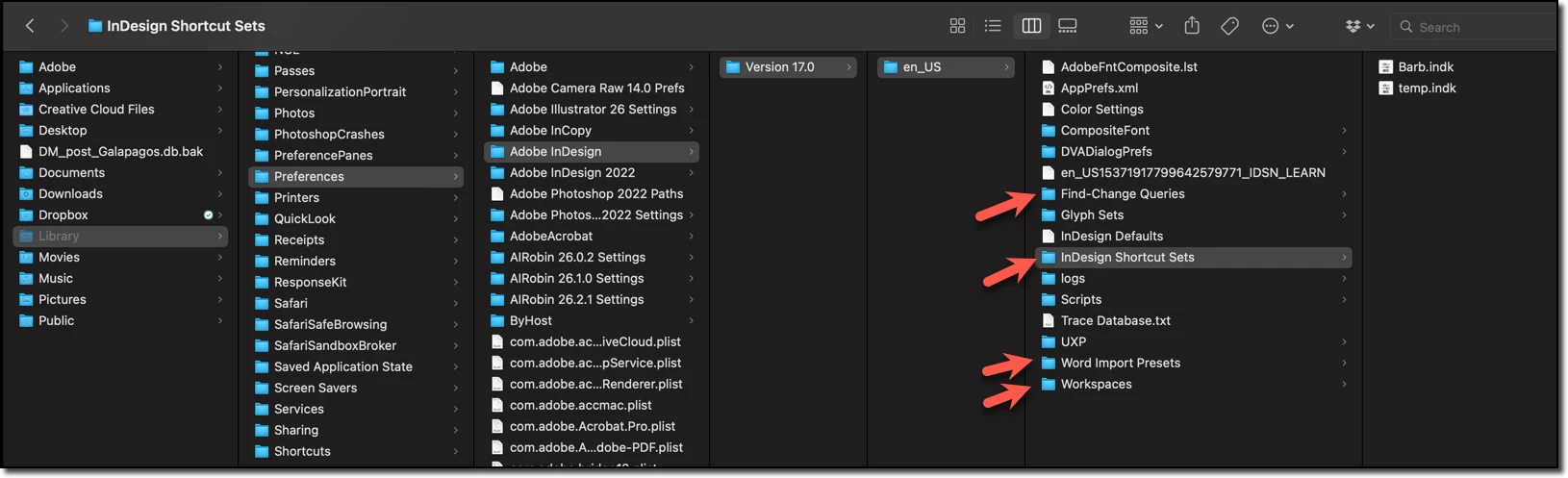
No workspaces (found non-Adobe workaroud for that)
No custom keyboard shortcuts
I've checked on "registrered devices" on adobe.com and the list does not show my home computer, so it seems there's some disconnect of some kind.
Anyone got any idea what I can do to get my keyboard shortcuts working?
I've tried all the previous tricks with copy/pasting text into the file, copying the file, copying the folders etc.
Thanks.
 AdChoices