Participant
November 10, 2018
Answered

Is the Illustrator feature for "Stroke Variable Width Profile" available in InDesign?

  • November 10, 2018
  • 1 reply
  • 1531 views

When a line or shape or path is selected in Illustrator, there is an option to change the width profile from Uniform to different options. I want to use this same feature in InDesign. I don't know if it's hidden or simply not possible.

If it's not possible, does anyone have any suggestions, because when I copy and paste from Illustrator into InDesign, it converts the path into a shape...

Thanks in advance!

Correct answer Steve Werner

That feature is NOT available in InDesign.

You'll have to put the object on a separate artboard in Illustrator and choose File > Place to place it into InDesign as an uneditable graphic.

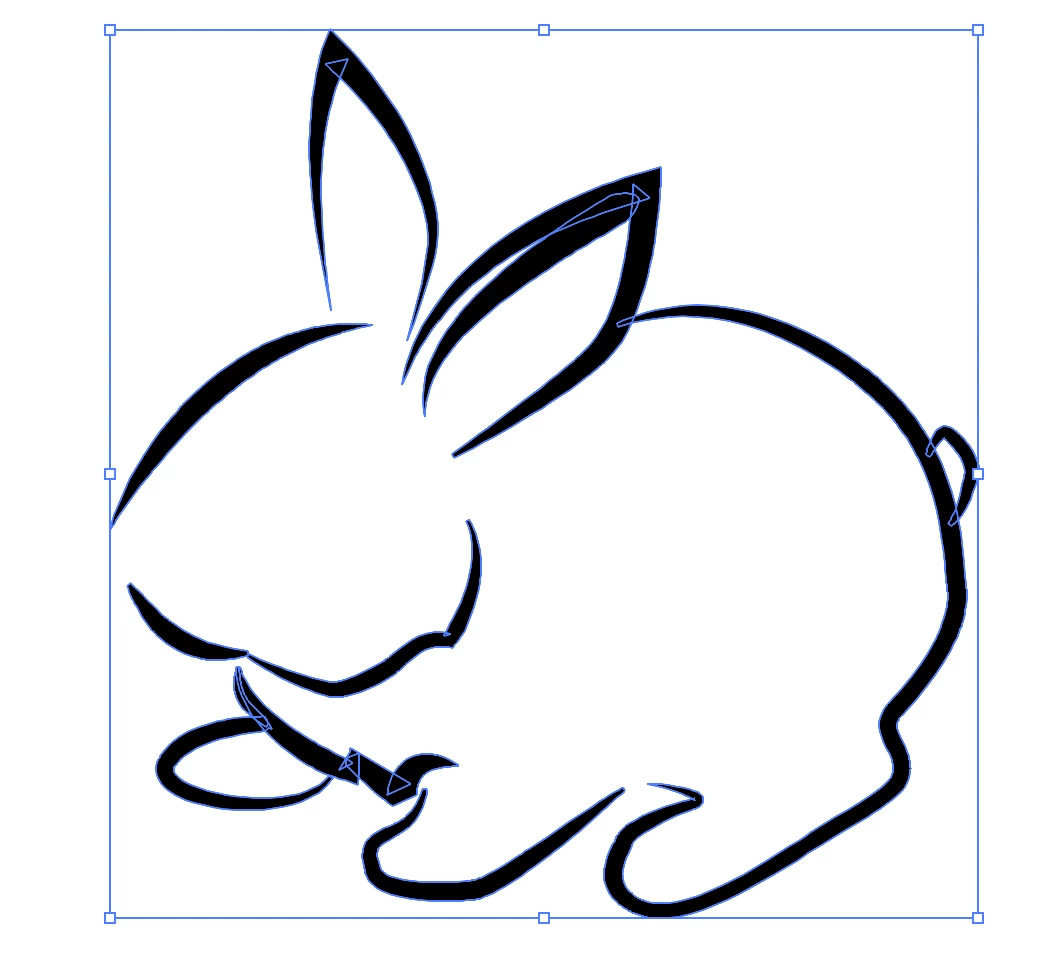
Or, you could try this: (1) Artwork in Illustrator

(2) With Variable Width paths selected, choose Object > Expand Appearance which turns it into a path outline

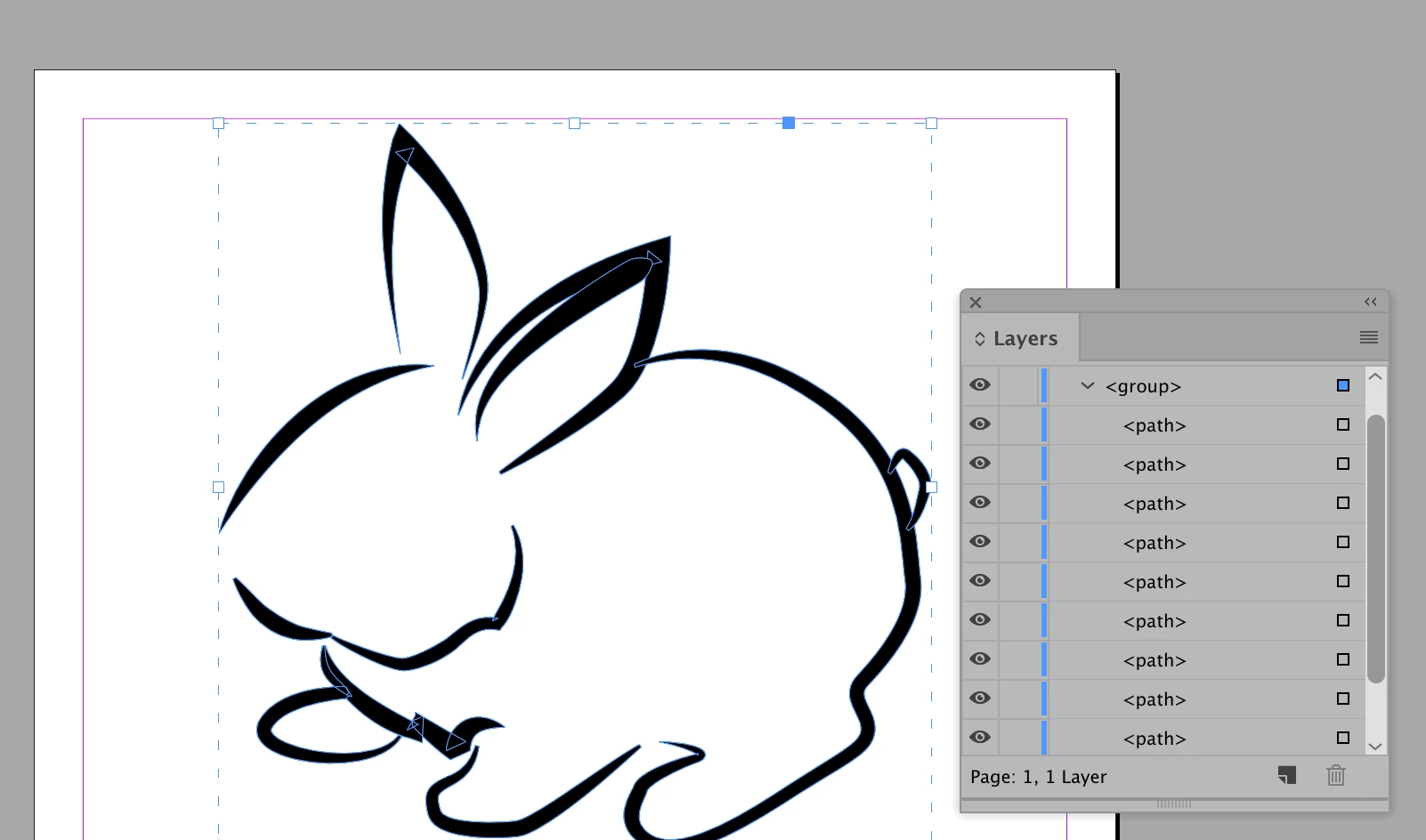
(3) Copy all into InDesign where it comes in as grouped paths:

1 reply

Steve Werner
Community Expert
Steve WernerCommunity ExpertCorrect answer
Community Expert
November 10, 2018

That feature is NOT available in InDesign.

You'll have to put the object on a separate artboard in Illustrator and choose File > Place to place it into InDesign as an uneditable graphic.

Or, you could try this: (1) Artwork in Illustrator

(2) With Variable Width paths selected, choose Object > Expand Appearance which turns it into a path outline

(3) Copy all into InDesign where it comes in as grouped paths:

Participating Frequently
February 28, 2025

I'm wondering if this is still NOT available in InDesign. This post is 6+ years old. It'd be great if variable width profiles for strokes were available in InDesign now. Can anyone confirm one way or another? Maybe it could be accomplished with a plugin?