Answered
Is there a hotkey to cycle between blending modes?
A quick google search brings up alot about Photoshop's ability to quickly cycle through blending modes, but not InDesign. Is there a way to cycle through different options quickly?

A quick google search brings up alot about Photoshop's ability to quickly cycle through blending modes, but not InDesign. Is there a way to cycle through different options quickly?
Hi, maybe this will work
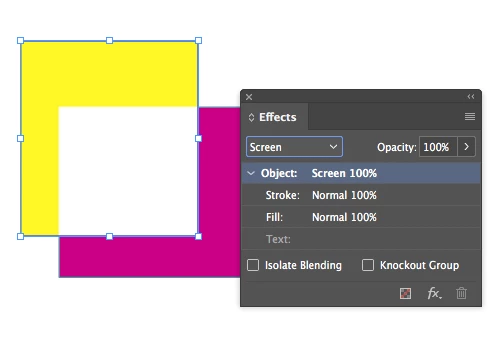
On Mac you can open the Effects panel then highlight the 100% (the opacity value) then press shift and the key tab and then use the arrows keys to navigate between blending modes
Regards
e
Already have an account? Login
Enter your E-mail address. We'll send you an e-mail with instructions to reset your password.
 AdChoices