Known Participant
November 12, 2024
Question

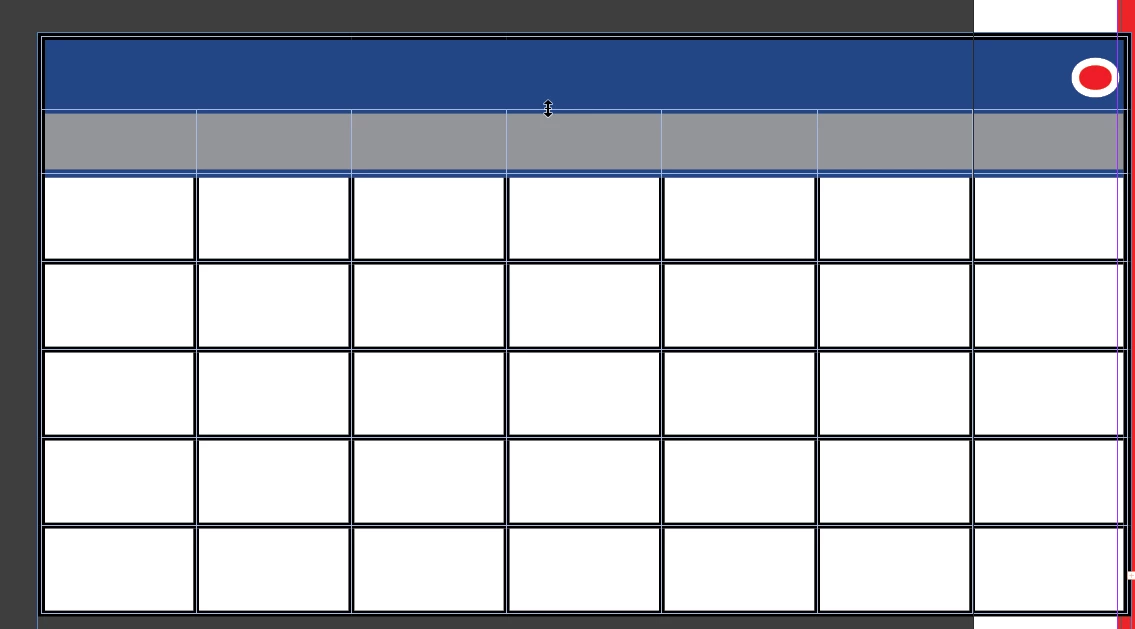
Is there a way to adjust the extra space/padding for text in tables?
  • November 12, 2024
  • 1 reply
  • 511 views

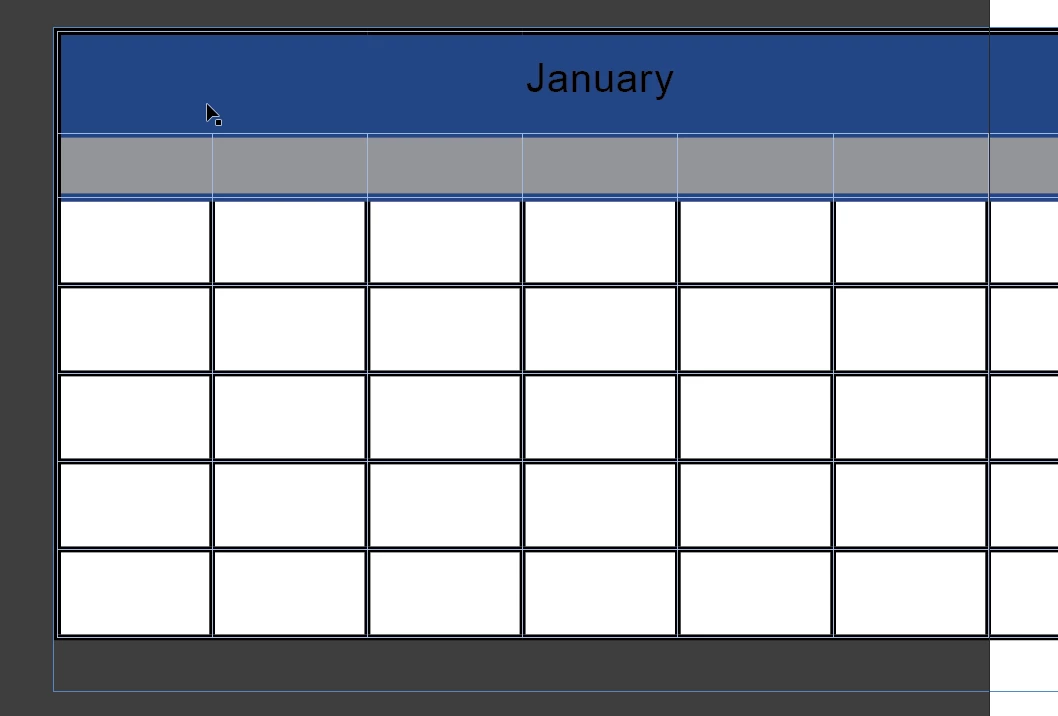
as you can see the header has plenty of space extra room above and below the word "January" but once i resize the table to remove the unneeded space it says my text is too large. Am I overlooking something? I create tables all the time and never ran into this issue


This topic has been closed for replies.

1 reply

James Gifford—NitroPress
Legend
November 12, 2024

InDesign tables are not, for the most part, auto-adjusting as they are in Word. You have to more or less manually scale everything to work as intended.


So you have to consider three factors in fitting text to table cells —

  • The size of the cell as you've dragged/created it.
  • The spacing on the paragraph (style) for the text content.
  • The inset spacing and the alignment of the table cell.


It's easy, in early stages, to have too much default/legacy spacing involved, which will limit how small you can make cell margins around text.


Set ALL spacing to zero for table text and cells  — use styles for both! — and then selectively tweak it to, for example, vertically align text in header rows.