

Answered
Is there a way to join two anchor points in InDesign?
I can't have everything I have in Illusdtrator in InDesign but... for the life of me, is there a way to join two anchor points that are one of top of the other, the way Illustrator allows it with the Join command?
Here's a case where I have two arcs :
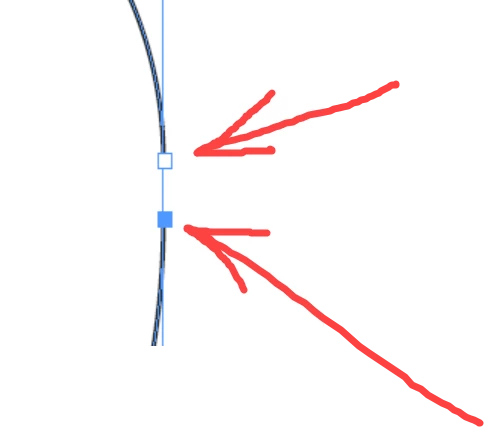
For illustrative purposes, I only selected the bottom anchor point with the Direct selection tool.
Then, from the Pathfinder palette, I click the "Join" tool :
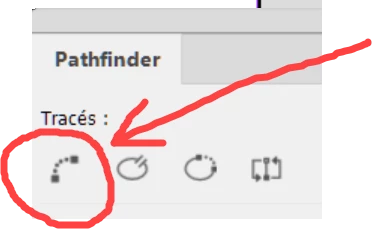
I was expecting the tool to draw a Bezier line between the two anchor points but that's not what it did?!
It behave like Illustrator "Join" tool by "averaging" the two anchoir points first, I guess, and then join them?
Amazing...
 AdChoices