


- Home
- InDesign
- Discussions
- Re: Issue rasterize vector, vector to raster,...
- Re: Issue rasterize vector, vector to raster,...
Issue rasterize vector, vector to raster,...

Copy link to clipboard
Copied
So i have an issue with vectors. Since i want to reduce the size of final pdf and there's no option rasterizing it while exporting it I was forced to ask for your help guys. So I have a indesign file with approximately 80 pages containing pictures and texts as well as some vector drawings, i.e. autocadexports as pdf. I'd like to rasterize these pdfs in order to achive smaller output but to keep some decent quality, when not high. I tried to export everything first as jpeg and then place thoes in new file, but result was lowquality and big size. I also tried to flatten pdf by adjusting the opacity of pdf on 99,9%, bud result is the bad quality of export as well as bad text. Do you have some tips or tricks for methe? Im on the edge of nerve breakdown. Tnx in advance


 9
Replies
9
9
Replies
9


Copy link to clipboard
Copied
Hi Kolya,
you could open the PDFs of your autocad exports with PhotoShop at your preferred ppi value.
Depending on the scale you are using them in your layout you could do them as 1200ppi effective ppi.
Regards,
Uwe

Copy link to clipboard
Copied
Hi Kolya,
to reduce the final size (and not rasterizing), try to open the pdf in Acrobat pro and save it optimizing, see here:
Copy link to clipboard
Copied
Hm, I don't think that "optimizing" will do much on vector artwork.
Regards,
Uwe
Copy link to clipboard
Copied
However, it deletes all unnecessary data and items, reducing the size of the file
Copy link to clipboard
Copied
Thank you guys. I'll try these suggestions of yours.
Uwe should I save thoes as save for web, and which format shuold I usealso? Png?

Copy link to clipboard
Copied
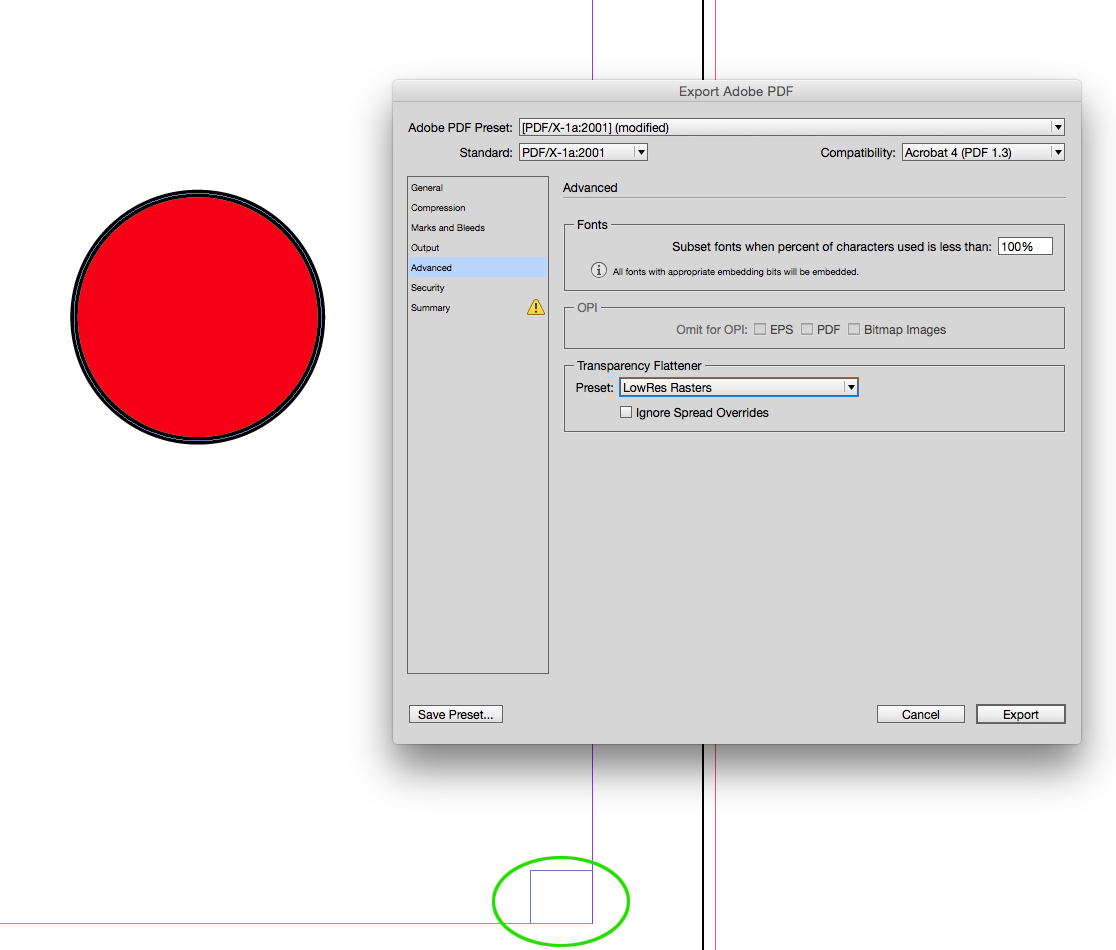
You can force all vectors to rasterize by exporting a flattened PDF (PDF/X-1a or Acrobat 4 Compatibility). If there's a transparent object anywhere on the spread the Transparency Flattener preset determines how vectors are exported:
So you can set the Raster/Vector Balance to all Rasters and choose a line art resolution.
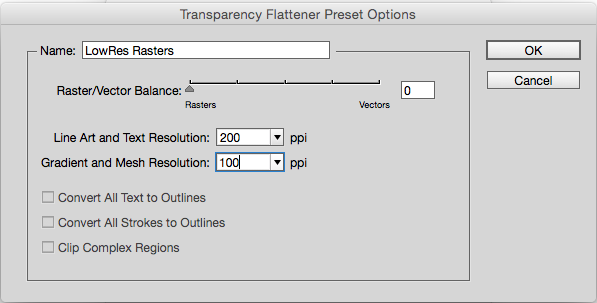
Here I have a transparent rectangle on the page which will force the red circle to rasterize. The transparent object can be anywhere on the spread and doesn't have to touch the vector objects. Set the custom flattener preset in the Advanced tab
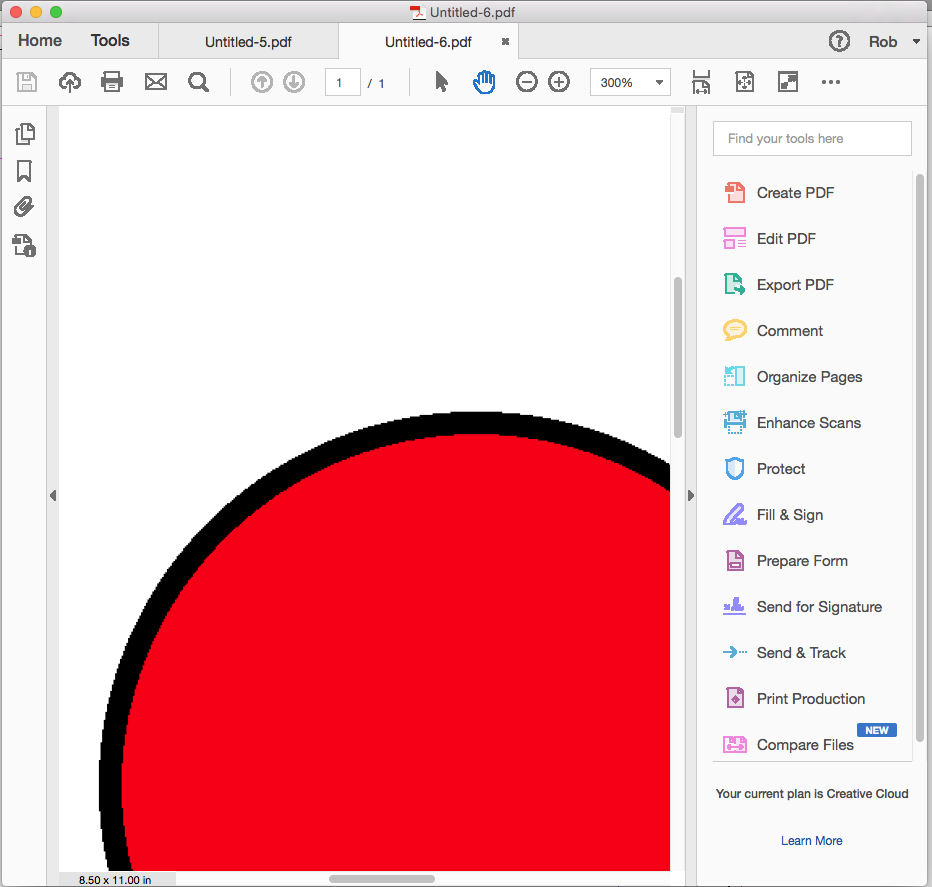
You can see the red circle has been rasterized
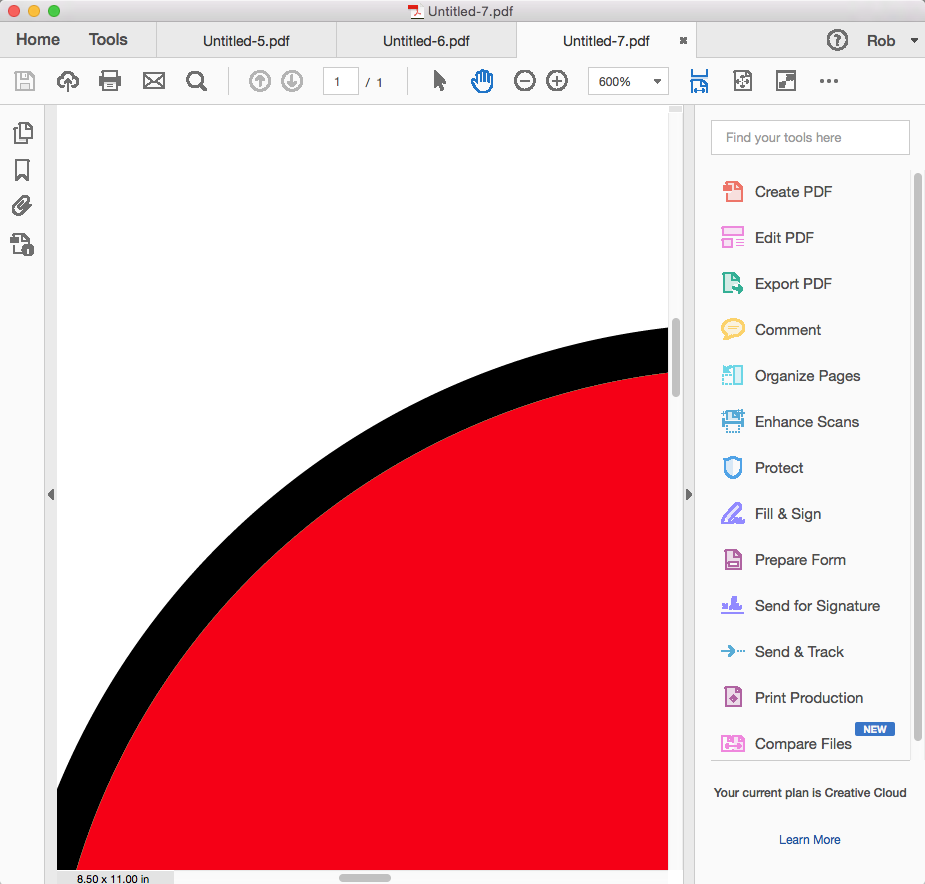
The same page to PDF/X-4
Copy link to clipboard
Copied
KolyaZig wrote
Thank you guys. I'll try these suggestions of yours.
Uwe should I save thoes as save for web, and which format shuold I usealso? Png?
Hi Kolya,
it's hard to give good advice without having the files at hand.
If the PDF is for offset printing I would go for JPEG CMYK maximum quality with 1200 effective ppi in your layout.
If it's for screen viewing you have to decide to what detail someone should see the graphic. Then it would be JPEG with sRGB to maybe 450 ppi or 600ppi effective…
Rob,
wouldn't your suggestion rasterize all the contents of the page?
I think, Kolya likes to rasterize only parts of the layout, the highly complex vector artwork of the autocad PDF exports, that he placed.
Regards,
Uwe
Copy link to clipboard
Copied
wouldn't your suggestion rasterize all the contents of the page?
Yes, the all raster preset would do that, but I think you can limit the rasterizing to the vector drawings by applying transparency to the drawings and changing the raster balance. So in this case you might use a custom spread flattener, or change the balance for the document flattener?:
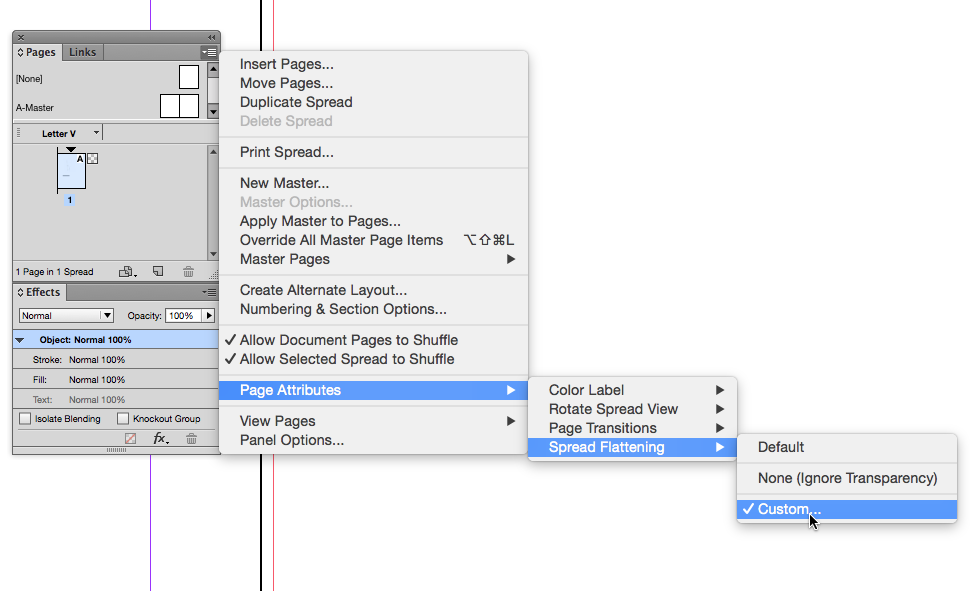
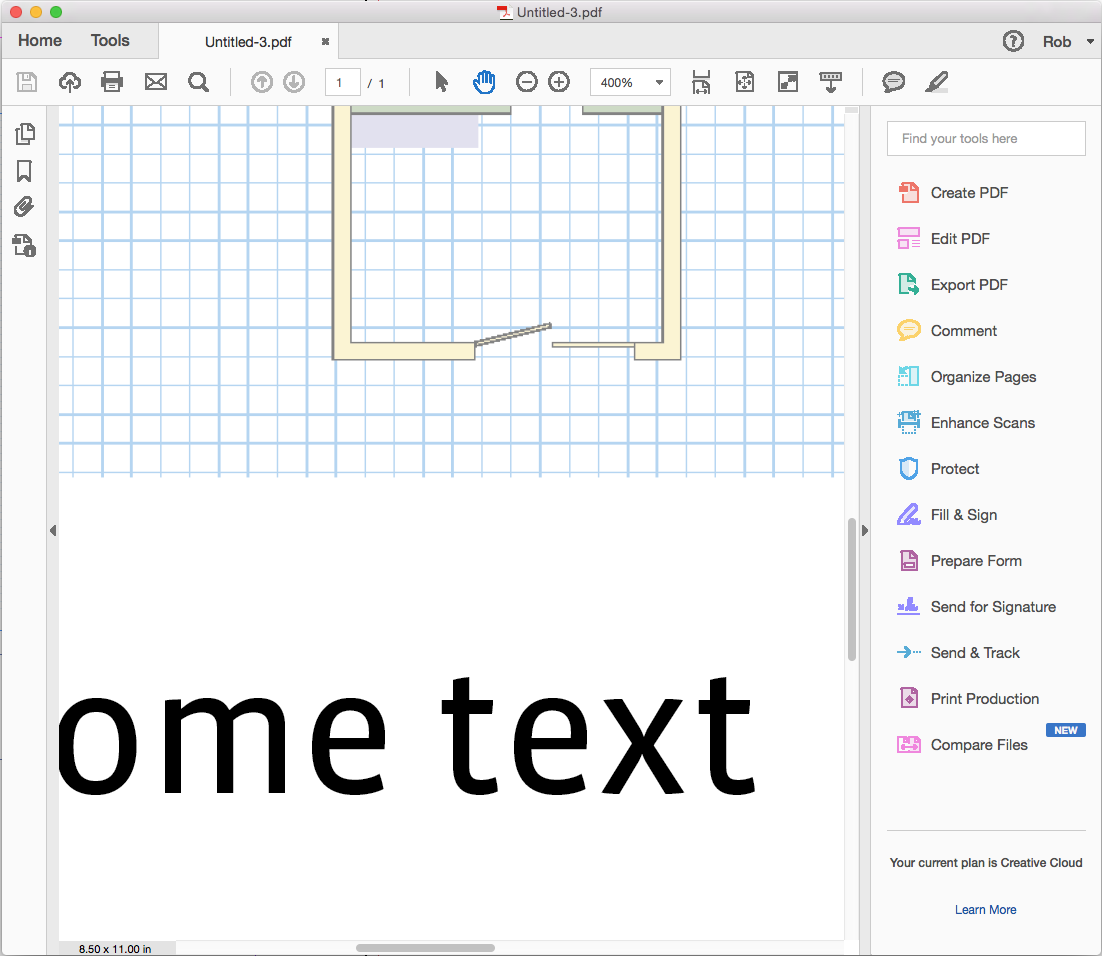
Here I've added specific transparency by setting the drawing to Multiply, and changed the Raster/Vector Balance to 5, which will protect the text outside of the drawing

The PDF with the drawing at 300ppi and the text as vectors
Copy link to clipboard
Copied
If the PDF is for offset printing I would go for JPEG CMYK maximum quality with 1200 effective ppi in your layout.
I've been assuming this is for screen/web viewing. I don't think you would want to rasterize the drawings for press unless they are so complex they are causing an output problem.


Get ready! An upgraded Adobe Community experience is coming in January.
Learn more
 AdChoices