
Participant
April 26, 2022
Answered

Issue with 'Fill Frame Proportionally'

  • April 26, 2022
  • 1 reply
  • 404 views

Hi, I'm hoping you can all help.


I have an issue with resizing images within an image box using 'Fill Frame Proportionally'.


A:I select the image using the Direct Selection Tool
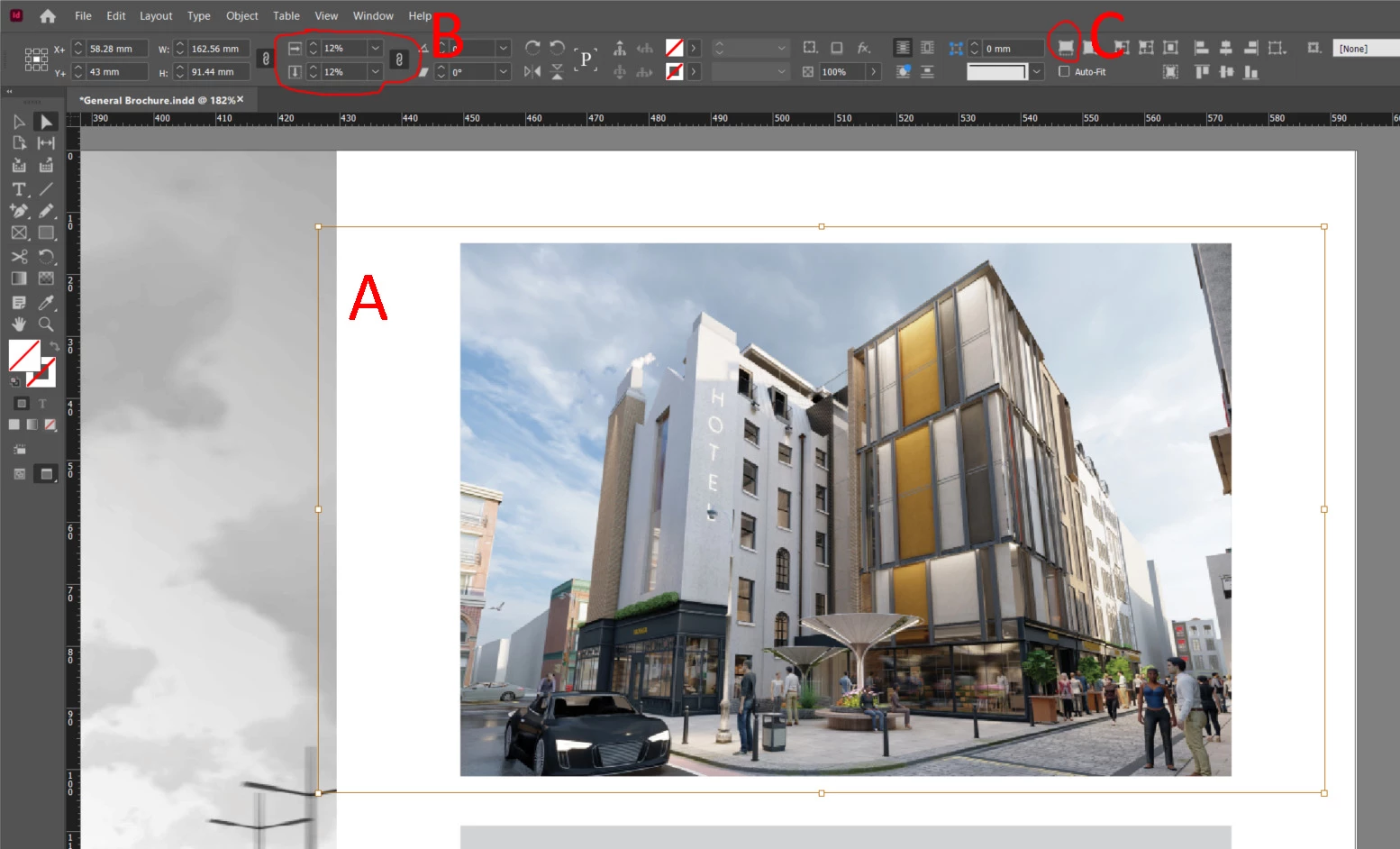


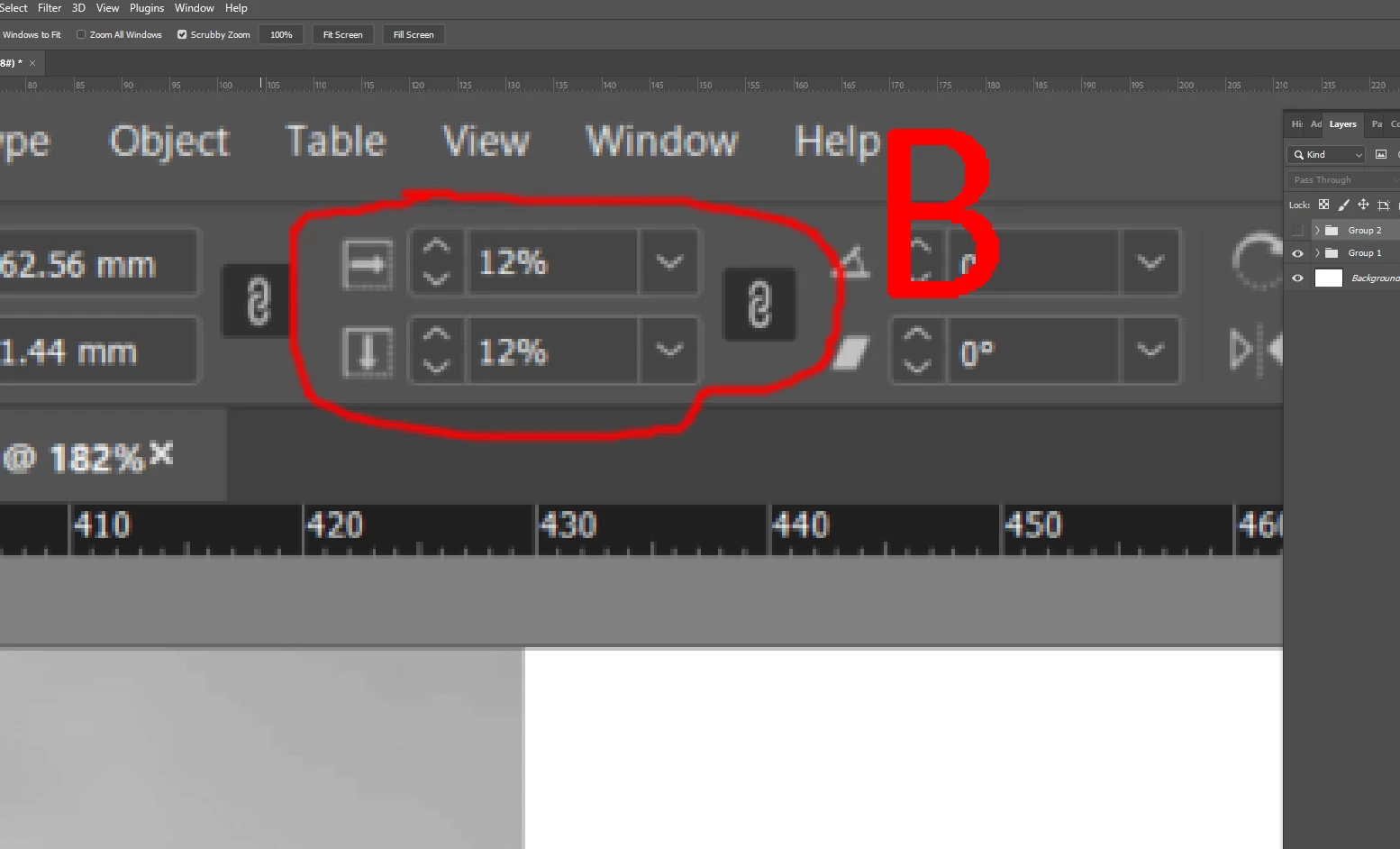
B:The horizontal and vertical scales are both identical (and the box is applied for 'Constrain proportions for scaling'


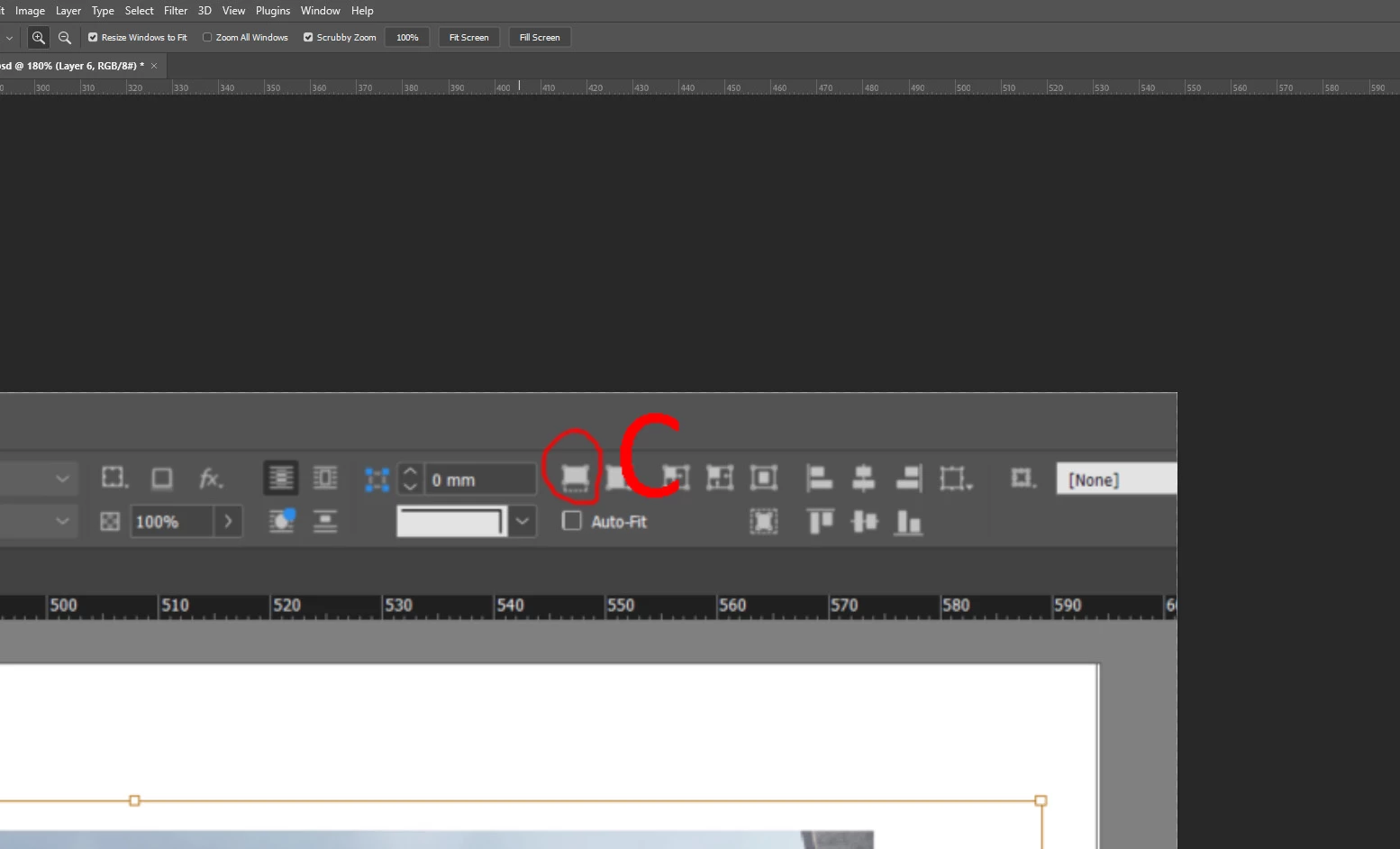
C:I press the button for 'Fill frame proportionally'


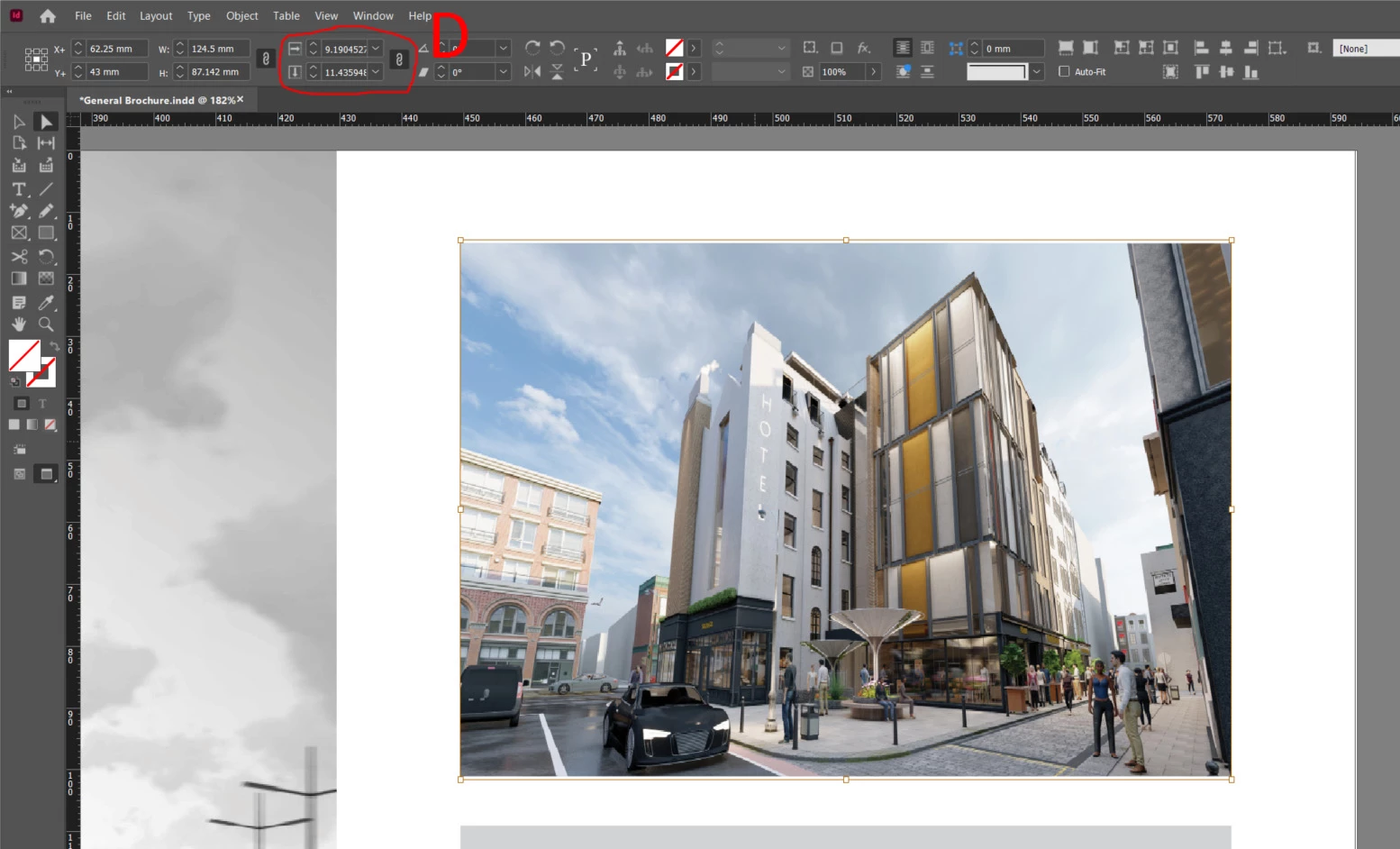
😧 The image is distorted and the horizontal and vertical scales are not the same (as they should be)
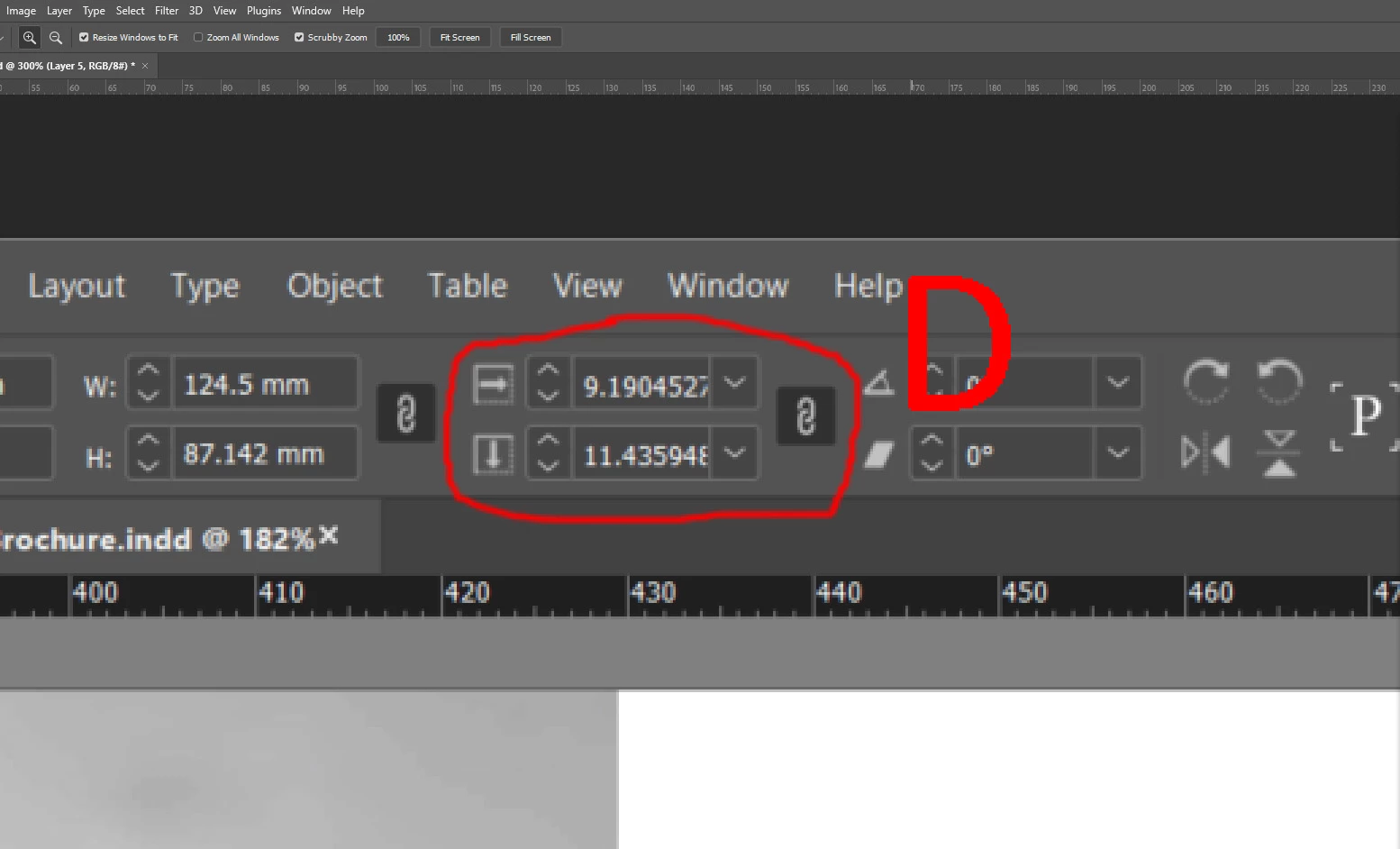


Has anyone any idea why this is happening? I've searched around and can't find anything. It's driving me mad.


Any help would be greatly appreciated.

This topic has been closed for replies.
Correct answer Laubender

What happens when you select the frame holding the image and then apply the frame fitting options?

Also check if the frame that is holding the image is scaled unproportionally. For this check the Transform panel for example.


Regards,
Uwe Laubender

( ACP )


1 reply

LaubenderCommunity ExpertCorrect answer
Community Expert
April 26, 2022

What happens when you select the frame holding the image and then apply the frame fitting options?

Also check if the frame that is holding the image is scaled unproportionally. For this check the Transform panel for example.


Regards,
Uwe Laubender

( ACP )


Participant
April 26, 2022

'Also check if the frame that is holding the image is scaled unproportionally. For this check the Transform panel for example.'


Brilliant, that was the culprit, thanks Uwe. This document was put together by someone else originally and they've done strange things. I'd never scale  a frame like that.


Thanks for your help!


Sean