
Italics spotty from imported Word documents
- February 4, 2021
- 7 replies
- 3074 views
Hi Everyone,
I have a bit of a problem with imported Word files. This issue is new-ish to me, I never had it before a couple of month ago.
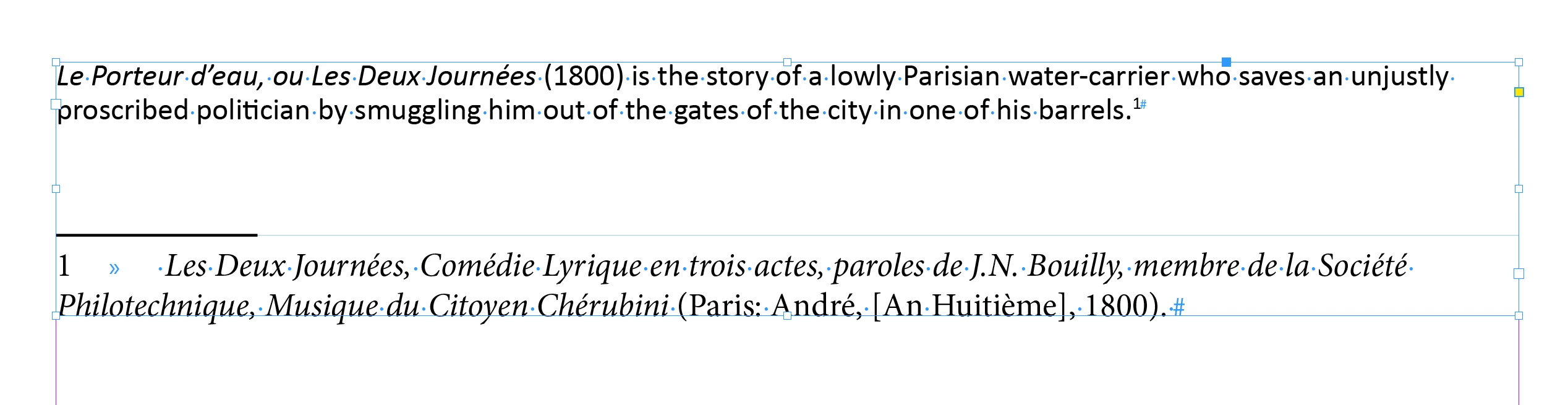
Some italicised text in the Word document (italicised with the "I" button) doesn't make it through after being imported into InDesign (import dialogue set to preserve incoming local overrides), the other instances are imported just fine.
I have tried troubleshooting this issue using different ID versions (from CC 2018 to CC 2021), fonts, paragraph language but none of these helped.
I attach a jpg which highlights the spotty behaviour (Word document in foreground, ID document with the newly imported document in the background) and a test Word document.
Do you have any suggestions? Any idea is VERY much appreciated, thanks!
 AdChoices