
Keep Swatch names when pasting into Indesign from Illustrator
Hi all,
I have a few Illustrator files that have vector logos in them. They are a library for me - i go in, copy the logo, and paste the logo into Indesign. Think many different logos all on the same artboard, grouped so I can grab oen quick. I know you're supposed to "place individually" Illustrator files to Indesign, but I like having the Vectors in Indesign so I can invert the colors if needed.
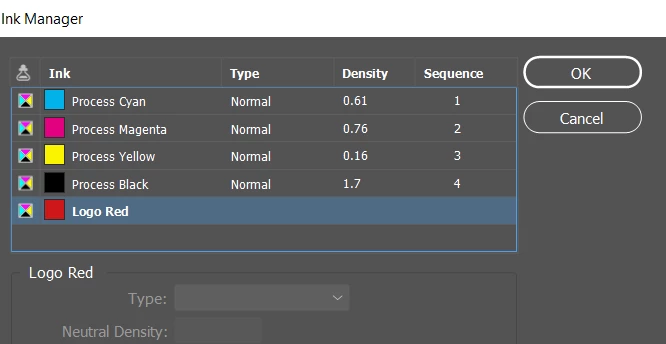
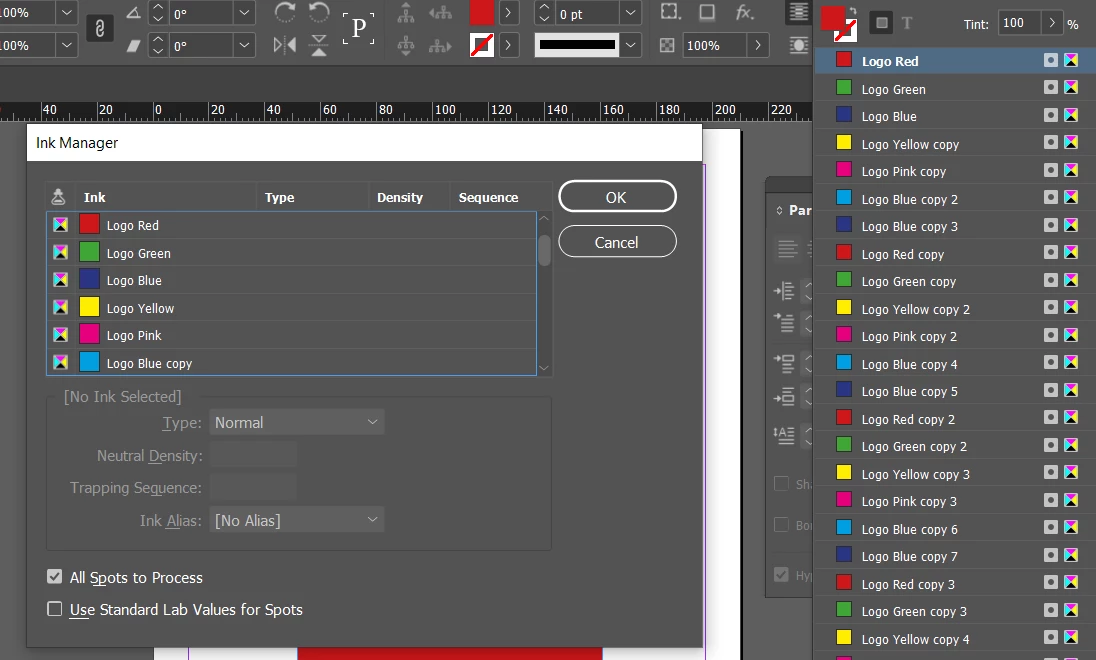
My problem is I want to have a limited number of swatch colors in the Illustrator logo files because Indesign always complains when you have >25 spot colors. So in my logo Illustrator file, I combine all the red logos to a single red swatch for example called "logo red". However, when I copy from Illustrator and paste a red logo into indesign, the red logo swatch is converted to a process name in indesign. If I use a spot color swatch, the name "logo red" is a spot color swatch in indesign. Good for the name of the swatch but bad for adding a spot color.
If I have the "logo red" swatch in Illustrator as a process color, I can copy the SVG to indesign without adding a spot color, but then the "logo red" name gets converted to CMYK values and i lose my swatch name.
Is there any way to copy a process color from Illustrator to Indesign and keep the custom name?
Please let me know if this doesnt make sense, thanks!
 AdChoices