Answered
Key = does not work in InDesign.
Every time I write the words such as " न्न श्व " I want to write a traditional one like " न्न, श्व " how can this be written ? The key "=" does not seems to work in indesign. Can anyone please help me?

Every time I write the words such as " न्न श्व " I want to write a traditional one like " न्न, श्व " how can this be written ? The key "=" does not seems to work in indesign. Can anyone please help me?
Thanks for all of that additional information! Took me a while to figure it out, but I think I've nailed it. I've installed the Nepali Unicode Romanized input method myself, now. I find that the equal key successfully inserts a zero-width joiner, which looks like it's doing nothing, but it's certainly inserting a ZWJ.
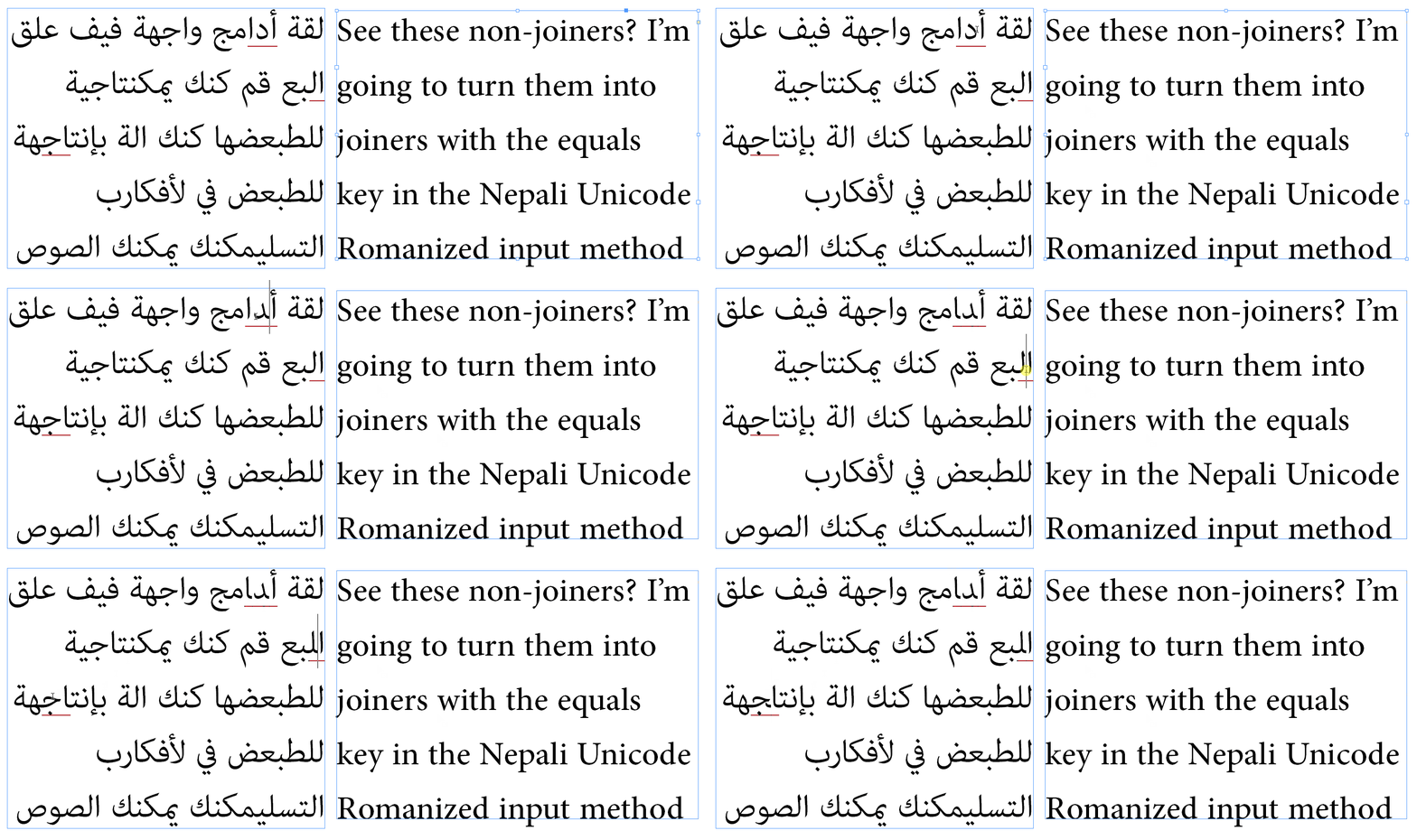
Then, I tried to type this combination using a variety of different fonts. However, there isn't a Nepali setting in my Language: dropdown, so I left it in English. It turns out that some of the OpenType methods your font will rely on to render correctly are language-aware; if you don't pick your language in the Character dropdown, they don't work! There's no Nepali choice in my install of InDesign, so I picked Hindi instead. In the following animation, note that Nirmala UI immediately changed its rendering of the glyph when I chose Hindi as the language, but I had to rekey it in Adobe Devanagari in order to get it to render correctly.
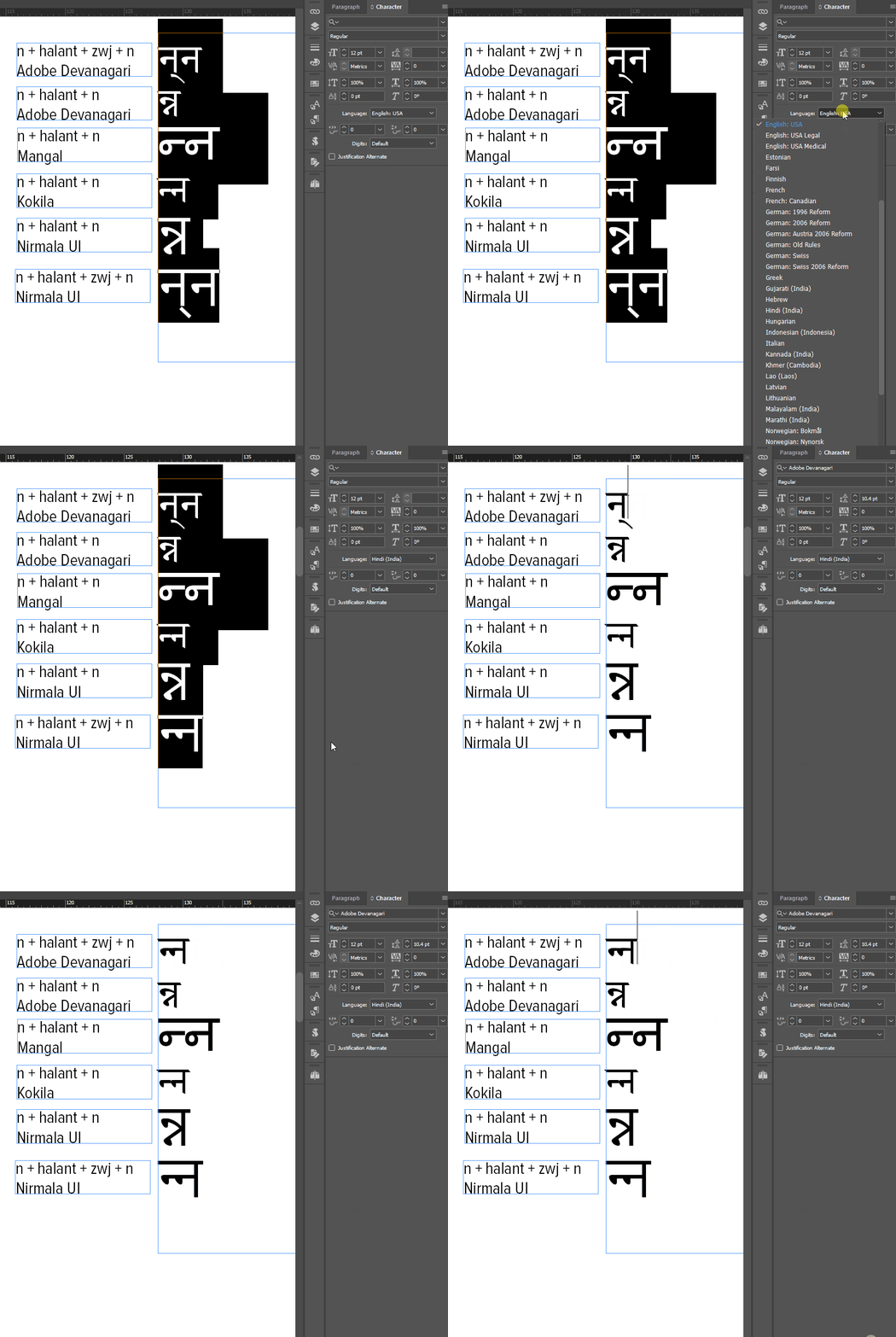
It's not unusual for such features to be dependent on the language setting of the host application, especially since many languages that share the same writing system will have different ligature or contextual-alternate behaviors.
So I think that the correct answer is: actually, the equals key is working correctly; the problem is that InDesign doesn't have a language setting for Nepali. The workaround is to mark your text with a langauage that InDesign does have in its dropdown, one that supports the glyph-shaping behaviors you need.
Lastly, I've gone over to indesign.uservoice.com (which is where we can make feature requests!) and suggested there that they should add Nepali as a language setting to InDesign. If you add your vote, it increases the likelihood that we'll see this feature added to InDesign.
Already have an account? Login
Enter your E-mail address. We'll send you an e-mail with instructions to reset your password.
 AdChoices