
Language setting for Booklet acrobat page display
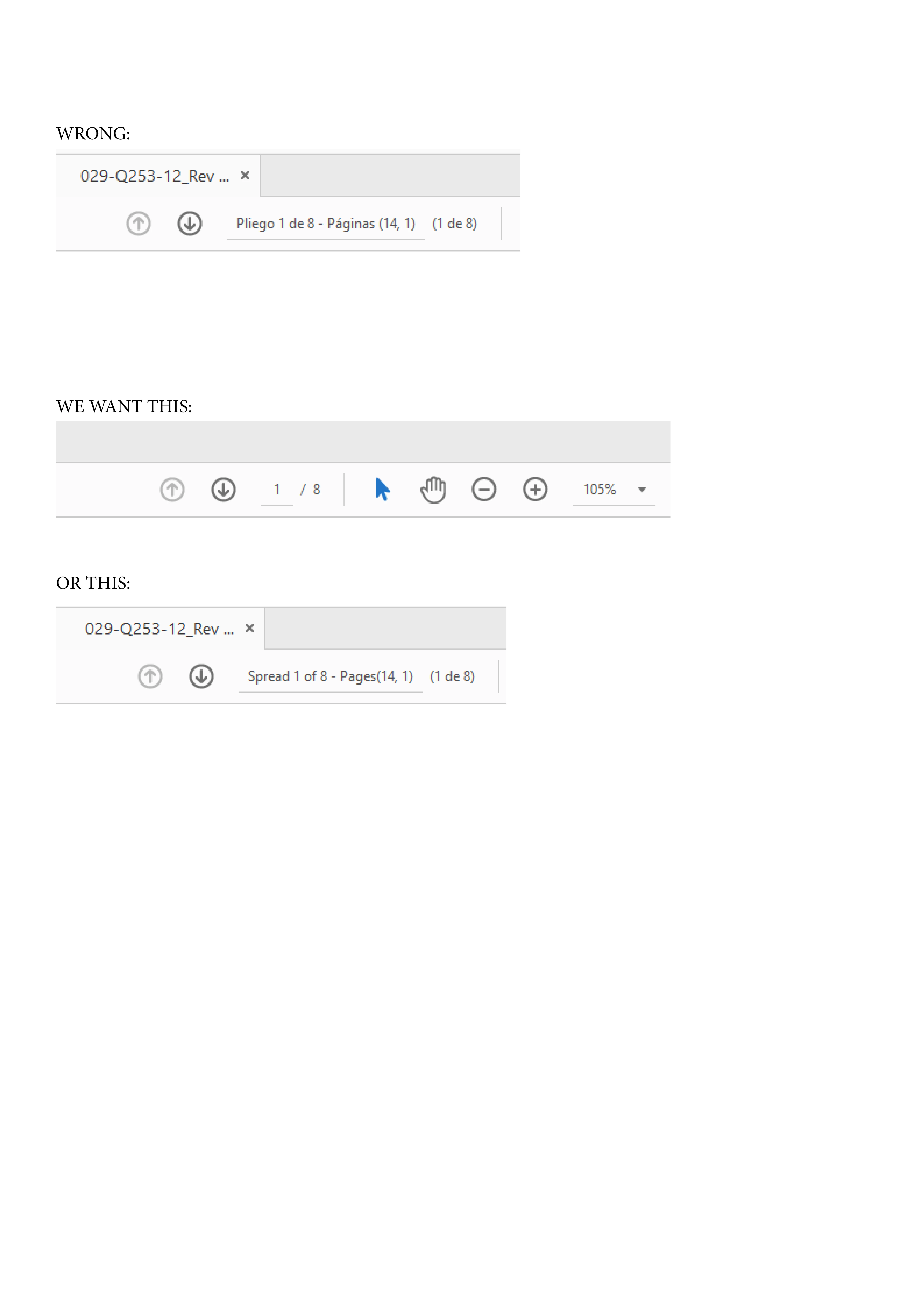
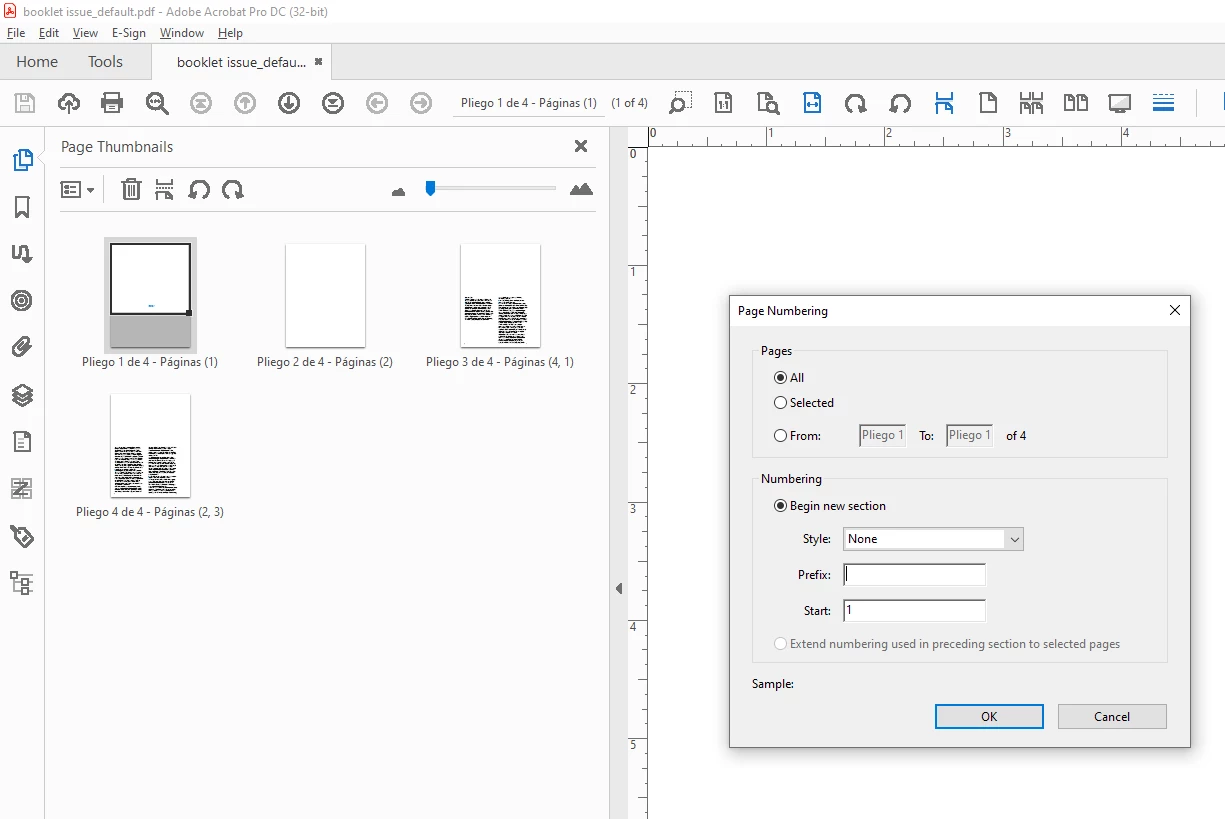
Since 2 months ago, whenever we print a booklet (.ps to pdf) and open this booklet in Acrobat, it shows the page display in Spanish (for instance: pagina 1 de 10 -pliego 1) (our indesign is in spanish, but booklets will be open by people that speak other languages, so spanish is not an option).
We want those words (pagina, pliegos) to be in the language the acrobat that opens the pdf has instead or worst case scenario, English. If neither of those 2 options are possible, we would like the display only to show numbers like it used to be before (we always printed booklets and it showed 1/10 (not page 1/10). This might have to do with an update indesign has because I tried printing the booklets that before came out as 1/10 and now the acrobat display it shows: Pagina 1/10.
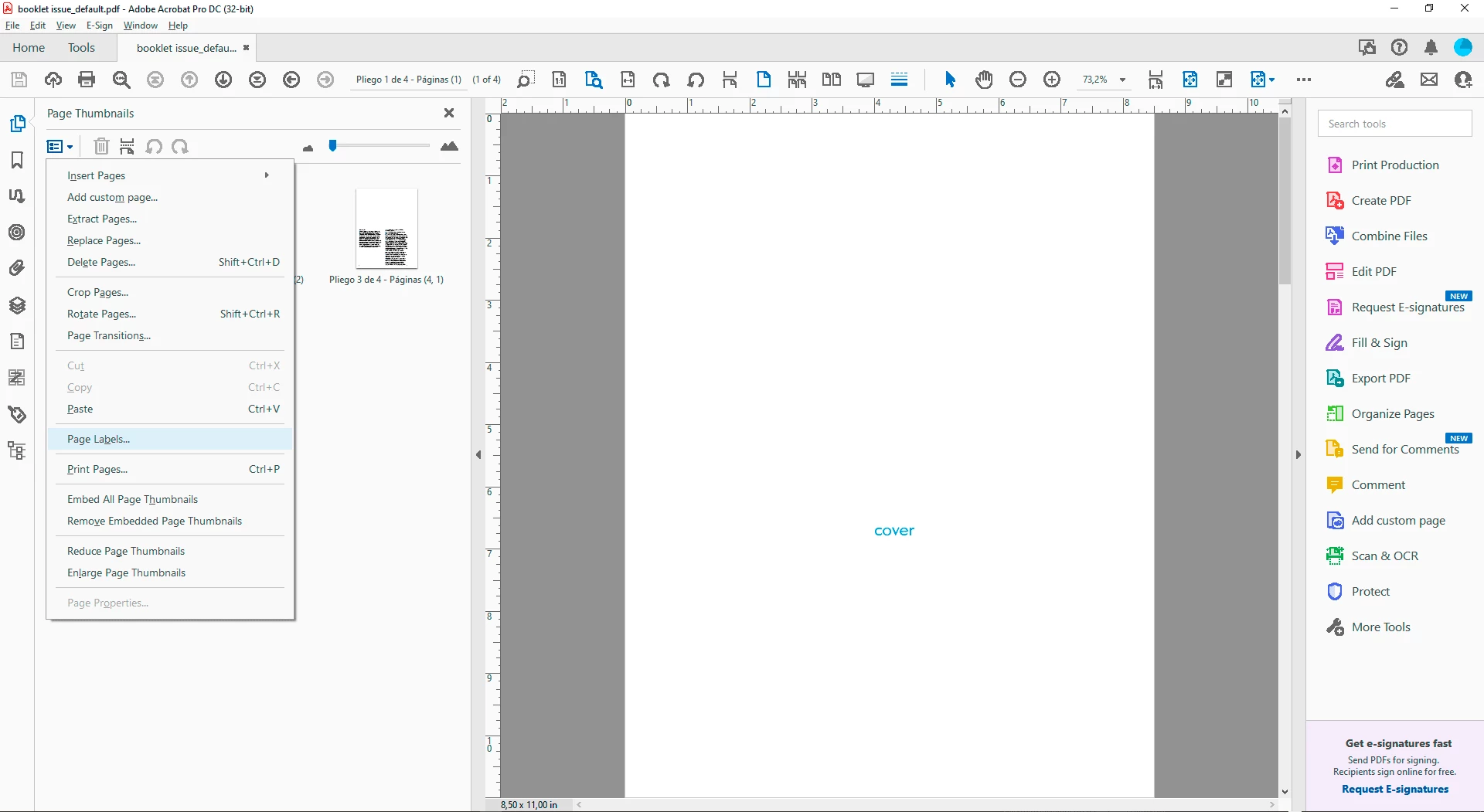
Please notice that I am certain that the display is stucked in spanish because I have also tried to open the pdf in an english acrobat and it still shows in spanish. I am also certain that this has something to do with the language that Indesign is set at because when I print the same booklet from an english indesign, the display shows in english. *we are trying to avoid having to change the suite language and looking for an alternate solution.
please see samples below of the above explained:


 AdChoices