

Michael Domino
Inspiring
January 29, 2019
Answered

Left indent on all paragraphs but the first one?

  • January 29, 2019
  • 4 replies
  • 1706 views

Hi

Is it possible to set up a paragraph style that does this to a block of text:

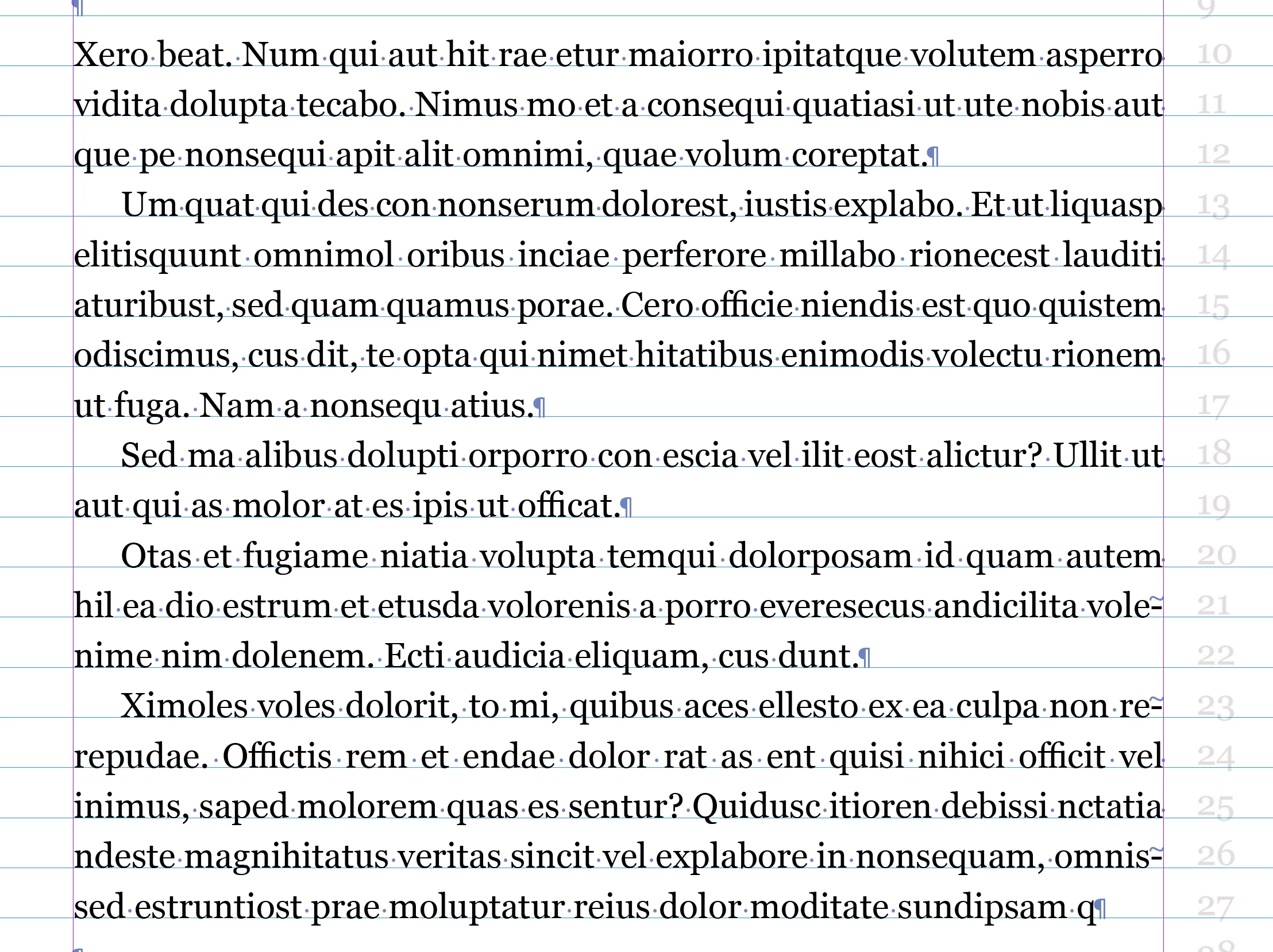
The first paragraph has no indent and the following paragraphs in the block has a certain indent?

Thank you for your time

++michael
This topic has been closed for replies.
Correct answer hammer0909

You can't do it with one style but you can accomplish it with two styles very efficiently.

  1. Create one style called body that has no indent defined.
  2. Create a second style called body indent with an indent defined.
  3. Go back and edit the body style and set the Next Style setting to body indent.
  4. Select the range of text that includes the first paragraph and all other paragraphs that should be indented.
  5. Right click on Body and choose "Apply body, then next style".

Voila! you've just formatted multiple paragraphs with a single click (sort of).

4 replies

Barb Binder
Community Expert
Community Expert
January 29, 2019

Hi Michael:

Based on my experiences with client changes, I would add more thing to Chad's answer:

Create Body Indent first, and then base Body No Indent on Body Indent. This links the two styles together—Body Indent is the parent style and Body No Indent is the child style. If you get last-minute global update to the body paragraphs, i.e., change the leading for all body paragraphs, you can update Body Indent (parent) and the child style (Body No Indent) will pick up the same change. In a long document, this is a tremendous timesaver.

~Barb

~Barb at Rocky Mountain Training
winterm
Legend
January 29, 2019

Sure, but GREP has more fun then Next Style…

Michael Domino
Inspiring
January 29, 2019

Wow - this I will definately try when things have cooled down :·) ++m

cinziamarotta
Participating Frequently
January 29, 2019

Hi,

Yes, you have to set the following style different from the first one. In the paragraph style options of the first paragraph> next style> paragraph with indent.

1. Create a style with indent

2. Create a style without indent > next style with indent

3. Select all text > right clic on style without indent > apply style then next style

cinziamarotta
Participating Frequently
January 29, 2019

Sorry, I didn't read Chad's answer...

hammer0909
Community Expert
hammer0909Community ExpertCorrect answer
Community Expert
January 29, 2019

You can't do it with one style but you can accomplish it with two styles very efficiently.

  1. Create one style called body that has no indent defined.
  2. Create a second style called body indent with an indent defined.
  3. Go back and edit the body style and set the Next Style setting to body indent.
  4. Select the range of text that includes the first paragraph and all other paragraphs that should be indented.
  5. Right click on Body and choose "Apply body, then next style".

Voila! you've just formatted multiple paragraphs with a single click (sort of).

Michael Domino
Inspiring
January 29, 2019

Thank you very much - that was just what I was looking for  (-I just overcomplicated things :·)

++michael