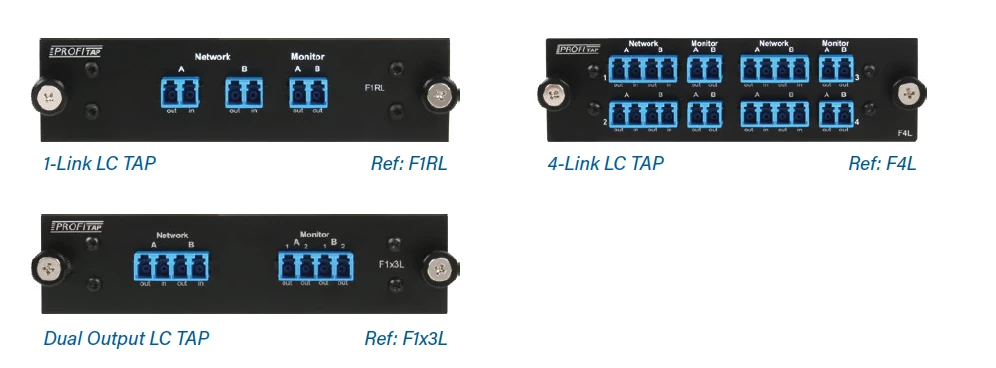
Participating Frequently
January 10, 2020
Answered

Line of pixels added to pictures after exporting to pdf

  • January 10, 2020
  • 5 replies
  • 3032 views

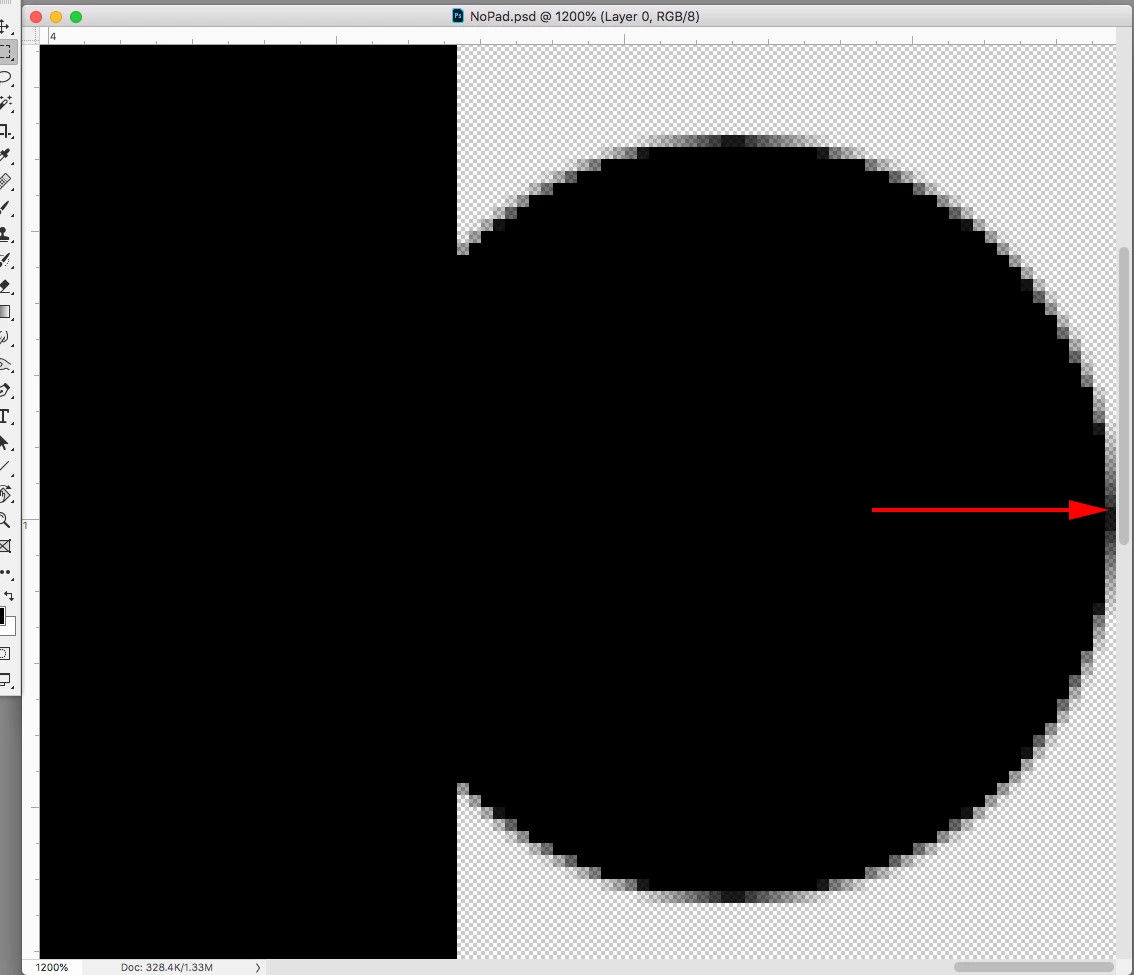
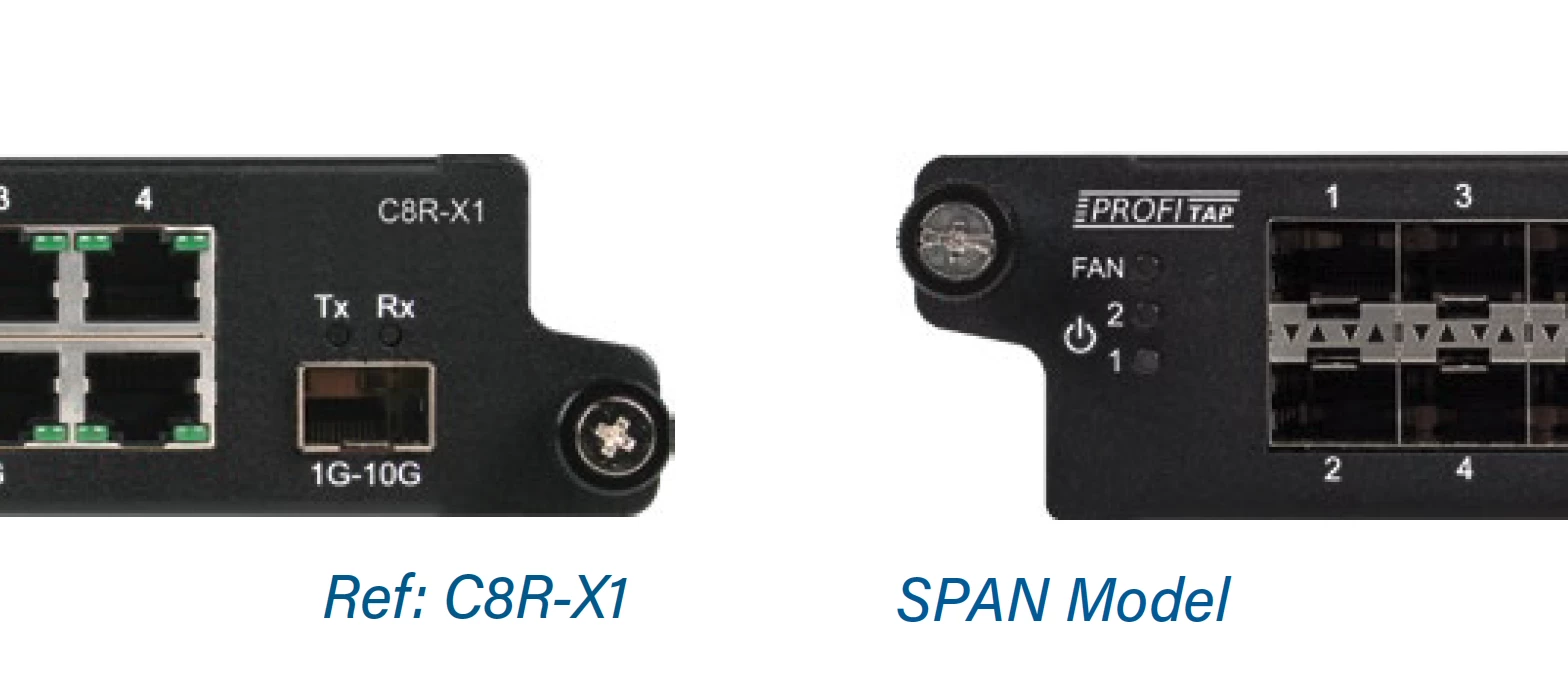
Hi! I have a problem exporting on Indesign when I use PSD files in mi document. There is no error message or something like that, the problem is when I see in the pictures kind of a line of pixel only in the right border. Is not a problem of design or something in the picture, only appears after exporting and with PSD or TIF files. When I use JPG or PNG it doesn't appear, but I need to print it.


I attach some pictures for you to see, because it's annoying and don't know what's the problem...
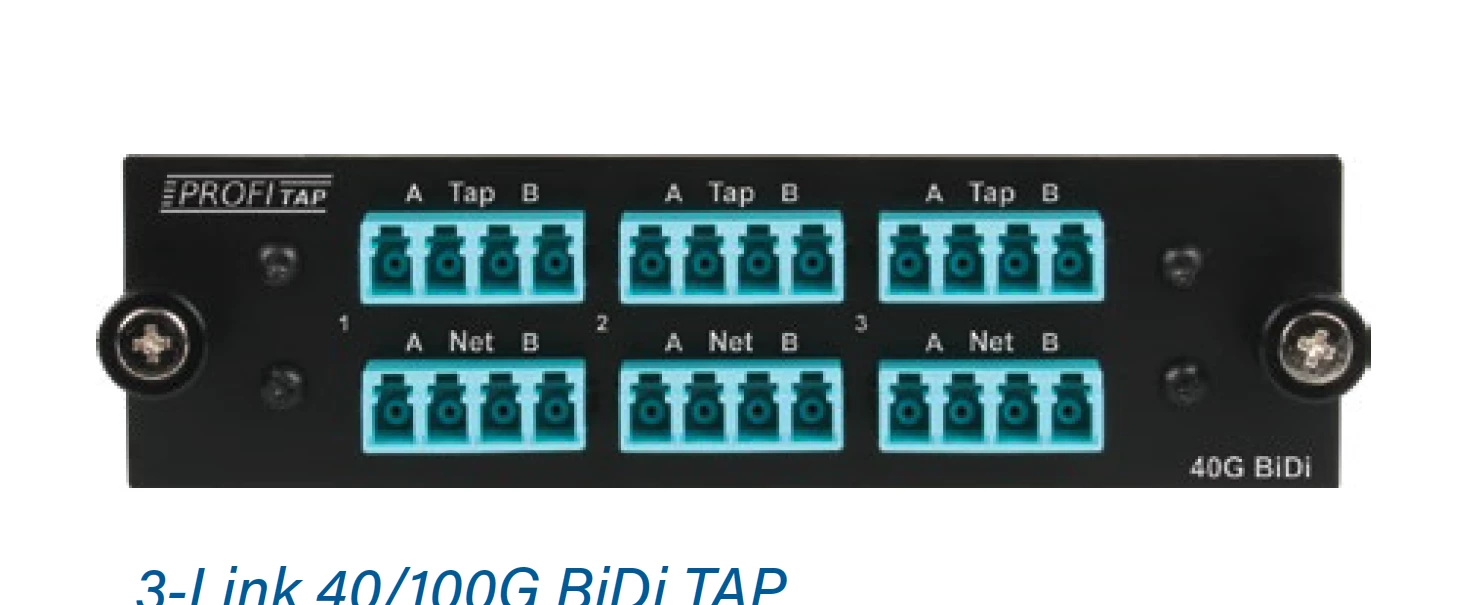
 

Thanks everyone! 🙂


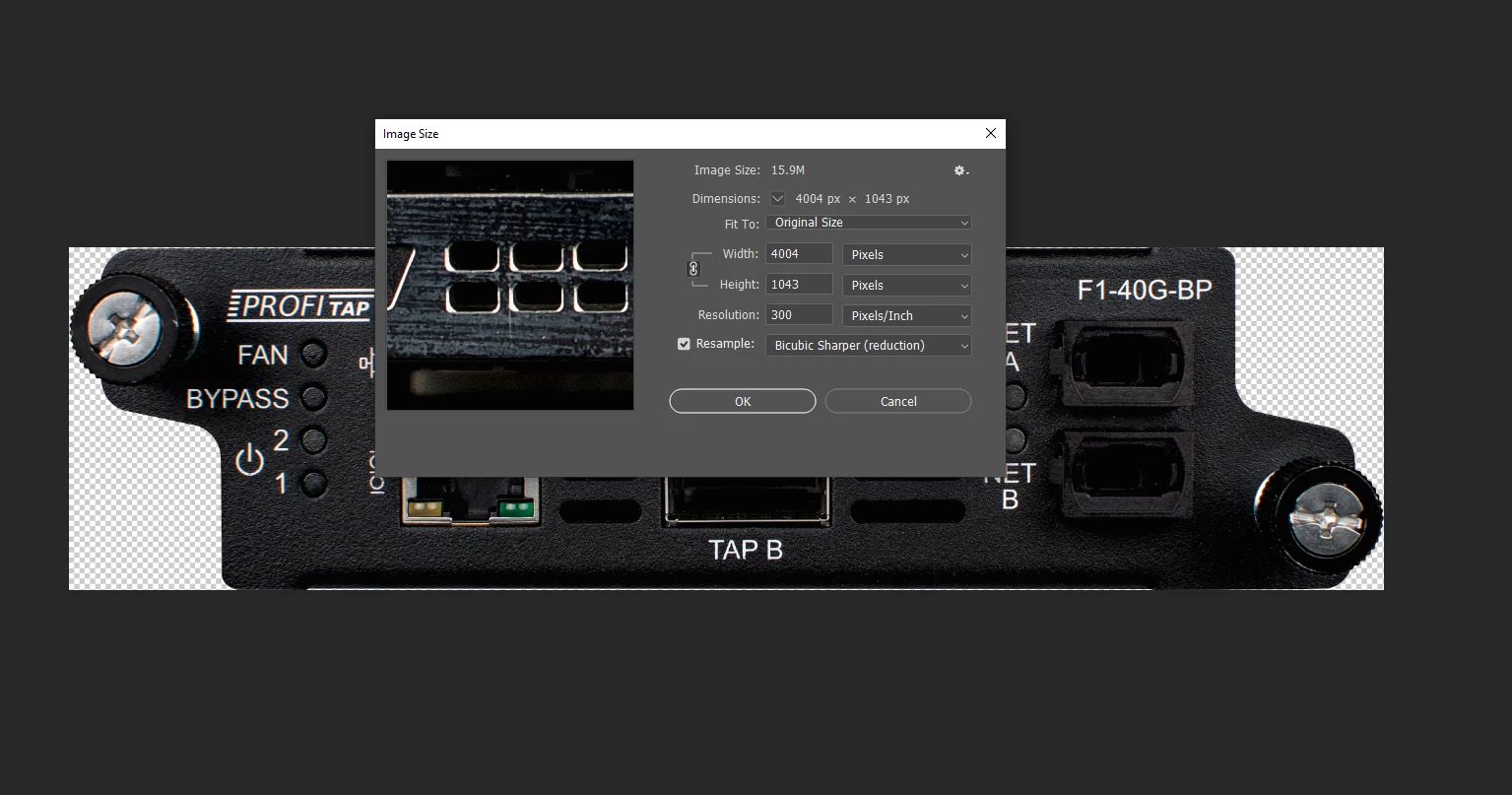
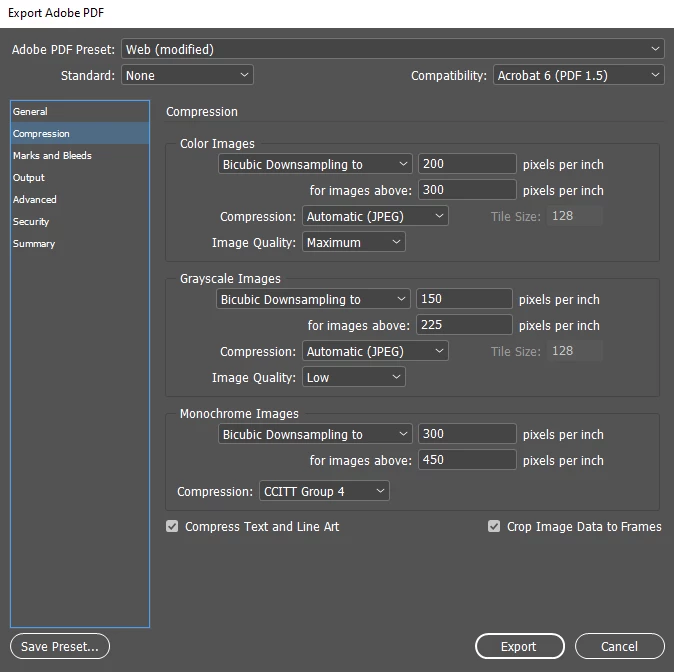
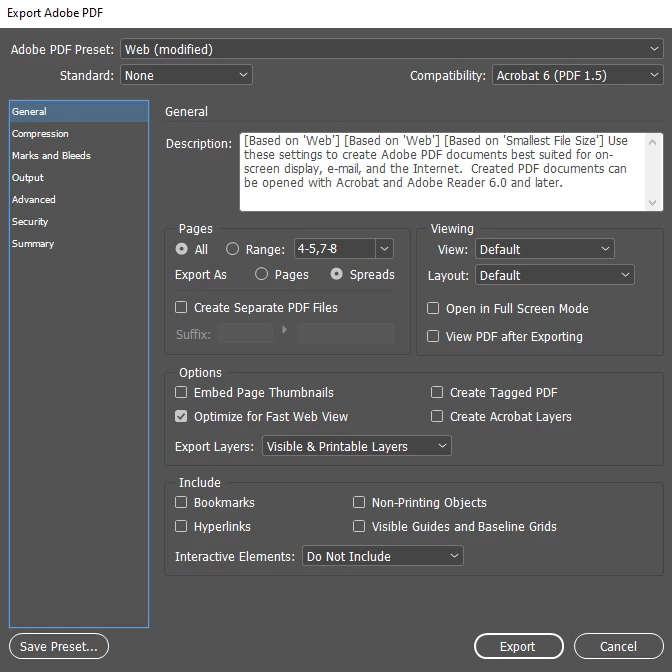
Edit: I place here the export settings, the image size and the effective resolution screenshots, and maybe someone know what's happening.
 

This topic has been closed for replies.
Correct answer rob day

I don’t think so, when you allow downsampling, and crop to the transparency, there has to be some amount of surrounding pixels for the downsample algorithm to work with. On the downsample interpolation how would InDesign know what the pixel color beyond the right edge should be?


5 replies

rob day
Community Expert
Community Expert
January 13, 2020

This can happen when you crop exactly to the non transparent pixels in Photoshop, and downsample on the export from ID. Try Bob’s suggestion, but add the padding in Photoshop:


Community Expert
January 13, 2020

Hi Rob,

do you think this issue is a bug with InDesign's export?


Regards,
Uwe Laubender

( ACP )

rob day
Community Expert
rob dayCommunity ExpertCorrect answer
Community Expert
January 13, 2020

I don’t think so, when you allow downsampling, and crop to the transparency, there has to be some amount of surrounding pixels for the downsample algorithm to work with. On the downsample interpolation how would InDesign know what the pixel color beyond the right edge should be?


Community Expert
January 13, 2020

Hi,

would it help not to downsample the images during PDF Export?

( Unfortunately not to downsample is no option with PDF Interactive export. )


Regards,
Uwe Laubender

( ACP )

Jongware
Community Expert
Community Expert
January 13, 2020

If your inages are of a high enough resolution, then it can very well be a screen-only effect. Even Acrobat Pro does not show a 300-dpi image as it is; it always seems to downsample anyway.

Send such a page to a regular desktop printer and see if it also appears like this on paper. My bet is it won't.

Participating Frequently
January 13, 2020

I'm afraid it's not a screen effect..., thi is what happens if you print the web version.

BobLevine
Community Expert
Community Expert
January 10, 2020

What are you exporting to and what are your export settings?

Participating Frequently
January 10, 2020

Hi! I´m exporting for print and for web. Can´t show you now the export settings, but on monday I will place here a screenshot with the details. This pictures are taken from the web version (150 ppi), in the print version (300 ppi) also happens the same, but the pixel line is smaller because the quantity of pixels in the file is bigger.

BobLevine
Community Expert
Community Expert
January 10, 2020

I have seen this in the past. But I haven't seen it in a long time.


Try to expand the frame a little bit so it's not right up against the right side of the image.

Bill Silbert
Community Expert
Community Expert
January 10, 2020

What is the effective resolution of your imported images? That means what is the resolution of the images at the size they are used in InDesign. For example a 300 ppi image used at 200% would only be 150 ppi and would start to show pixelization in the way that you are seeing. You mentioned that this isn't happening with jpegs and pngs but are they being used at the same size as the tiffs and psds? Also, how is the silhouetting of the images being done? Are you using the transparent background from the psd or tiff or are you using a clipping path? If a clipping path then you will need to adjust the flatness settings for a smoother path.

Participating Frequently
January 10, 2020

Hi! All the pictures are 300 ppi, and 5 times bigger aprox than the size they have inside the Indesign file. I dont know exactly now what is the effective resolution, I will check it on monday, but Im sure 100% they are big enough. The silhouetting is made in Photoshop, I always cut them from the original picture and is transparent. There is no clipping path. I export always 2 PDFs, one for printing and one for web. The one for printing seems to have less of this added pixels, but still they are there. For the Printing version I always choose PDF maximum quality, and for the web version is an Interactive PDF. But what it drives me mad is the error only appears in the right side of the picture, and the rest is perfect.

I will share a screenshot of the export settings and the picture settings.


Thanks a lot!