
Answered
Locate Object in Layers Window
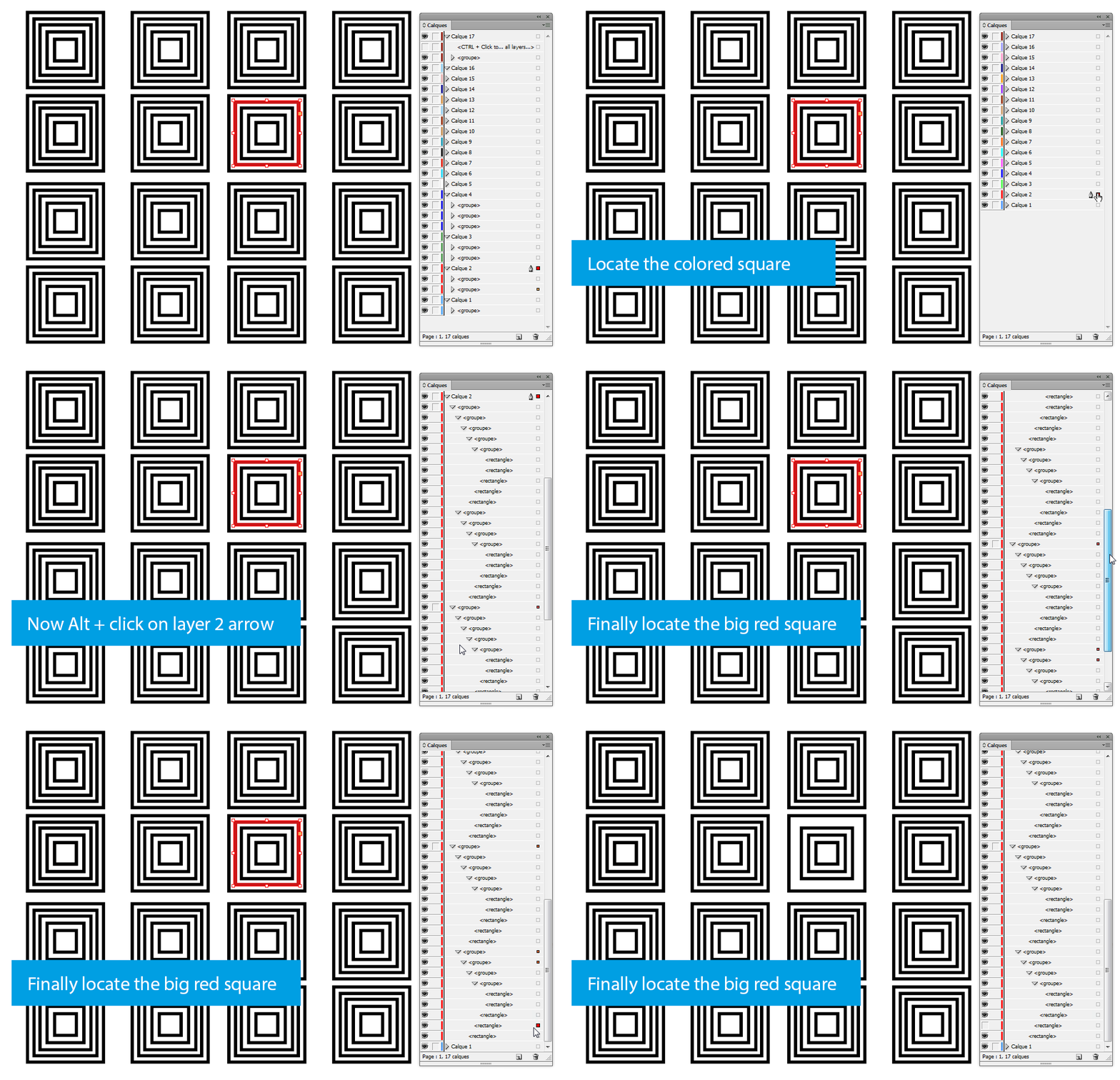
In Illustrator when you have an object selected, you can go to the flyout option menu and select an action named "locate object." This then brings you to where that object is located in layers. It's brilliant and I am looking for it's equivalent in InDesign. Otherwise, in documents with many objects and layers, I have to scroll a lot while looking for a colored square, sometimes opening many sublayers in the process to locate my desired layer/object.
A basic question and I say thank you!
 AdChoices