

LOGOS IN EXPORTED PDF CLEAN ON MAC BUT BLURRY ON PC
- March 25, 2021
- 2 replies
- 1074 views
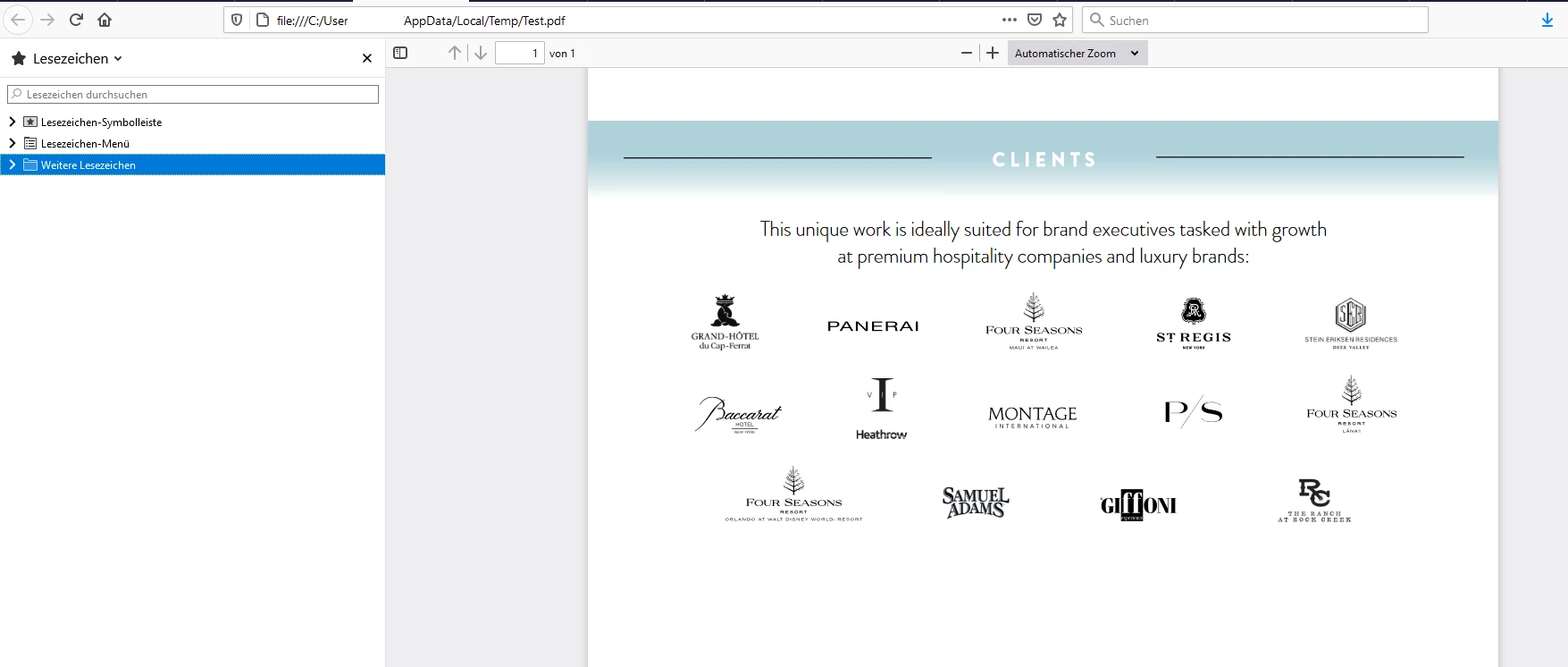
Hi, I have searched and searched but can't find an answer to my challenge. I created a two page PDF in InDesign for online marketing purposes. All logos (except a few, which I'm inprocess of receiving EPS files) are placed in the indesign file in EPS format. I export the PDF for interactive viewing. (This pdf is not for printing.) When opened on a MAC or phone all logos are crisp and clean. When opened on a PC (either viewed in online or via adobe reader), these same logos are not clean.
Is it a viewing/reader issue, or can I export my PDF to support all viewing options with clean logos in my file? I've tried exporting the file as PDF using JPG lossy, 300dpi, high, as well as, JPG loss, 72dpi, medium. The latter makes logos bad on both mac & pc, so I stick with JPG lossy, 300dpi, high. I have also tried opening the PDF in Adobe Acrobat Pro and saving as an Optimized PDF. Doesn't change anything. I've also tried saving the EPS logos has high res PNG files in Ai and placing those. I receive the same or worse results.
Thank you in advance!

 AdChoices