
Participating Frequently
November 7, 2019
Question

Mac (Catalina) InDesign file icons missing after CC 2020 upgrade

  • November 7, 2019
  • 1 reply
  • 1494 views

upgraded to InDesign 2020, reverted back to CC 2019 because of compatibility issues, deleted InDesign 2020.

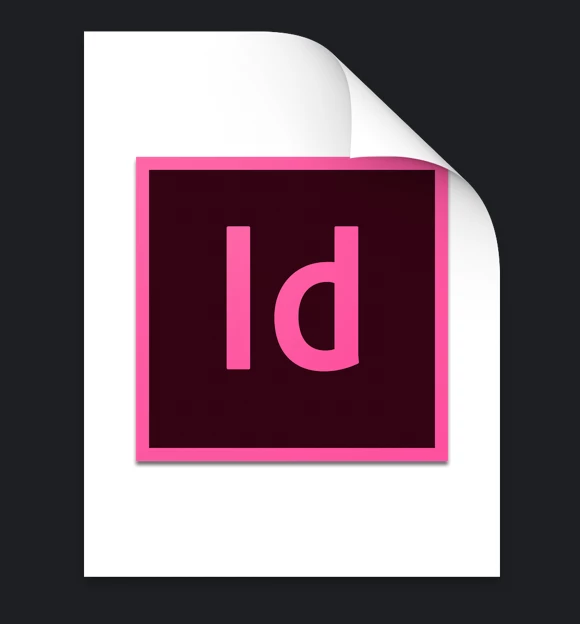
Now every InDesign file has a generic white boxed icon, regardless if on my local volume or on company's server.

Tried almost every shell command i could find online for resetting launch-services, icon-caches, tried changing view properties, open-with, copying another icon over, checked volume and persmissons, rebooted in safe-mode, deleted all InDesign versions and reinstalled them... 

no luck so far.


anyone else experiencing this?
 

This topic has been closed for replies.

1 reply

Ashutosh_Mishra
Inspiring
November 8, 2019

Hi there,


We'll be happy to help.
I have found a similar discussion here on community. I'd recommend you to go through this as well:
https://community.adobe.com/t5/InDesign/InDesign-file-icons-are-generic-white-box/td-p/10065574


Hope it helps!


Thanks,

Ashutosh

Participating Frequently
November 14, 2019

so how is the status on this?

could you please provide me with some more support than pointing me to a win-related thread?

thanks in advance

Participating Frequently
November 15, 2019

I'd recommend you to create a new user profile and see if you have a similar issue there.
You may follow the instructions on https://support.apple.com/guide/mac-help/set-up-other-users-on-your-mac-mtusr001/mac to do that.
Let us know how it goes. Thanks!


the new user i created displayed the icons correctly. thank you.

is there a way to get my current user to also display the files correctly?

cheers,

d.