
Mail hyperlinks not working in InDesign
Please help! My document is 250 pages and filled with all kinds of links. All seem to work except for the email links. I feel like I've tried everything and can't get it to work and have a deadline to meet. As with all of the emal addresses in my document, I highlighed the address, opened the Edit Hyperlink box (pictured below), unchecked Shared Hyperlink Destination and pressed ok. (See picture below)
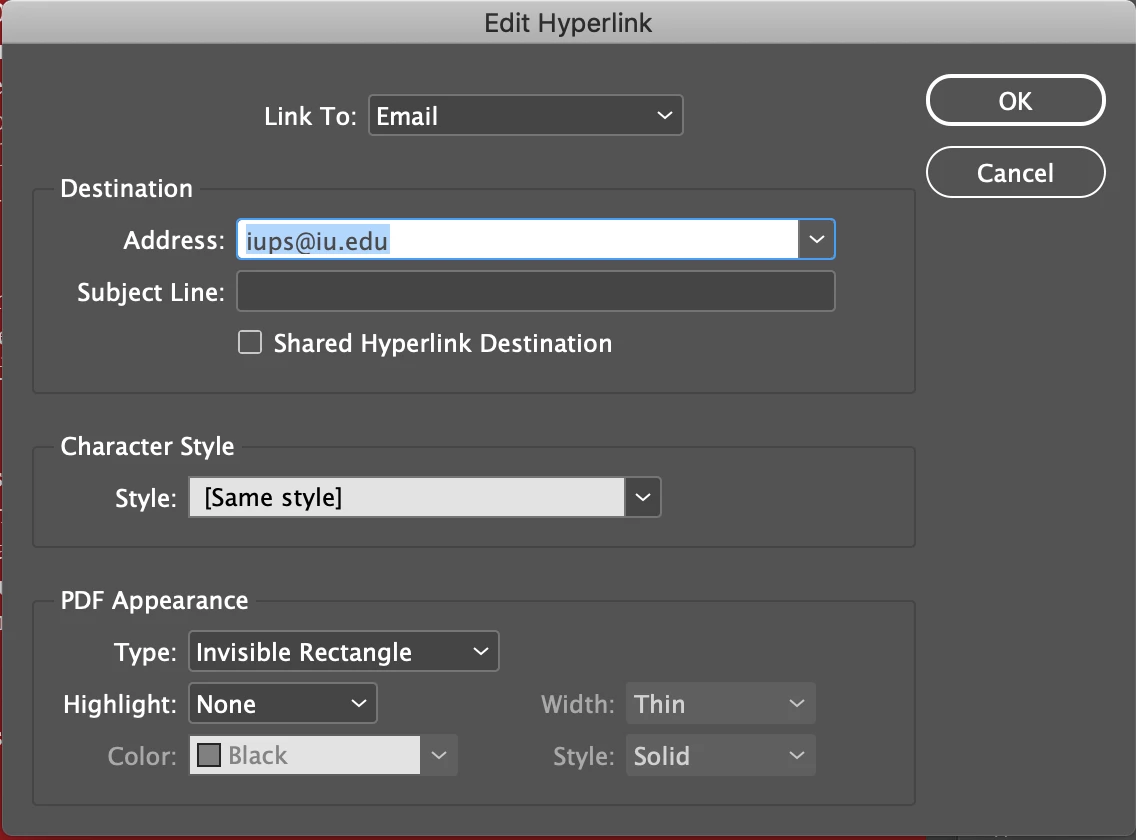
(I have even tried changing the character style to hyperlink but still no luck.)
When saving my document, I have exported it as an interactive PDF and also saved it under the Adobe PDF Pressets as the smallest file size with the hyperlink box checked. None of the emails in all of the versions I have saved work. When I hover over the email address, however, the email address appears different (See below) but continues to look as I had typed it in the Edit Hyperlinks box. I have tried retyping in the address by hand but still get the same result.
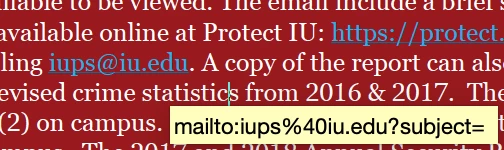
Just to make sure there wasn't a problem with the InDesign version I was using, I also updated the InDesign cc app. Is there any way to fix this? Any advice is greatly appreciated!
Thanks,
cwellum
{Renamed by MOD}
 AdChoices