

Question
Missing fonts
So this is funny. I no sooner update ID and see the message that missing fonts will now be automatically updated so I'll no longer get missing fonts messages than the first file I open gives me...a missing fonts message! Ha!
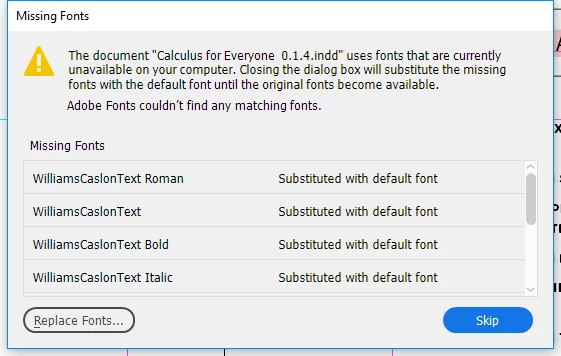
Liar, liar, pants on fire! 😉
But seriously...what's going on that I can't access any Adobe fonts?
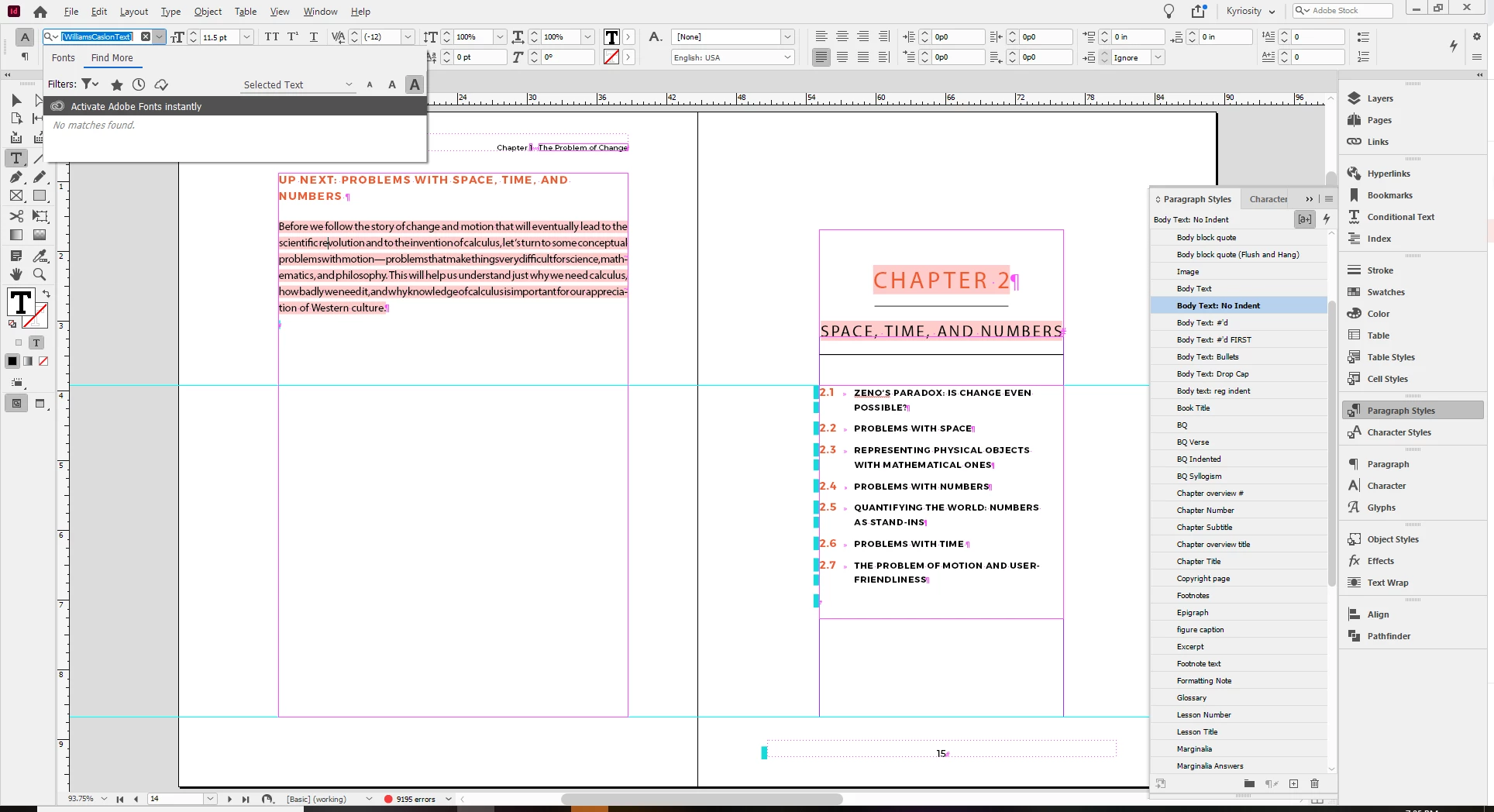
Huh. And when I search for the missing fonts on the Adobe fonts site, I get a "Sorry, no matches" message. Is there some kind of outage? The most recent fonts issue I see is from June 1.
Things I've tried (based on similar past topics):
- log out/log in
- shut down/restart
- make sure syncing is enabled
I'm on Windows 10.
 AdChoices