
Answered
Missing Fonts
Hi,
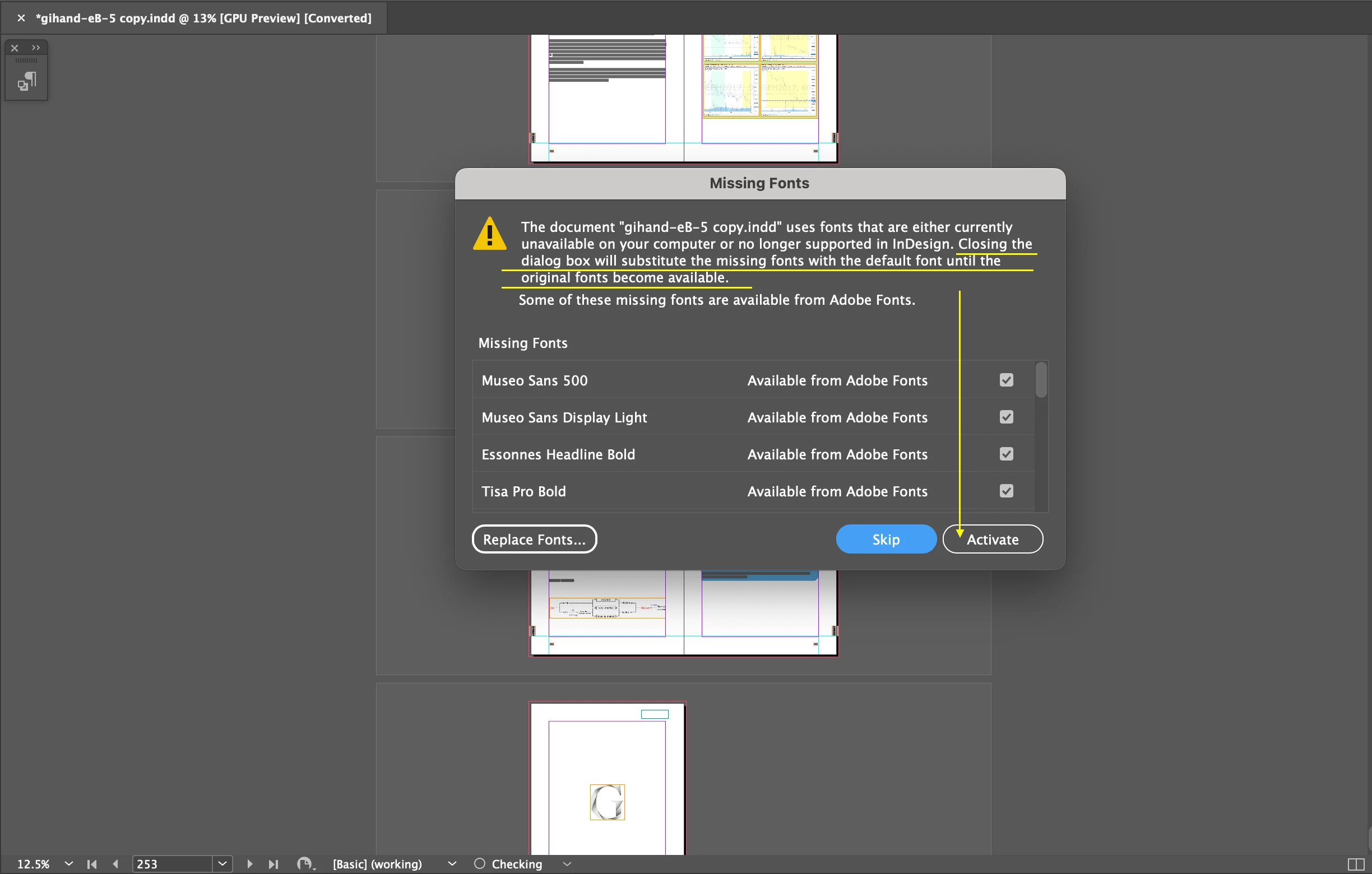
I opened an INDD file.
There is a dialog box.
Q1.
To close the dialog box, can I click Activate?
Q2.
Is there any way to avoid the Missing Fonts issue, while making an INDD document and selecting the font?
Hosun

Hi,
I opened an INDD file.
There is a dialog box.
Q1.
To close the dialog box, can I click Activate?
Q2.
Is there any way to avoid the Missing Fonts issue, while making an INDD document and selecting the font?
Hosun
Yes, click the Activate button. It will retrieve and use the fonts in the list.
Preferences > File Handling > turn off Auto-activate Adobe Fonts if you don't want this help.
Already have an account? Login
Enter your E-mail address. We'll send you an e-mail with instructions to reset your password.
 AdChoices