
PI_COLGA
Participant
June 14, 2018
Answered

Missing "Object States" panel in InDesign CC V13.0

  • June 14, 2018
  • 2 replies
  • 984 views

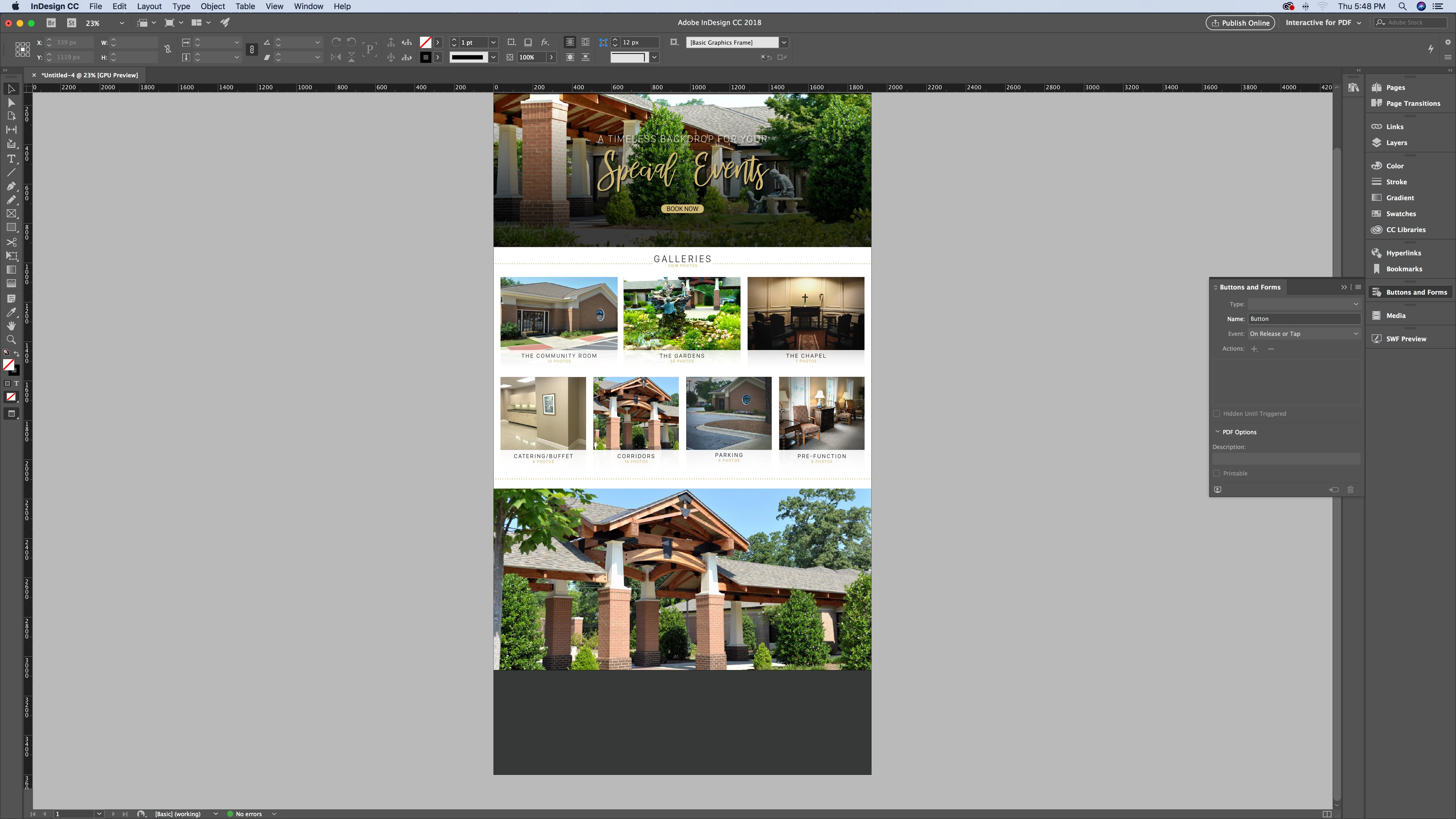
I have been trying to create a gallery of images in an interactive PDF. I used to be able to do this with an interactive through the object states panel that was on the right-hand workspace area. This feature is not displaying.

Any idea how to make a looping slideshow without the object states panel? Or, where can I go to find the missing panel? (I have already reset the workspace)
This topic has been closed for replies.
Correct answer Steve Werner

You can get to the panel by choosing Window > Interactive > Object States. But it was never designed to work with interactive PDF. It work with Fixed Layout EPUB files and when publishing using Publish Online. (It could be used in SWF or DPS but those are now out-of-date.)

2 replies

Steve Werner
Community Expert
Steve WernerCommunity ExpertCorrect answer
Community Expert
June 14, 2018

You can get to the panel by choosing Window > Interactive > Object States. But it was never designed to work with interactive PDF. It work with Fixed Layout EPUB files and when publishing using Publish Online. (It could be used in SWF or DPS but those are now out-of-date.)

BobLevine
Community Expert
Community Expert
June 14, 2018

The object states panel is under Window > Interactive and will do you absolutely no good with PDF. MSOs are not supported.