
Participant
March 14, 2018
Answered

Multiple Page Layout (Island Spread)

  • March 14, 2018
  • 1 reply
  • 692 views

Hello Everyone, Hope someone can answer my question.
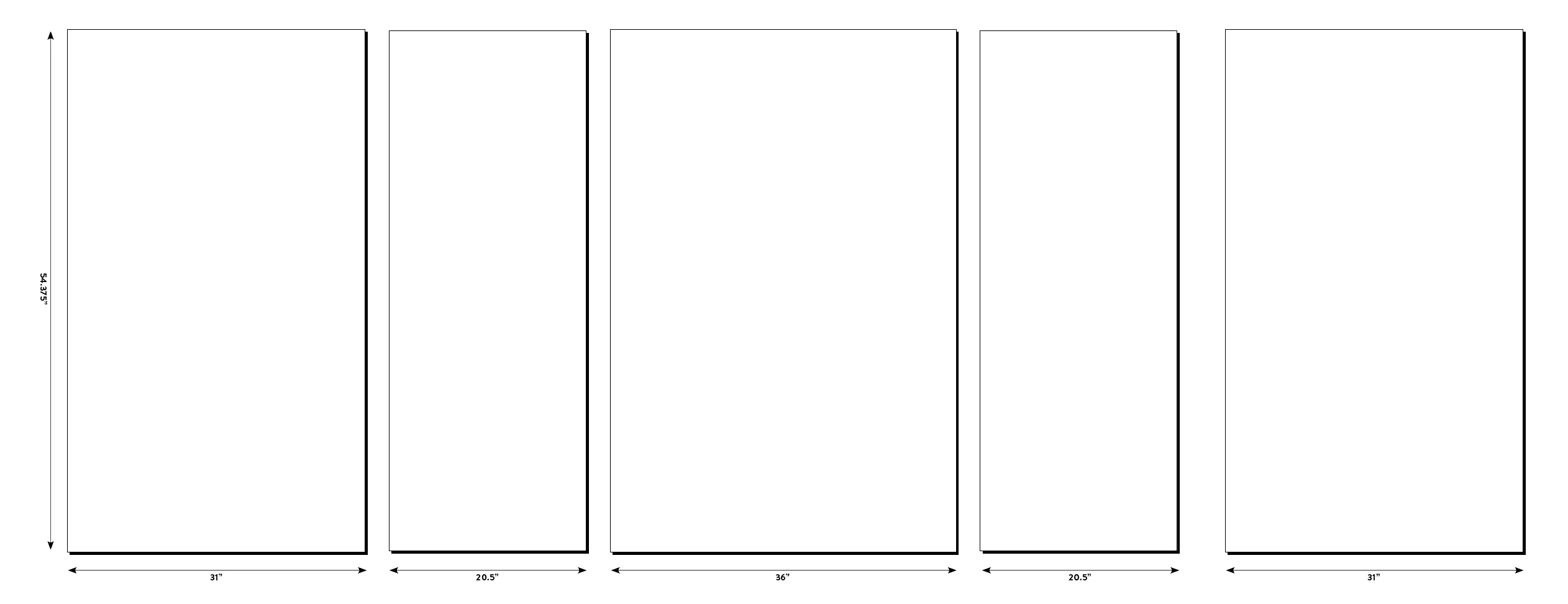
I have a problem with multiple page layout setup. I know how it works, but what I don't know is how to add space between each panel (page).

I have done it once. Accidentally! don't know how. The image attached shows what I did. I couldn't figure it out how I did it, or how to reduce spacing between the last two panels (pages). If anyone can help, I'd greatly appreciate it.
This topic has been closed for replies.
Correct answer JonathanArias

Select the page, using the page tool make sure "objects move with page" is check ( see my screenshot) and drag the page away form the other.

1 reply

Participant
March 14, 2018

...and this is how my page layout looks.

JonathanArias
JonathanAriasCorrect answer
Legend
March 14, 2018

Select the page, using the page tool make sure "objects move with page" is check ( see my screenshot) and drag the page away form the other.

Community Expert
March 14, 2018

Hi Jonathan,

just a note on this:


Your suggestion will only work with a non-facing pages document.

With a facing pages document pages cannot be moved in x-direction with the Page Tool.

Regards,
Uwe

EDITED