Answered
Name appears twice at top of open file
The file name is double at the top of open InDesign files. How do I turnb this off? Thanks.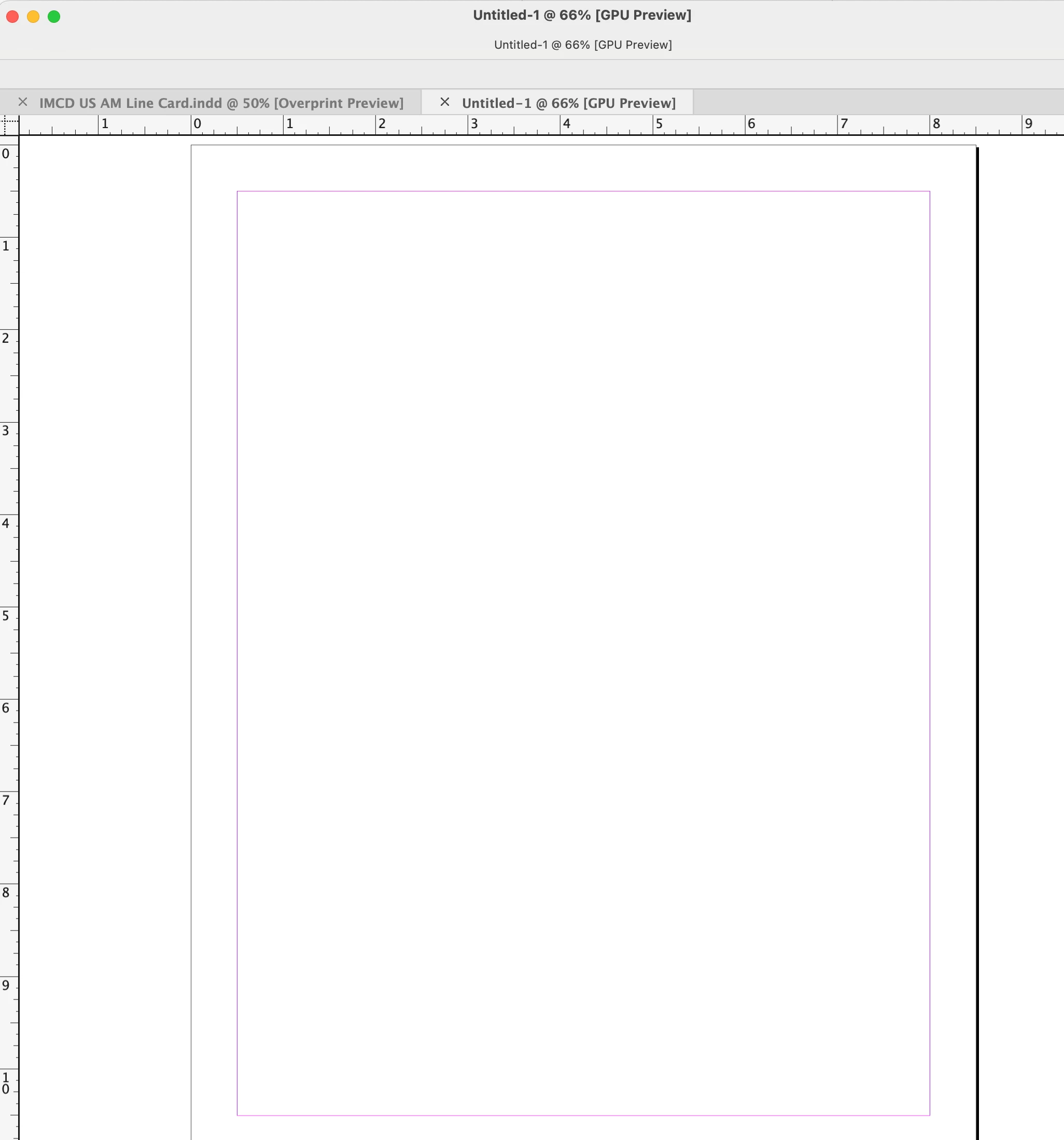

The file name is double at the top of open InDesign files. How do I turnb this off? Thanks.
I have the same issue. I'm running Sonoma 14.4.1 and INDD 19.4. It's not only that the title shows twice, but the application bar at the bottom of each document window that shows preflight status, zoom percentage, page navigation tools, and Split View mode is not showing. If I switch on the Application Frame with the window docked in the frame everything works as it should. I dislike using the Application Frame. Are there any other suggestions on how to fix this?
Just adding an update here. I met with Adobe support the other day for the 2nd time to attempt to resolve the issue. With support's direction during a screen share session, we ran the InDesign application Cleaner Tool and deleted a bunch of files related to InDesign.
The issue is fixed! All is good with the world now. Peace is restored.
I appreciate Adobe's support in helping me with this. Great job! Thank you!!!
Already have an account? Login
Enter your E-mail address. We'll send you an e-mail with instructions to reset your password.
 AdChoices