
Participant
October 21, 2022
Question

Nanum Gothic TypeKit font baseline shift bug on a single letter

  • October 21, 2022
  • 1 reply
  • 1314 views

This problem happens with all weights, both upper and lower case, only on "i" character.

The font family in question is Nanum Gothic.

If I load a physical copy of the TrueType 3.020 font using Universal Type Client, there is no baseline shift:
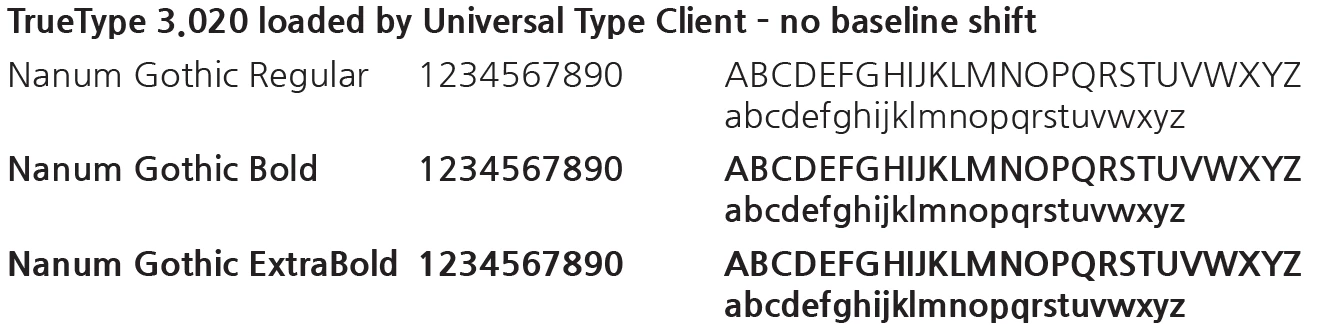
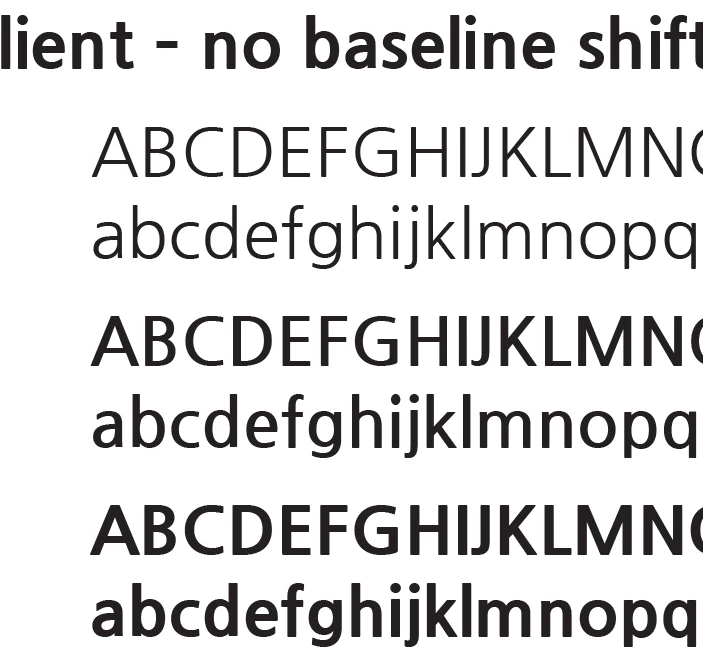
If I use the TypeKit version, the "i" character shifts down, in all three weights, both upper and lower case.
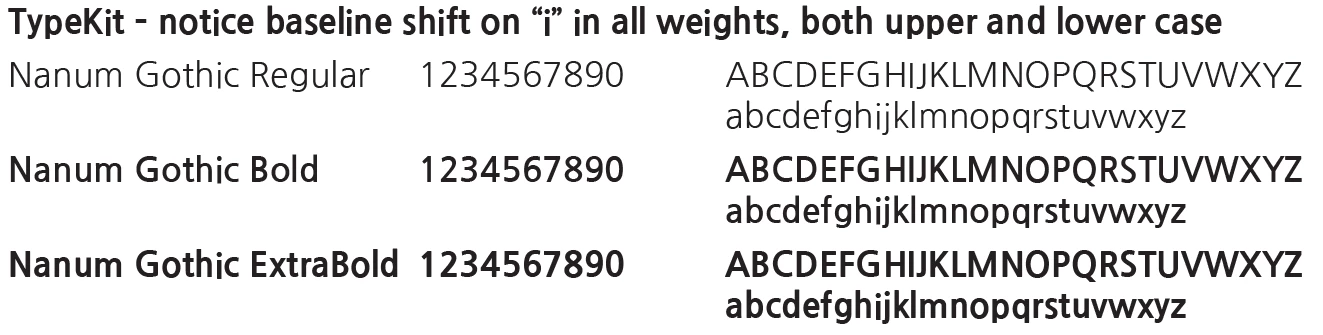
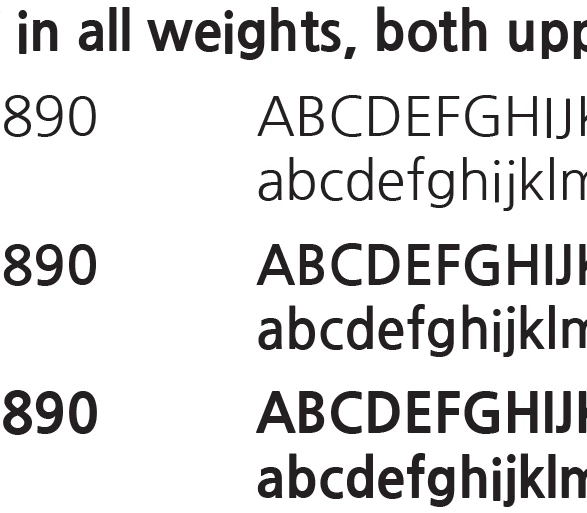
"I is the only affected letter.

The font works normally in Illustrator.

This topic has been closed for replies.

1 reply

Steve Werner
Community Expert
Community Expert
October 21, 2022

I just loaded Nanum Gothic from Adobe Fonts (formerly called Typekit) and I'm getting the same result (shown below):


I also see another discrepancy, also shown in your example. In the Regular weight capital letters IJ are also baseline shifted.


Steve Werner
Community Expert
Community Expert
October 21, 2022

To be clearer, I tested this in the newly released InDesign CC 2023 (version 18).

Steve Werner
Community Expert
Community Expert
October 21, 2022

However, in Illustrator CC 2023, I see the same imperfections as I see in InDesign:


That suggests that it's an imperfection in the font design. It seems that this is a Japanese font. In Illustrator, I had to go to Type Preferences to see it in the menu. Illustrator by default doesn't display non-English fonts alphabetized in English order but has a preference to turn on English spelling.