
Copy link to clipboard
Copied
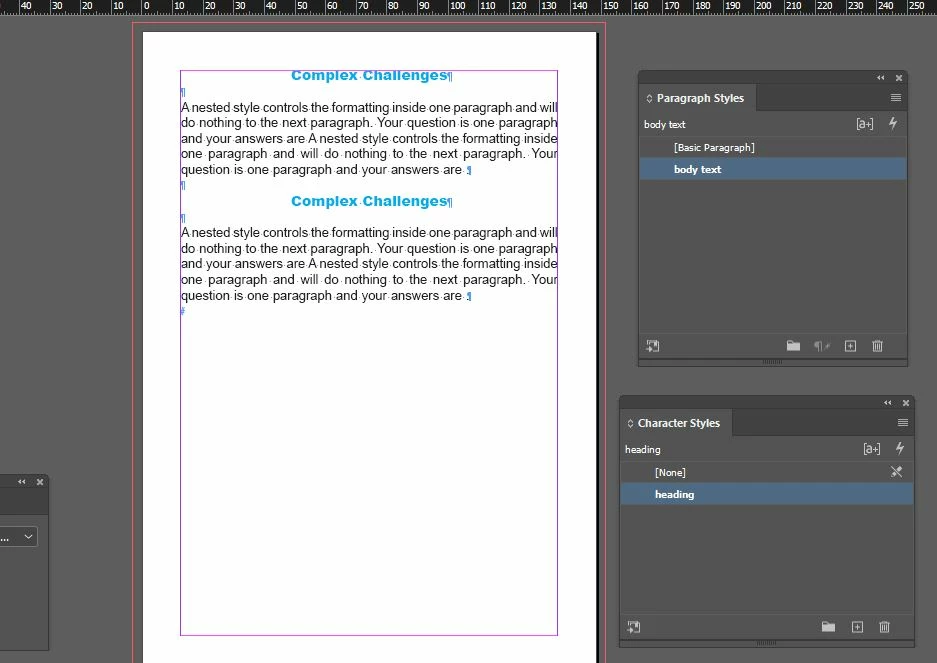
hi everyone, i start creating 200 pages book , and want to use nested style for heading and then hard return and the body text will be same like in the example below , i created character style for heading and paragraph style for body text , and then i am unable to understand the nested style expression how to do this... please look at this issue. thanks in advance , i want like this result in the image i uploaded.
Copy link to clipboard
Copied
That is not a case for nested styles. You have a paragraph style for the headline, another style for the text. Make a next style in the headline. This will switch with a normal return to the text style.
in your image is a grave problem. You used an empty paragraph to create space between the headline and text. That must never be done. Define a space after in the headline style or a space before in the text style.
Copy link to clipboard
Copied
Why did you specify a character style? In this situation not useful.
Copy link to clipboard
Copied
to use nested style for heading and then hard return and the body text will be same like in the example below
Hi @rehana36276218 , Also, the hard return is creating two paragraphs, so as Willy suggests Nested Styles only work inside of a single paragraph—you need to create two paragraph styles, one for the header and one for the text. You might look at the new Style Pack feature:
https://helpx.adobe.com/indesign/using/work-with-style-packs.html
You could use a soft return, which would not create a new paragraph, but you would be limited in the formatting of the head, e.g. no alignment, space below etc., so I’m guessing it would not work for you.
Get ready! An upgraded Adobe Community experience is coming in January.
Learn more