Known Participant
November 4, 2019
Answered

New spread in document causes all text frames after the new page to move toward

  • November 4, 2019
  • 1 reply
  • 3633 views

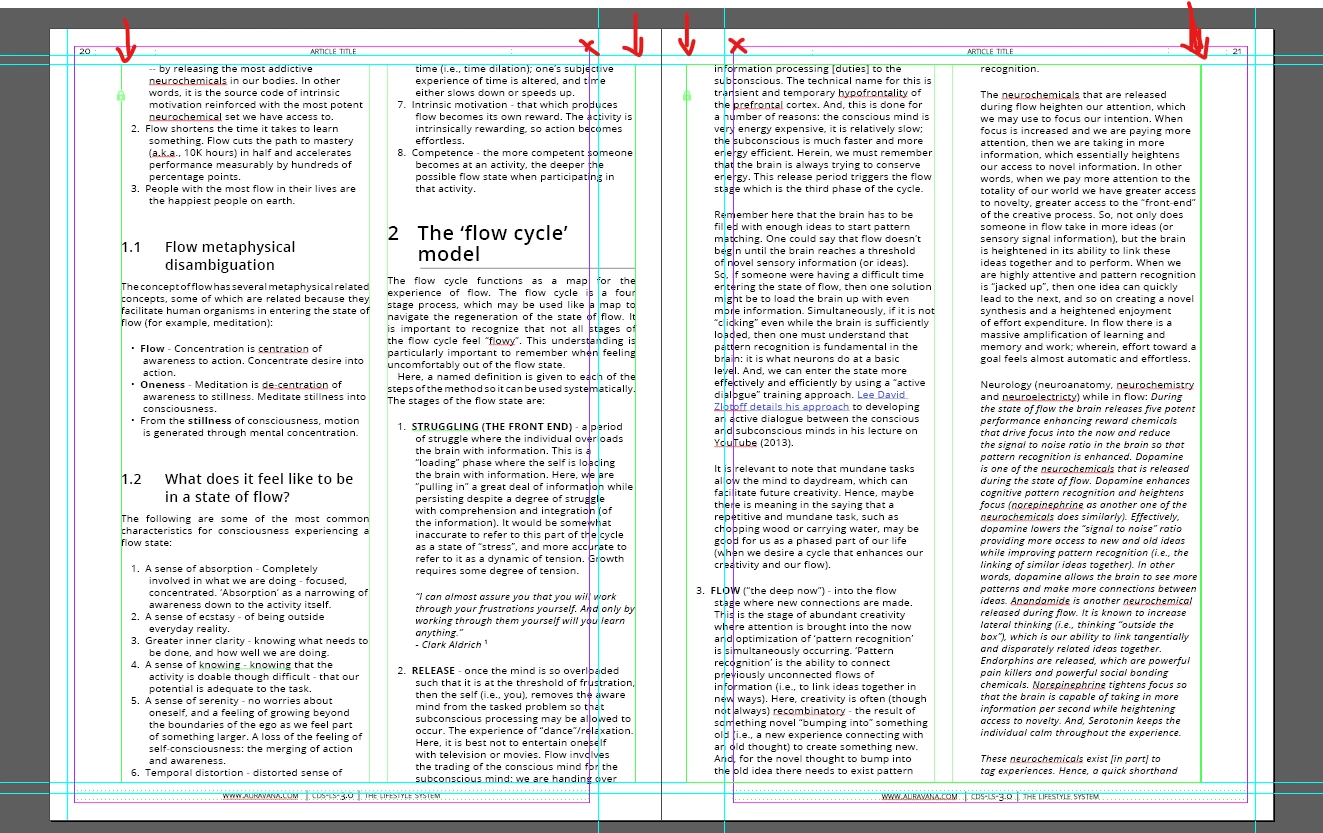
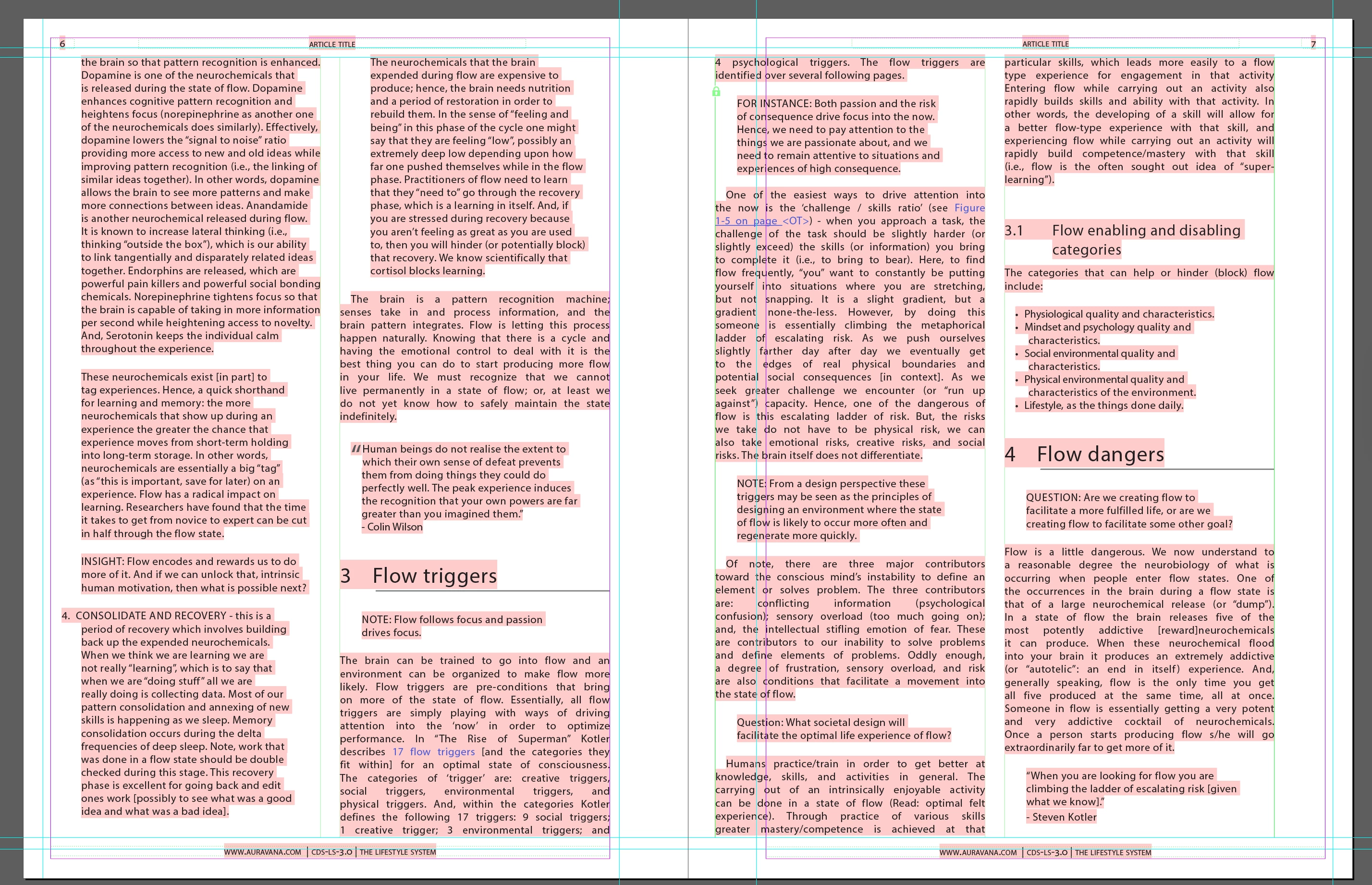
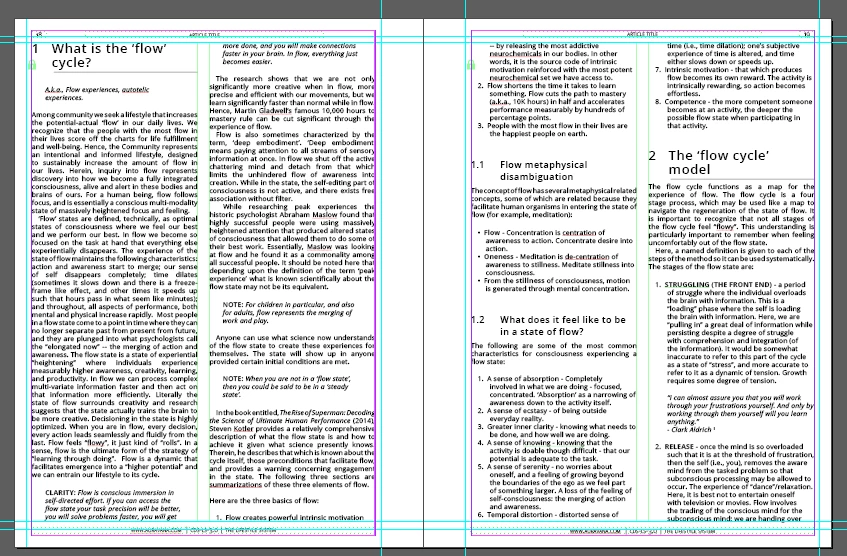
I have a very strange issue with my indesign file. If I create a new page, all text frames in all subsequent pages (not prior pages though) move left or right (depending on left or right spread) toward the spine 1". If I create a second page so that all spreads were in their original order, then the text frames go back to their locked position. Please help. Has anyone experienced this before? I have attached two images showing the problem. The first screenshot shows everything as it should be. In the second screenshot I have added a spread above these pages and all the text frames have moved inward. 
 

This topic has been closed for replies.
Correct answer SJRiegel

The problem is being caused by locking your primary text frames. 
Unlock them, and also go to all pages that already have text, and unlock the text frames on those pages as well. 

Here is a spread where the one frame was unlocked, and the next left lock. When I added a page before, the page now on the left adjusted correctly, the one now on the right did not, becuase the frame was locked, and so did not move.

1 reply

Legend
November 4, 2019

It's not that the text is moving, it's that it's not moving. When you add one page, all the pages that were on the left are now on the right, and vice versa. If you set up your pages with margin guides instead of ruler guides, and check the Adjust Layout box, your text should move with the Master Page Margin guides.  

ravisavisAuthor
Known Participant
November 4, 2019

Thank you for your help, but I am still experiencing the issue. I have attached the indesign file to this document >> Indesign File 

I was using the margins previously, but I did not have Adjust Layout checked. I now have it checked, but I am still having the issue. I even created a new document, moved the master pages into the new document. Copied some of the text from the old, and the issue is still occurring.


SJRiegelCorrect answer
Legend
November 5, 2019

The problem is being caused by locking your primary text frames. 
Unlock them, and also go to all pages that already have text, and unlock the text frames on those pages as well. 

Here is a spread where the one frame was unlocked, and the next left lock. When I added a page before, the page now on the left adjusted correctly, the one now on the right did not, becuase the frame was locked, and so did not move.