Exit
  • Global community
    • Language:
      • Deutsch
      • English
      • Español
      • Français
      • Português
  • 日本語コミュニティ
  • 한국 커뮤니티
0

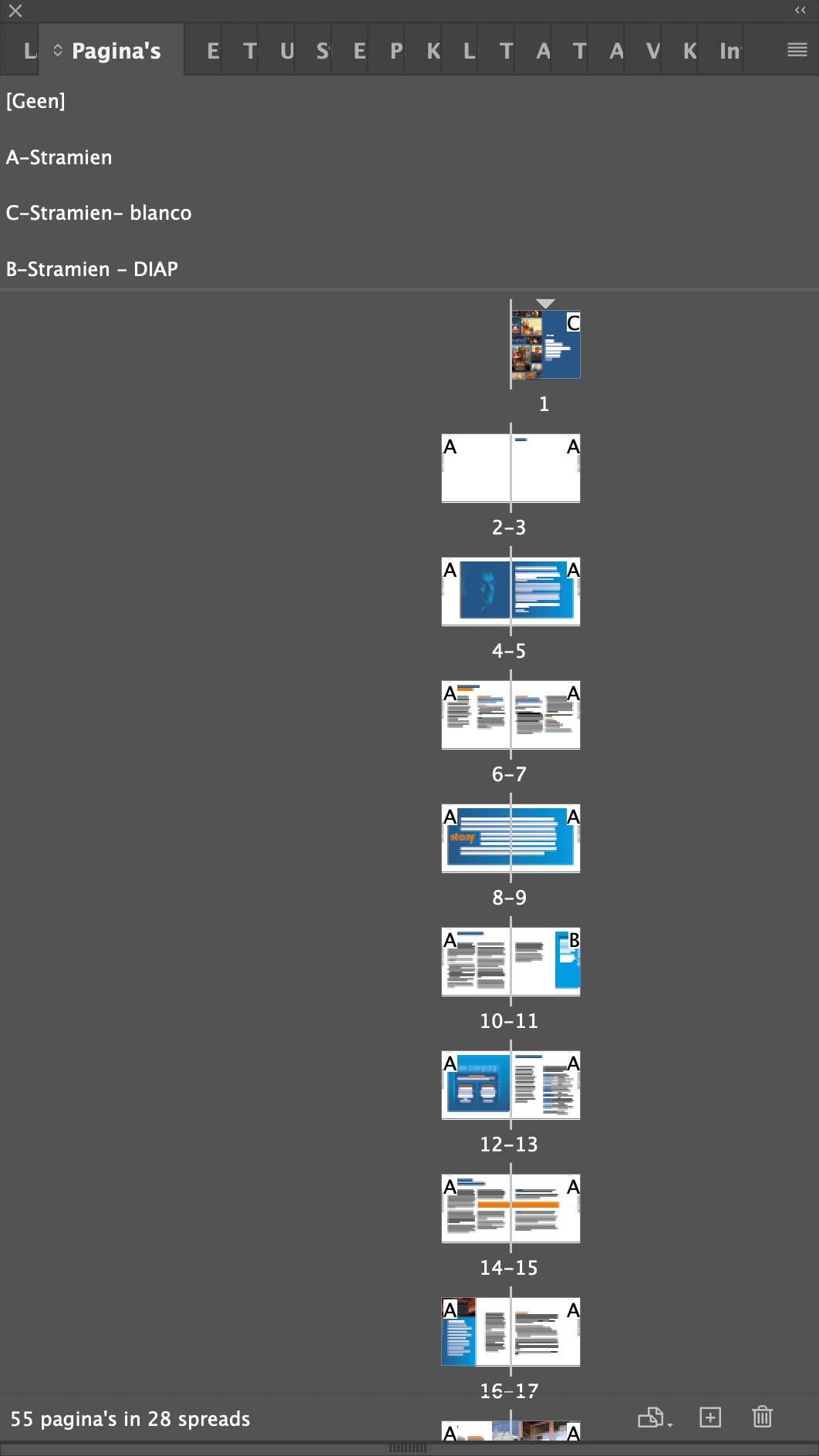
no scrolling in tab 'pages' InDesign version 18.0

New Here ,
Dec 07, 2022 Dec 07, 2022

I can't scroll anymore in the tab 'pages' in te latest InDesign. In 'Show pages' I tried 'vertical' , 'horizontal' as wll 'according alternative layout'. Also when I try to scroll with 'alt'. It stops at a certain pagelevel. Very irritating. Am I the only one or have I overlooked a setting? Is it a bug? Who can help me? 

TOPICS
Bug , How to , Performance
343
Translate
Report
Community guidelines
Be kind and respectful, give credit to the original source of content, and search for duplicates before posting. Learn more
community guidelines

correct answers 1 Correct answer

Community Expert , Dec 07, 2022 Dec 07, 2022
Translate
Community Expert ,
Dec 07, 2022 Dec 07, 2022
Translate
Report
Community guidelines
Be kind and respectful, give credit to the original source of content, and search for duplicates before posting. Learn more
community guidelines
New Here ,
Dec 07, 2022 Dec 07, 2022

Peter, thank you very much for the quick help

Translate
Report
Community guidelines
Be kind and respectful, give credit to the original source of content, and search for duplicates before posting. Learn more
community guidelines
Community Expert ,
Dec 07, 2022 Dec 07, 2022
LATEST

You're welcome

Translate
Report
Community guidelines
Be kind and respectful, give credit to the original source of content, and search for duplicates before posting. Learn more
community guidelines