Neither wrong nor right - just different working areas and different size frames.
Probably the quickest technique to achieve what you want:
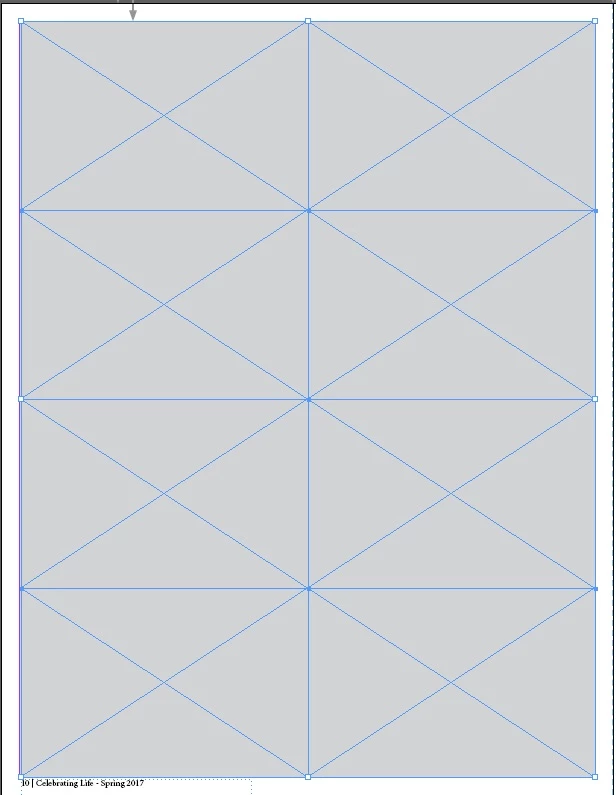
1. Layout > Margins and Columns > Gutter: set the size you want the gap between your photos to be.
2. Select Rectangle Frame Tool, start drawing a rectangle from the upper left corner, where you want block of images to begin.
3. While drawing (don't release the mouse!) hit Right Arrow key once and Up Arrow key 3 times.
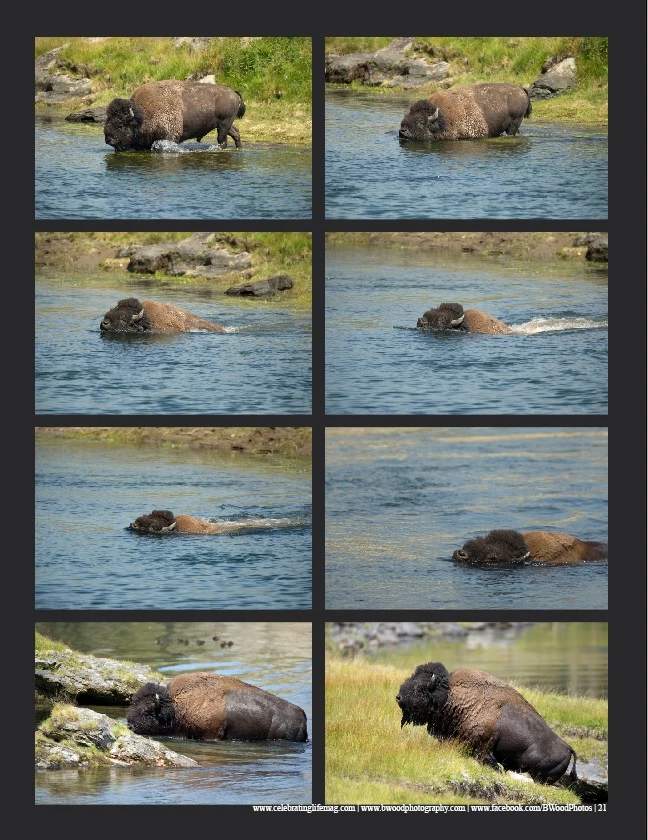
4. You'll get 2x4 'live' graphic frames under your mouse.
5. Still holding the mouse left button pressed, finish drawing frames to the bottom right corner of your working area (or where you want it to end).
6. Release the mouse.
That's all! A lot faster to do then describe.
Hint: if you don't want to touch default gutters setting or changed your mind while drawing, you can adjust the width of the gaps between frames with Alt+Arrow keys (while you still hold the mouse button pressed!).
Just experiment couple of times and you get use it soon.


 AdChoices