
Answered
No suggestion lines (InDesign CC 2017)
Hello everyone!
I recently bumped into a issue that I can't figure out. Normally when you have a object in place and you drag another somewhere near it, the program will automatically give you suggestion lines so you can align the objects better. But InDesign is not showing me those lines..
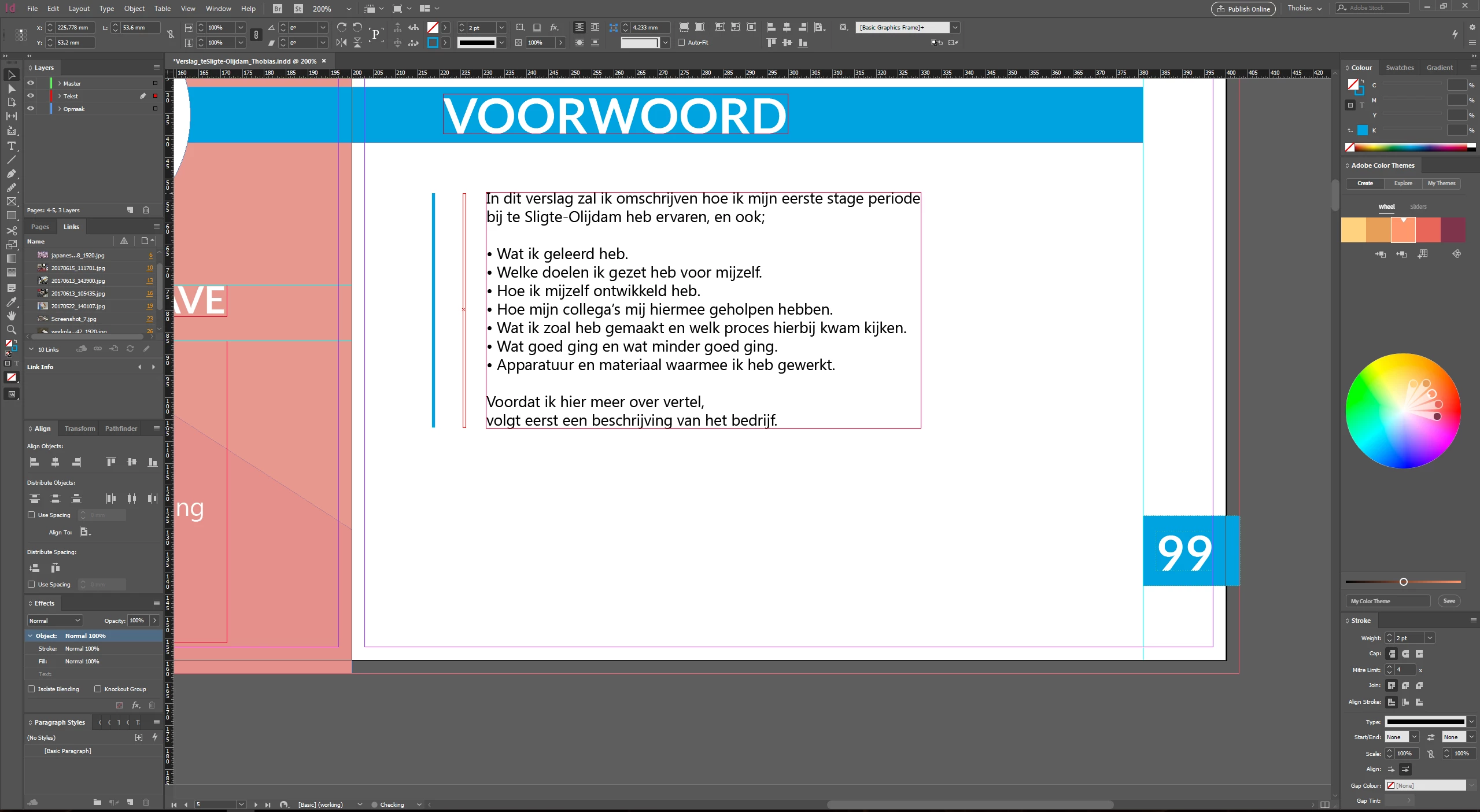 My view in InDesign. As you can see there are no suggestion lines shown..
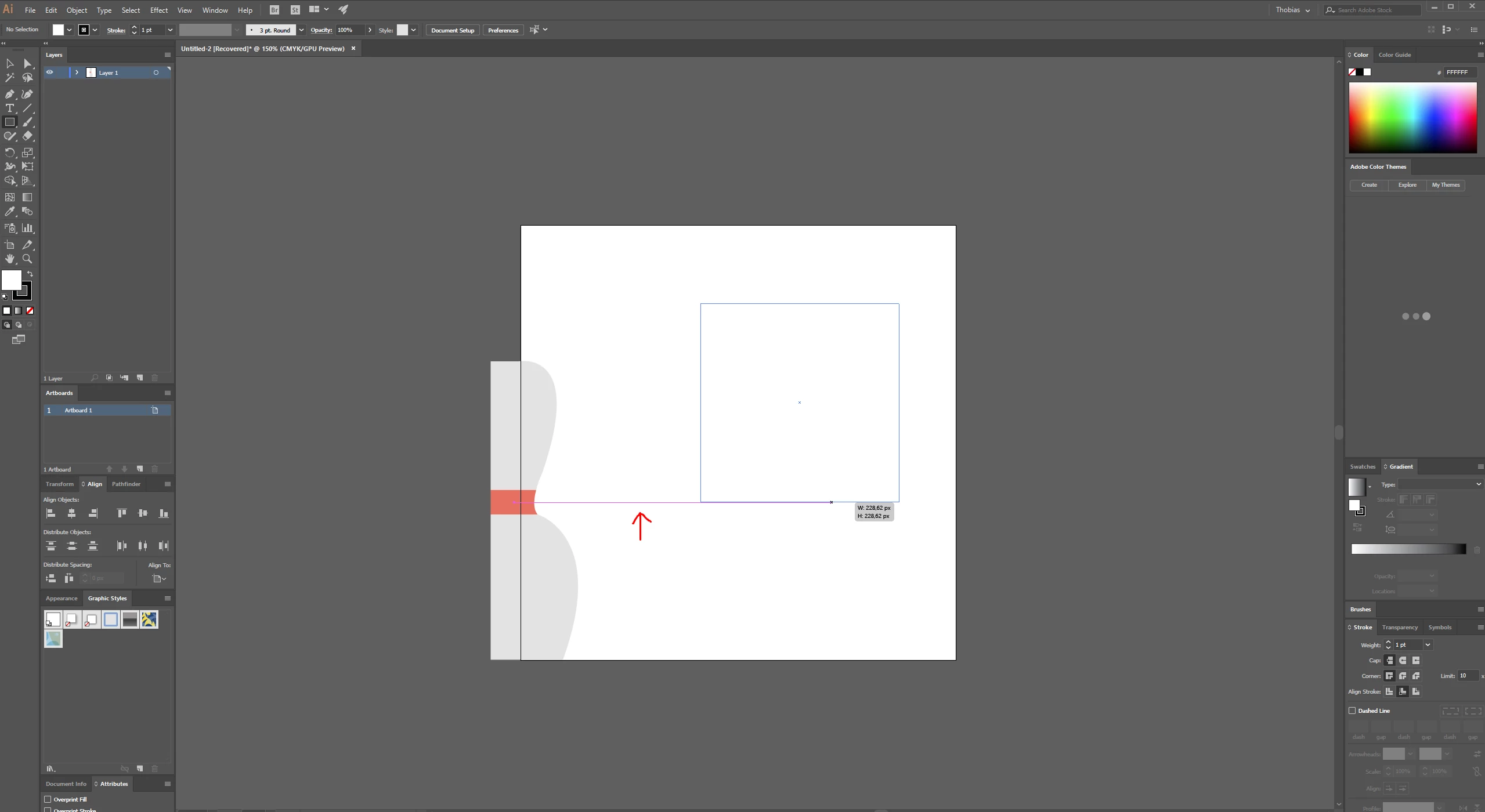 My view in Illustrator, here it gives me the desired line as you can see (marked with the red arrow).
 AdChoices