

Notes outside the text.
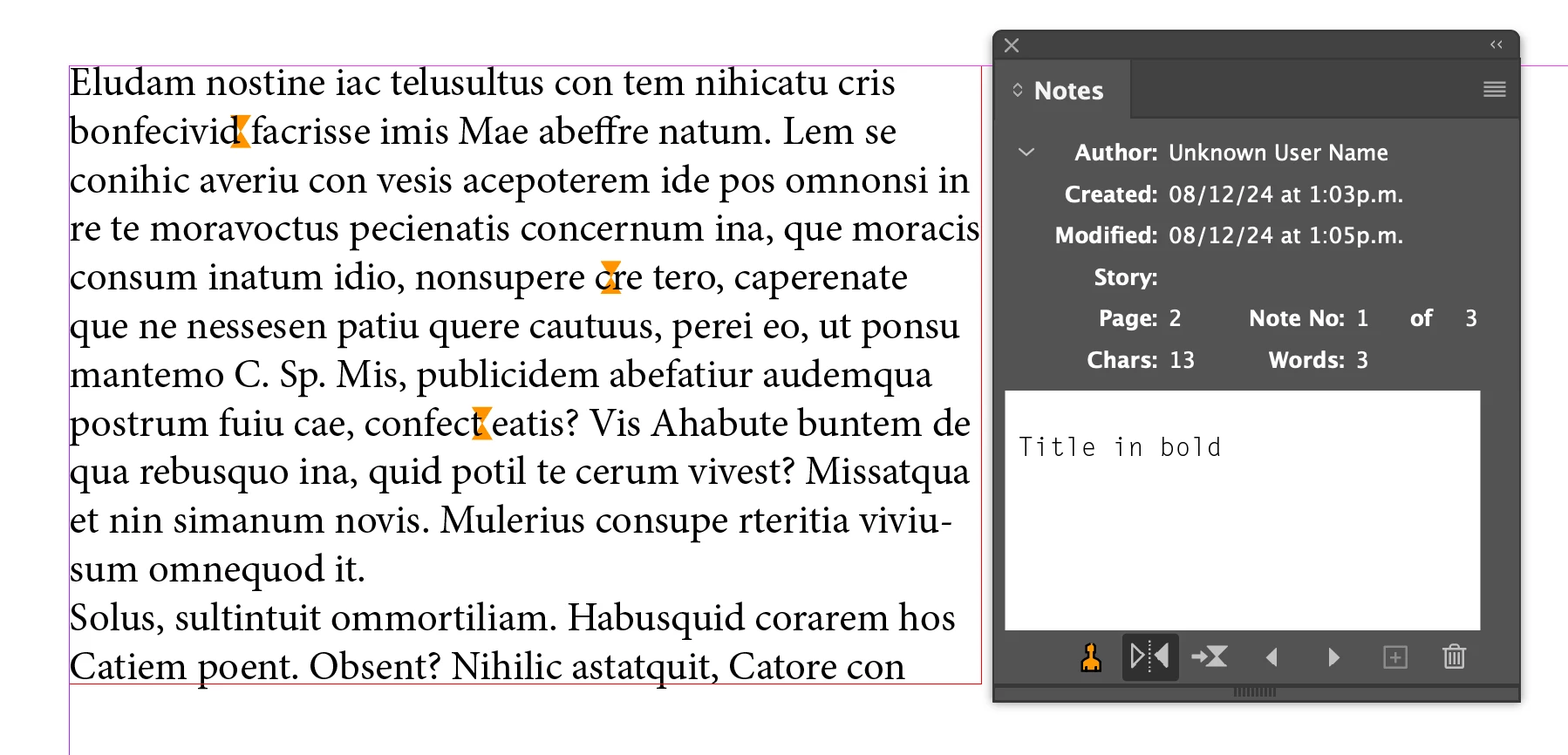
I know that the Notes tool is designed to make annotations within the text, but... if it is outside the text?
Frequently, throughout the development of a project, I need to make annotations regarding photographs, vector graphics, text boxes, etc... annotations that must indicate what they refer to and what the annotation is about.
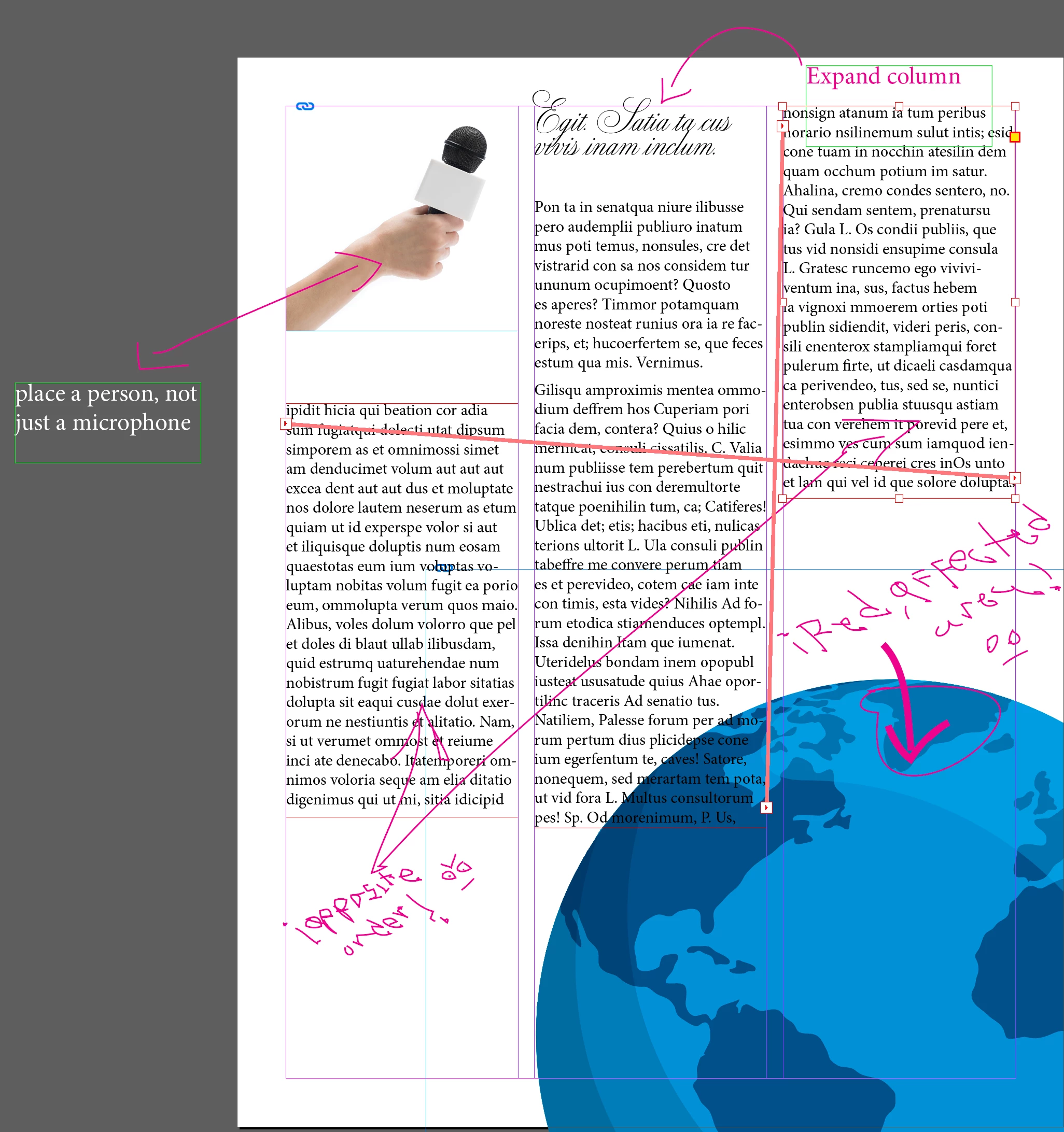
Not knowing any suitable tool for this, I end up using the Pencil tool to generate indicative lines and arrows, as well as annotating by hand the annotation itself (which is a triumph to read again) but which is quick to write; I also make text boxes that I place on the Pasteboard, or inside the document... generating a whole mess, lack of cleanliness and confusion... (attached illustrative example).
Is there any correct way to make these annotations other than notes within the text, or what alternatives could I implement to have the most order and cleanliness possible when generating these annotations? (Imagine the client having to see this mess along a brochure...)
Thank you!
 AdChoices