

Object anchoring to line of text
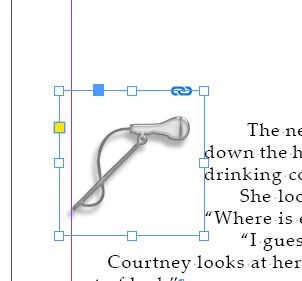
Setting up a novel, (only my second one formatted in ID), and am baffled about solving this particular problem....I'm trying to keep a certain image/graphic next to the text where i place it. This is the same in all chapter-start pages, as far as positioning. I have placed the object there and then copied it and pasted in place on other chapters. I still cannot get the graphic to stay with that text whenever the text changes--like when the flow changes by adding more text to the document, or when i add more space above the chapter title using the RULE ABOVE on PARAGRAPH STYLE (to work with the layout/widows/orphans). I've read through forums and help pages about anchoring, but nothing seems to work. The graphics keep landing elsewhere when the text changes. On the Adobe help pages for anchoring, i found:
"To keep the object aligned with a specific line of text so that the object stays with that text when it reflows, choose a Line option from the Y Relative To menu."
I tried that too, (in the CUSTOM settings) and it didn't work either. Anyone know how to solve this problem? Thanks in advance for any help.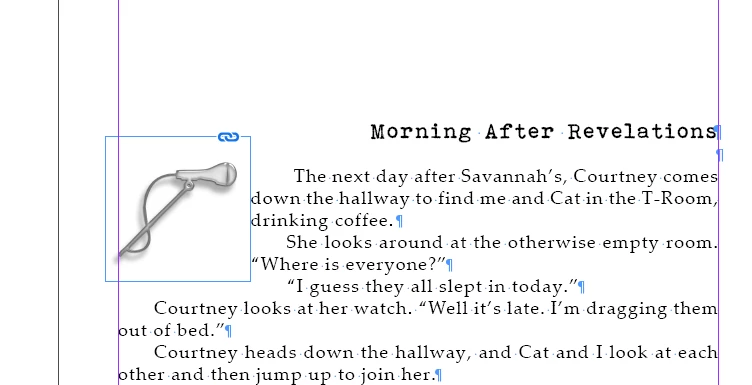
 AdChoices