
Answered
Object Layer Options - Showing duplicate Illustrator layers
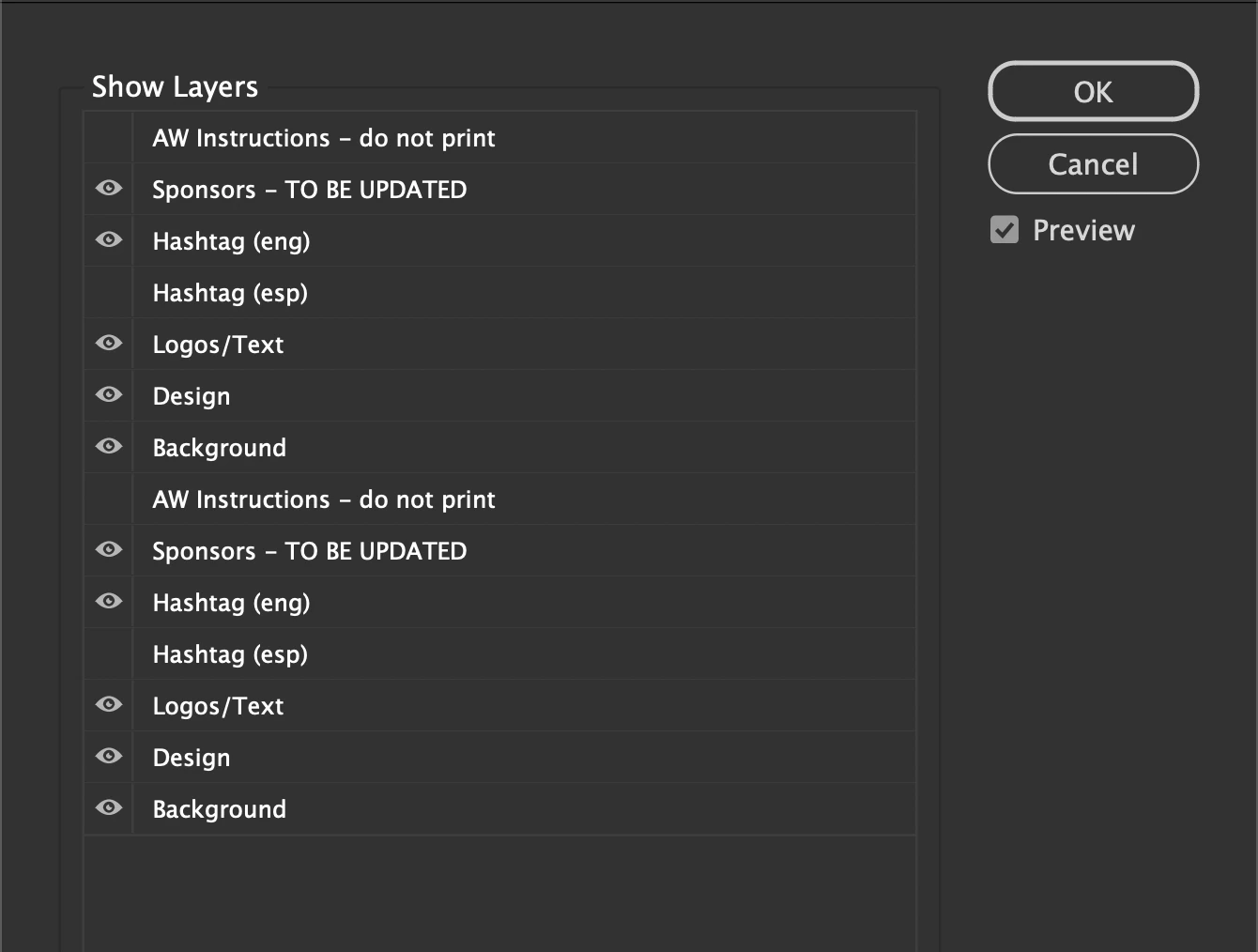
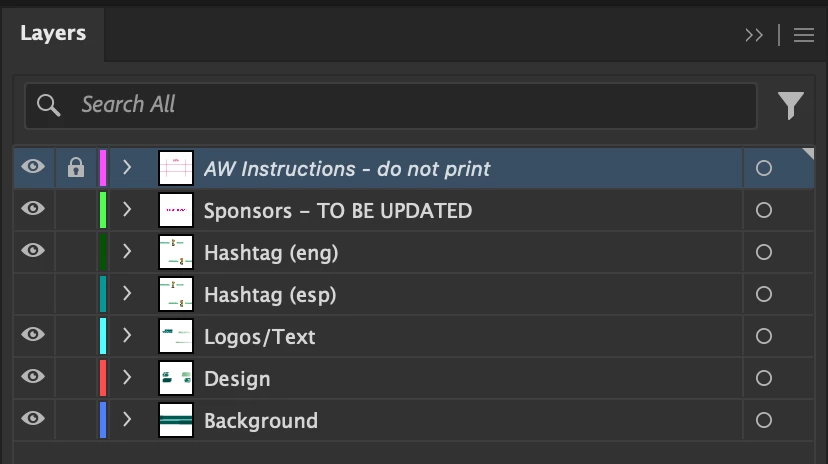
Not sure if anyone has experienced this issue before when looking at the object layers for a linked illustrator file? where you end up getting duplicate layers being displayed (See linked images). This issue seems quite random, the only work around I've found so far is if you turn on every version of the layer you want, this is fine until you suddenly have about 7/8 duplicates to deal with! any help would be appreciated!
 AdChoices