
Participant
November 6, 2016
Answered

Overset Text Mystery (bug?)

  • November 6, 2016
  • 1 reply
  • 4438 views

Hi,

I have experienced this problem a few times and would love to find a solution.

I have a caption in a 11pt high text frame under a picture. The text is 6pt with 11pt leading with textbook first baseline set to fixed 11 pt.

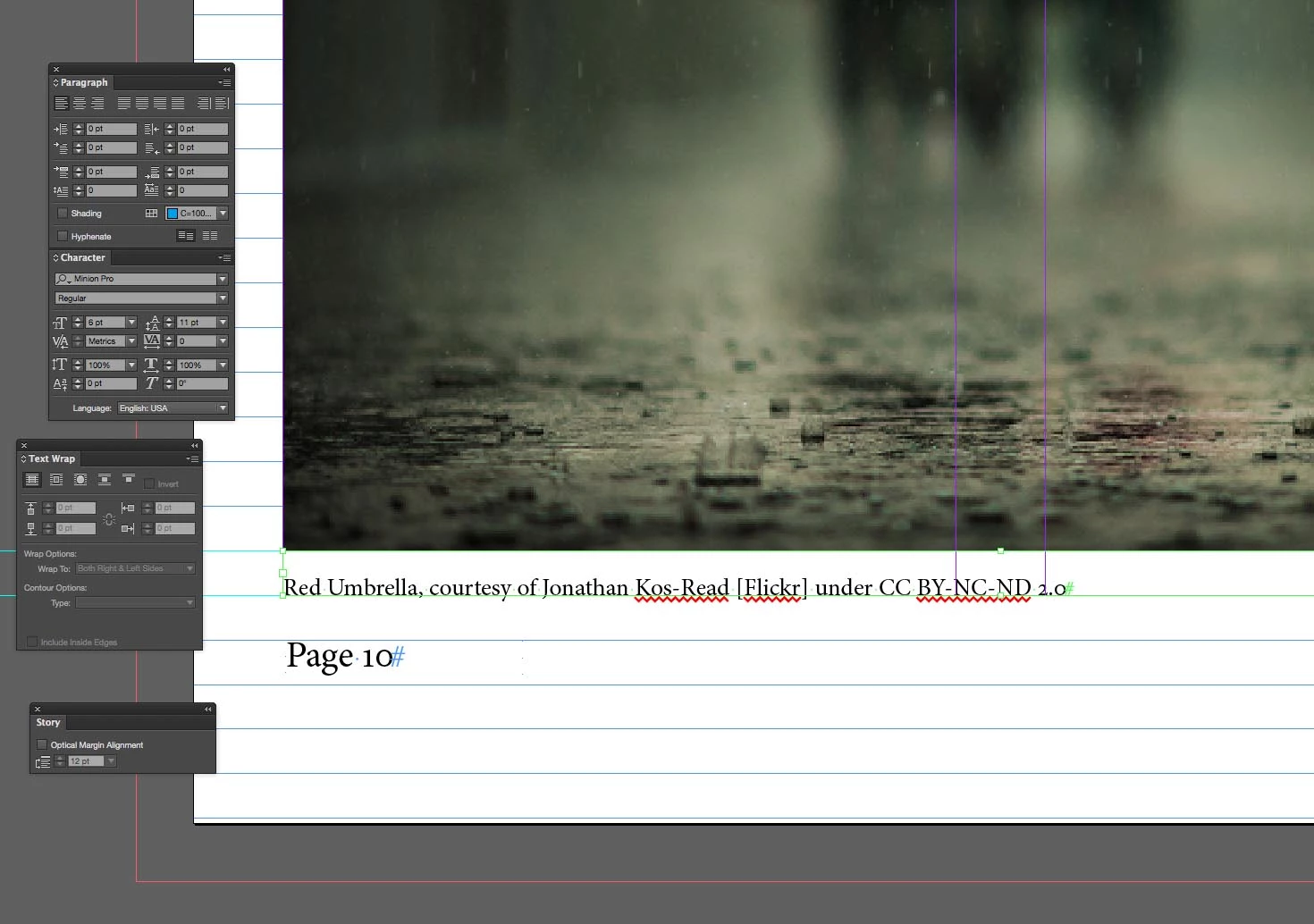
On one place in the document the text display perfectly:
Later on in the same document, with the same settings the text doesn't get displayed and the overset text warning shows:
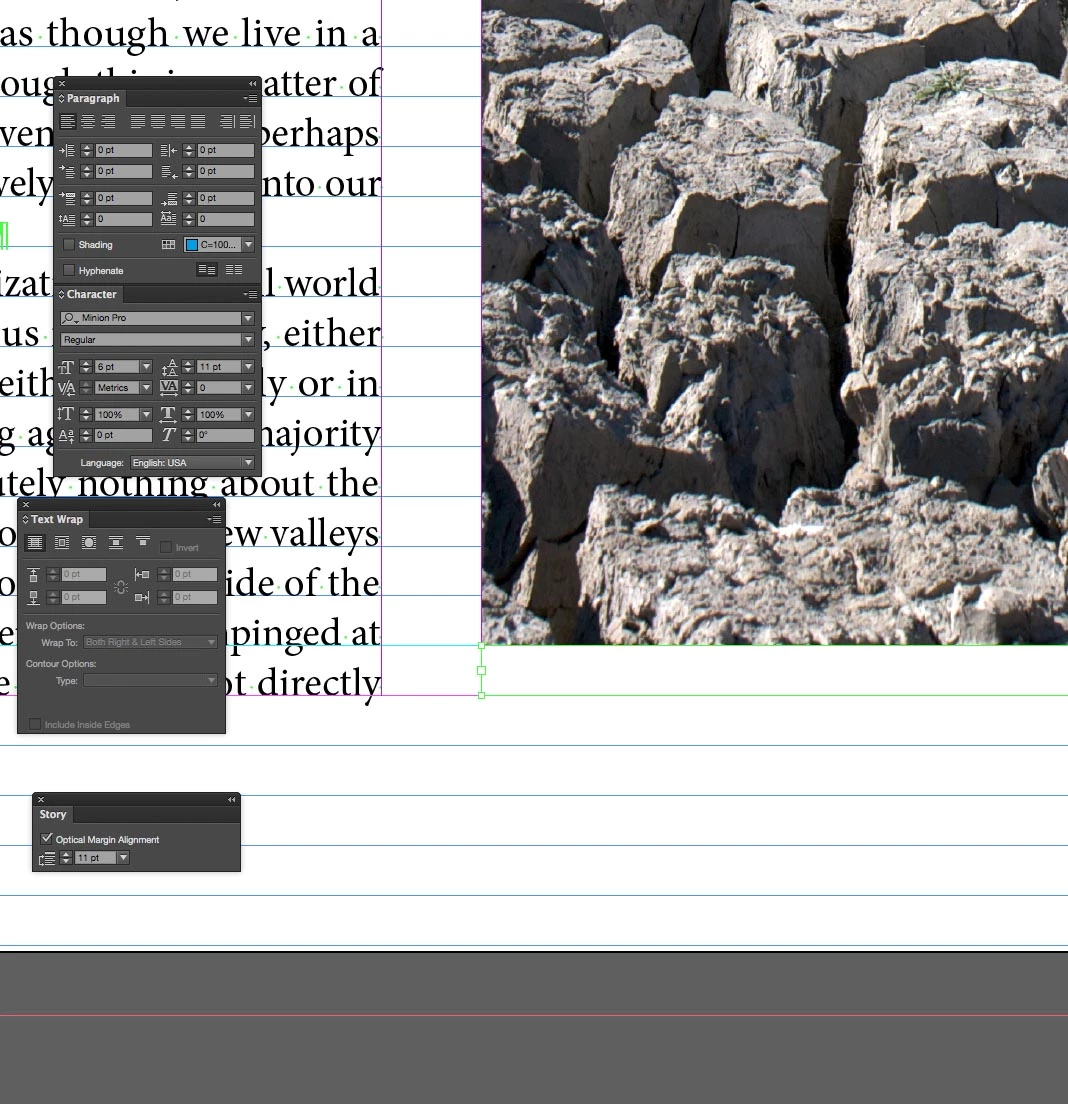
I've sometimes been able to fix this by resizing the text box slightly bigger and then back to exactly the same size and the text pops back into the correct position and is no longer overset. This text box doesn't want to seem to co-operate. I suppose I could just make the text box a tiny bit bigger to stop the text from getting over set but I would like to find the proper solution!

Looking forward to your suggestions!

Adrian

    This topic has been closed for replies.
    Correct answer Peter Spier

    And you've checked the frame didmension sot be sure it's really tall enough, too, I suppose.

    Beyond that I'm not coming up with anything.

    1 reply

    Peter Spier
    Community Expert
    Community Expert
    November 6, 2016

    Is there text wrap applied to the image frame, perhaps?

    Participant
    November 6, 2016

    No unfortunately  - that would have made it easy to solve!

    Participant
    January 26, 2017

    You gave me a clue actually - - I checked the text frame dimensions and it was 10.999pt. I changed it manually to 11pt rather than just dragging the text box to resize it and it's fixed. Thank you!


    Hi there, I see this thread is from a few months ago. I've had this problem before and found that if I go into the Paragraph Styles and make sure "No break" is de-selected. This has always worked for me when this mysterious "overset text box" has occurred. Hope this is helpful to you --Alena