
Answered
Page number in TOC in different sizes?
Hello,
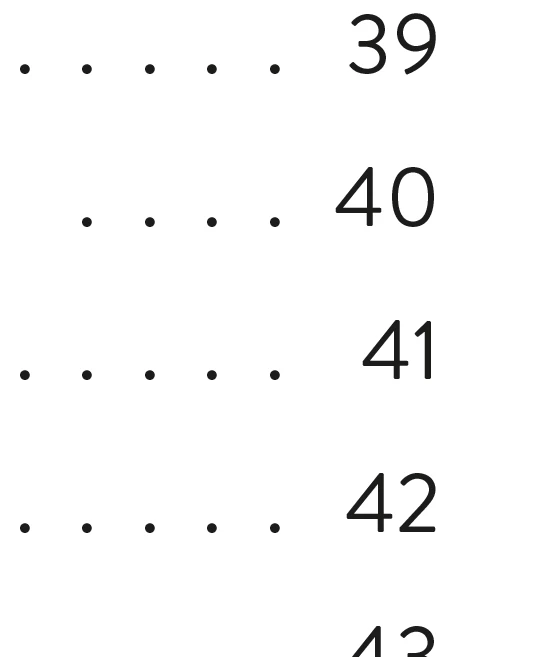
While finishing a file for print, I noticed that the page number in my TOC are somehow squashed like this "See 41". Does anyone know how to fix this, so all page numbers look the same size?

Hello,
While finishing a file for print, I noticed that the page number in my TOC are somehow squashed like this "See 41". Does anyone know how to fix this, so all page numbers look the same size?
Hi @Acai06:
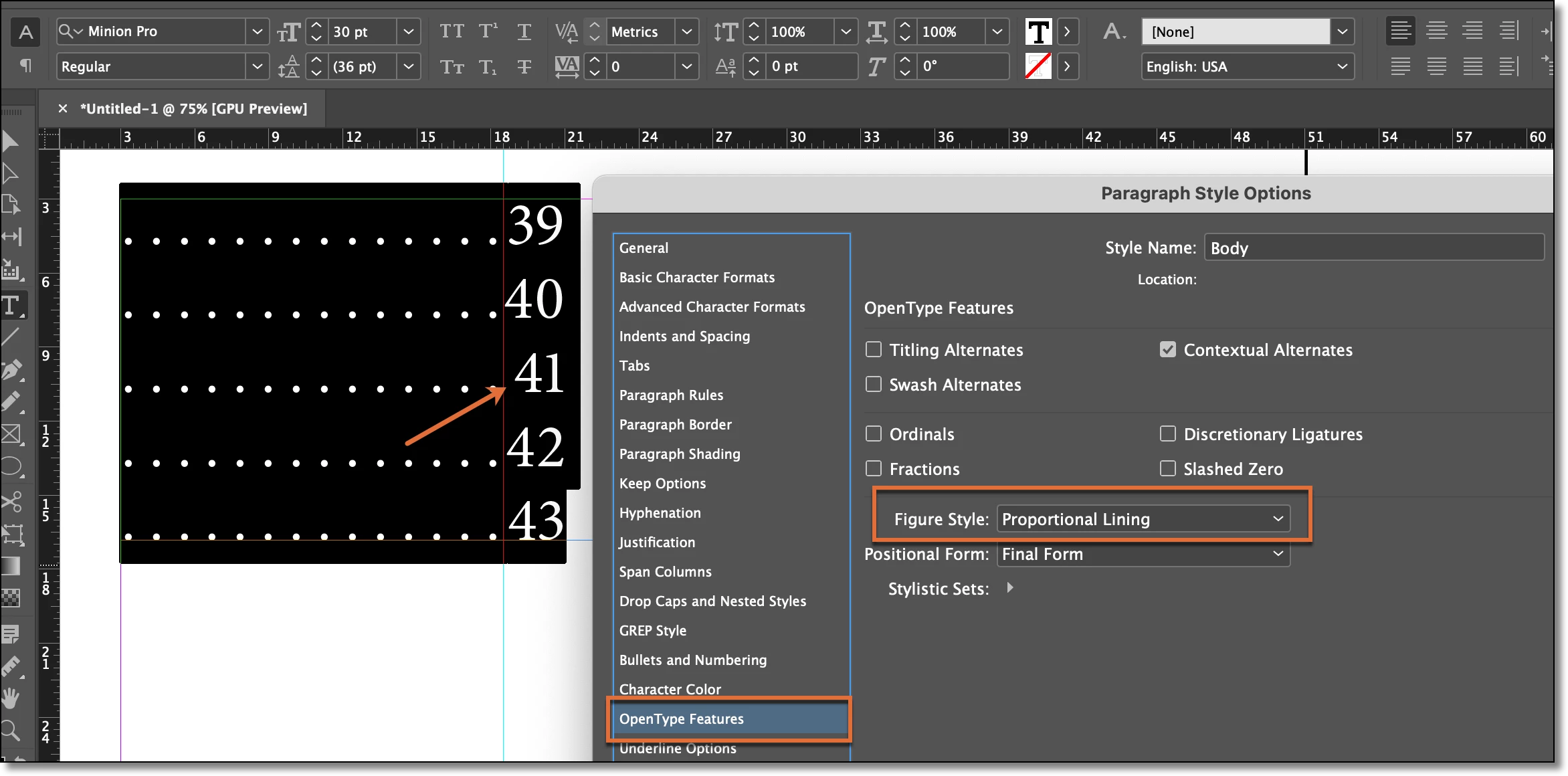
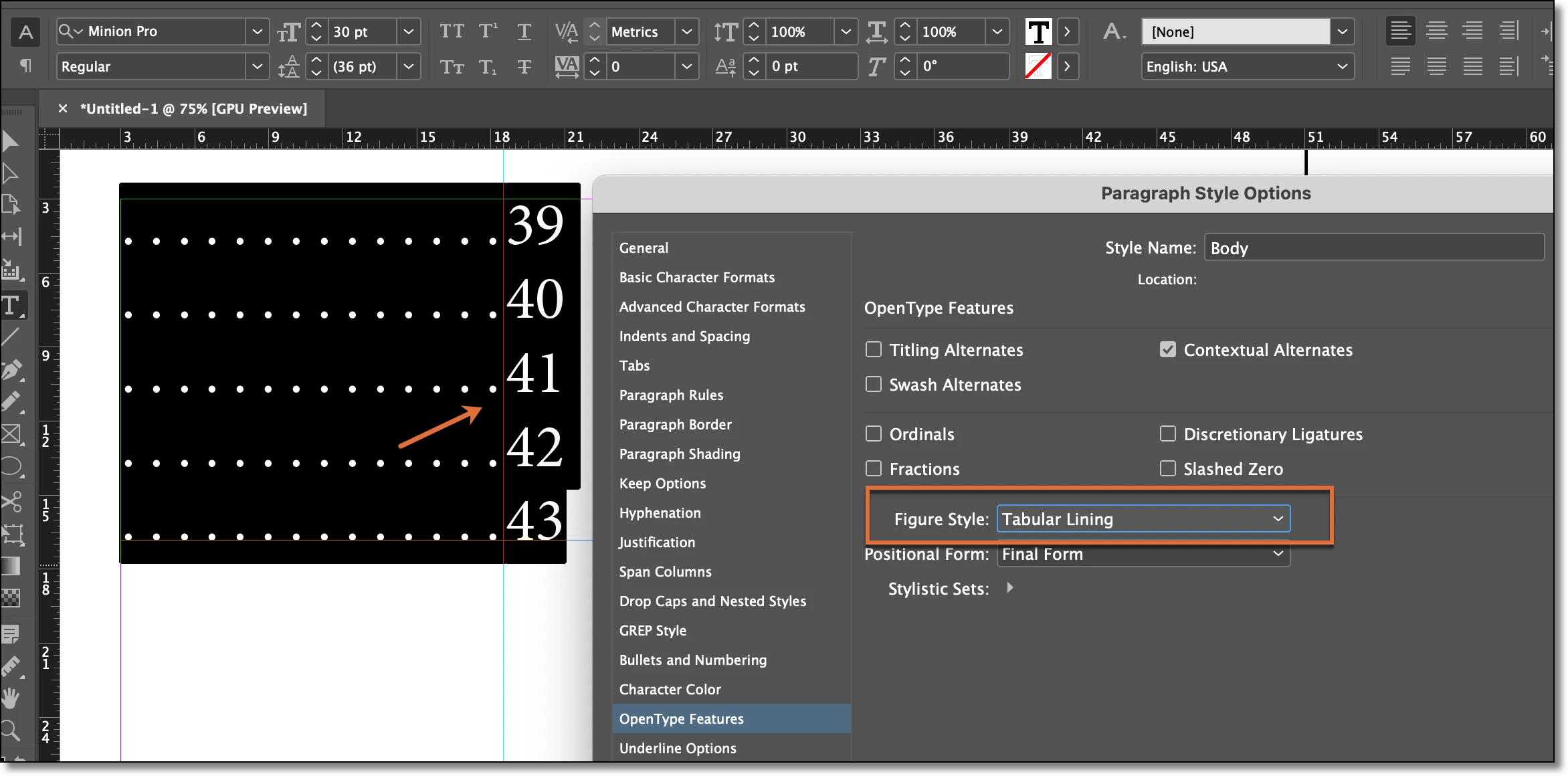
The issue is that you are using a font with proportional numbers—the 1s are skinnier than the other numbers. What font are you using? You should be able to specify Tabular Lining so that all the figures are the same width.
~Barb
Already have an account? Login
Enter your E-mail address. We'll send you an e-mail with instructions to reset your password.
 AdChoices