
Page numbering in a book
Each of my chapters now begins with page 1. I have incorporated them in a book (indb). I want the book's page numbering to run sequentially, from 1 to 1,200 (Yes, that's right. Just be glad you're not the student who has to read all that.)
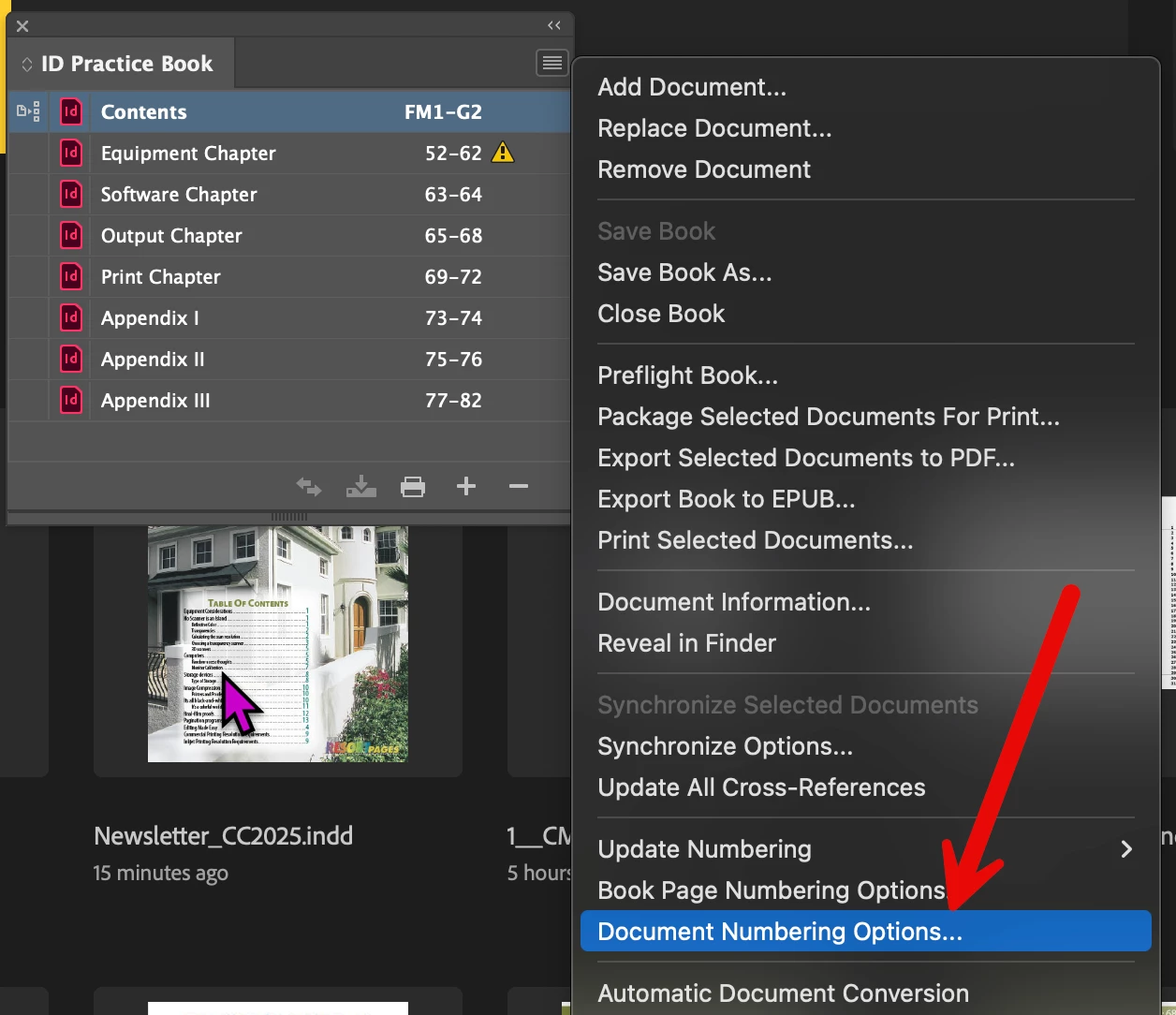
I do know how to do page numbering with sections in an individual file, but I don't know how to arrange it among files that I have incorporated in a book. For example, Chapter 1 runs from 1 to 109, with a verso page as 110 even though it will be blank. Chapter 2 should therefore begin with 111 (recto page). I can accomplish that "by hand," as it were, by specifying for each chapter the page number on which it is to begin, but is there a way to do that automatically? I ask because if I make changes in a chapter that either add or remove pages, I'd like not to have to hand-renumber the succeeding chapters.


 AdChoices