
Participant
May 2, 2025
Question

Page numbering problems

  • May 2, 2025
  • 6 replies
  • 322 views

Hi all,


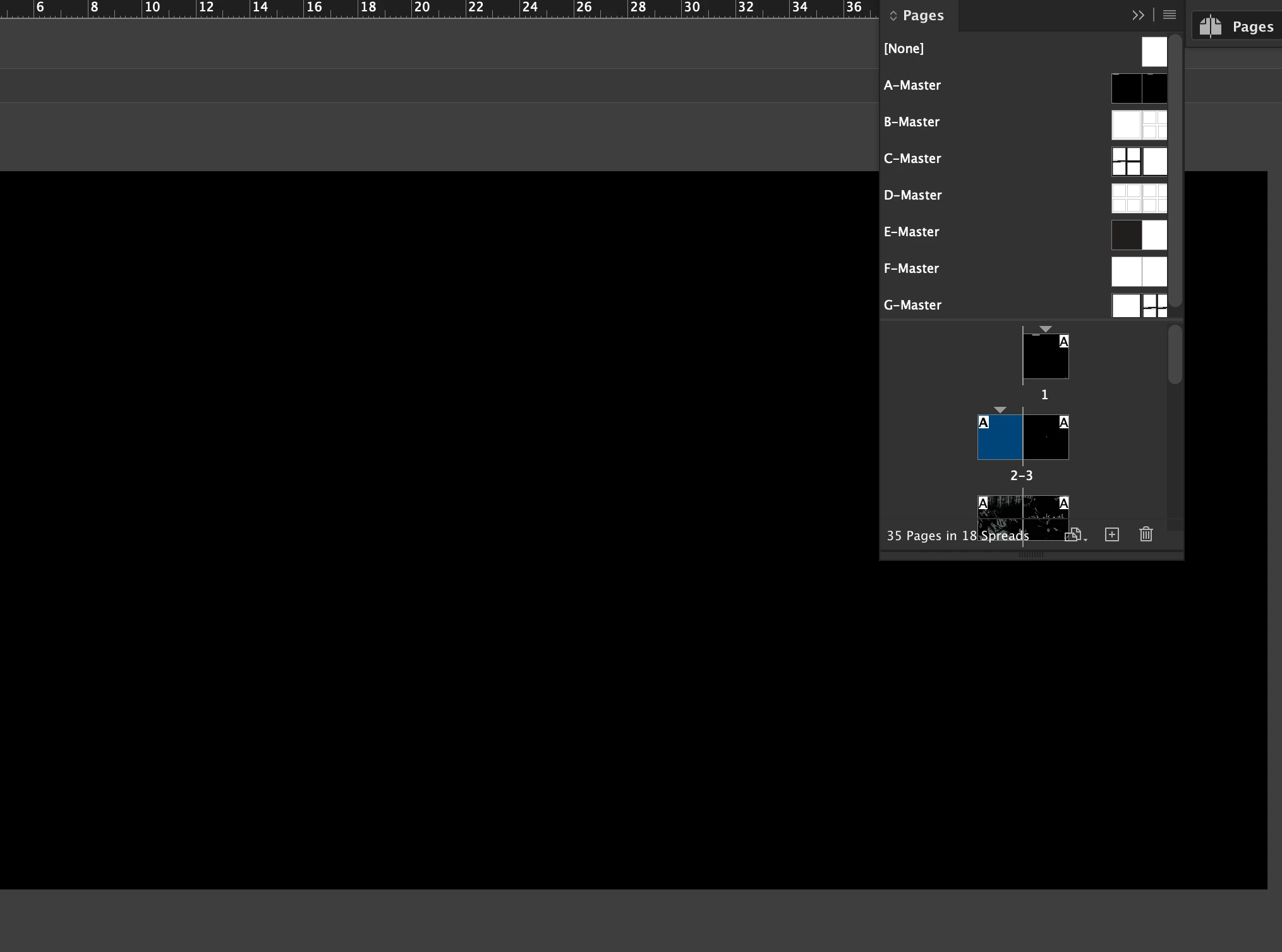
I need to start my book so page 1 isn't the first single page but the second page. Please can someone explain how this is done? Or is there a way of just deleting the first single page and starting with a spread?


Thank you!
 

6 replies

rob day
Community Expert
Community Expert
May 2, 2025

Hi @andrewt13496653 , When a document is setup as facing pages the book’s spine is indicated by a center spread line in the Pages panel.


If page 1 is to the left of the spine as I’m showing below, where is the page that backs up to the left hand page of the open spread? Even if the missing page is blank it needs to be included for the page imposition at the printer.


Peter Spier
Community Expert
Community Expert
May 2, 2025

You've already been advised this is unorthodox. May I ask WHY you want to start numbering wioth page 1 on the left?


Mike Witherell
Community Expert
Community Expert
May 2, 2025

In the Pages panel menu button, turn off both page Shuffle features. 

Now you are flying the InDesign airplane manually.

Select the first page and delete it.

Simple as that.

Mike Witherell
Dave Creamer of IDEAS
Community Expert
Community Expert
May 2, 2025

Do you simply want the first page to _start_ on the left and don't care about the page numbering?

OR

Do you want the first page to start on the left _but_ be numbered page 1?


If the former, follow the first half of @Anubhav M instructions.

If the latter, follow @Eugene Tyson 's link and scroll towards the bottom.


David Creamer: Community Expert (ACI and ACE 1995-2023)
Community Manager
May 2, 2025

Hello @andrewt13496653,

Could you try the following steps to see if they help with your workflow:

  1. Open your document in InDesign.
  2. Go to the Pages panel (Window > Pages).
  3. Right-click on the first page (the single page) and select Numbering & Section Options.
  4. In the dialog box that appears, check the box for Start Section.
  5. Set the Start Page Numbering to 2.
  6. Click OK.

If you want to delete the first single page and start with a spread:

  1. Open your document in InDesign.
  2. Go to the Pages panel (Window > Pages).
  3. Right-click on the first page and select Delete Page.
  4. Drag the second page to the first position in the Pages panel.

If you have any more questions or need further assistance, feel free to ask.

Anubhav

Community Expert
May 2, 2025

You can do it - and it's come up an awful lot recently.


I traditional book binding the odd pages are always on the right and even numbers always on the left. 


If you want to start your page as Page 1 on the left it's very unorthodox. 

https://creativepro.com/making-the-first-page-a-left-page/