

Page numbering starts with "1."
Hi you all,
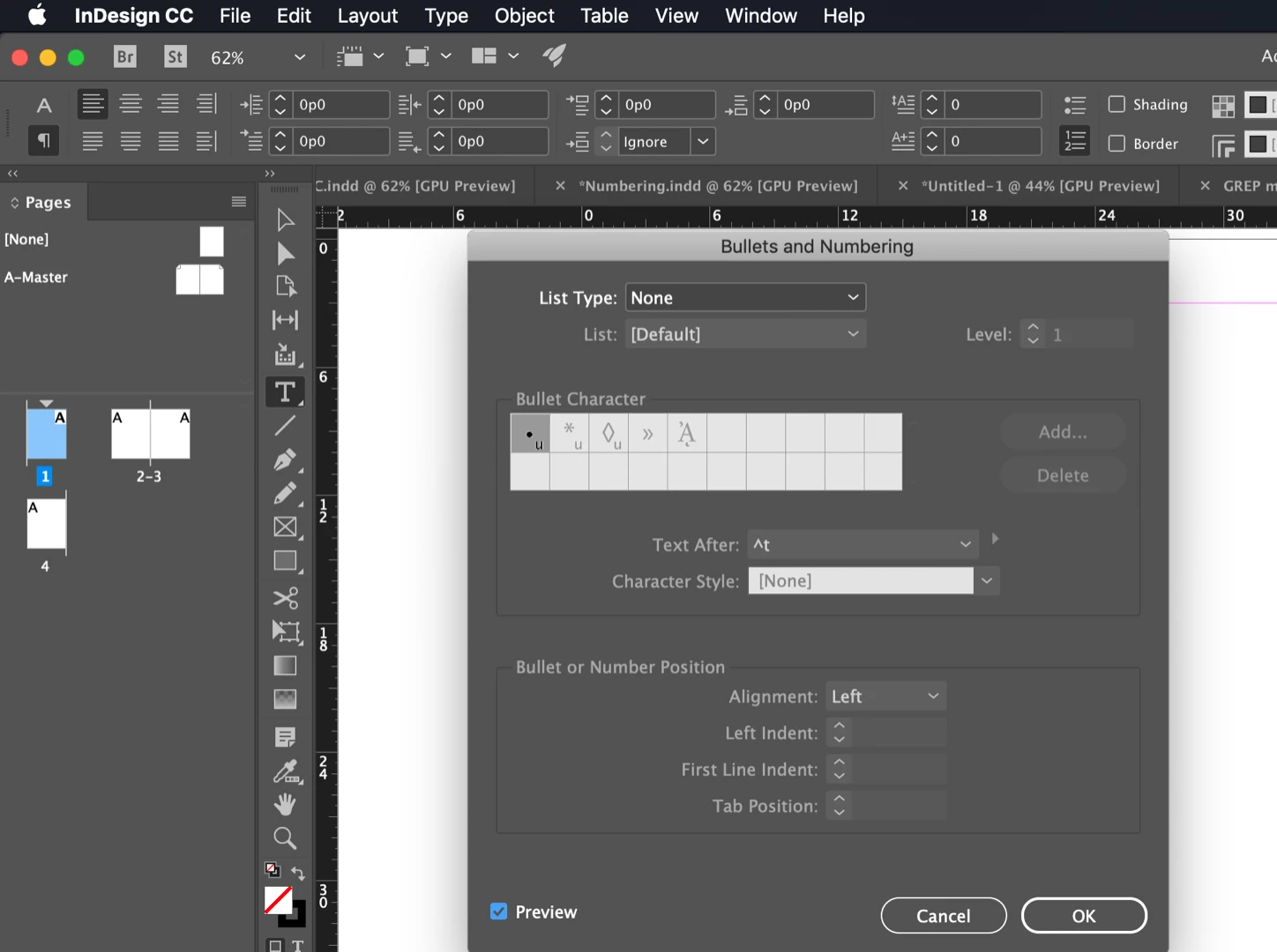
I am having an issue with page numbering and i really hope i find some help here. I am creating a 60 page portfolio and wanted to add page numbers through the master pages. In the text frame i went the usual path Type>Insert Special Character>Markers>Current Page Number but instead of "A" i got "1. A". It repeats the same "1. current page number" on every page but it is not a prefix and i cant find a way to make any sort of change on "1.". If i erase A, it is also erased.
Here i found a thread of someone having the same issue apparently: https://forums.adobe.com/message/10362918#10362918. He was just lucky because this issue was only on one of the master pages and it simply worked for him to copy from the other page that had no issue. And i am just unlucky because both of my pages are showing the same issue. I wish people on this thread followed the root of the issue as one of them suggested but the discussion seems to be getting hot and i didnt wanna revoke it tbh.
Any ideas how i might have messed up with my document?
Sincerely,
Dilan
 AdChoices