
Copy link to clipboard
Copied
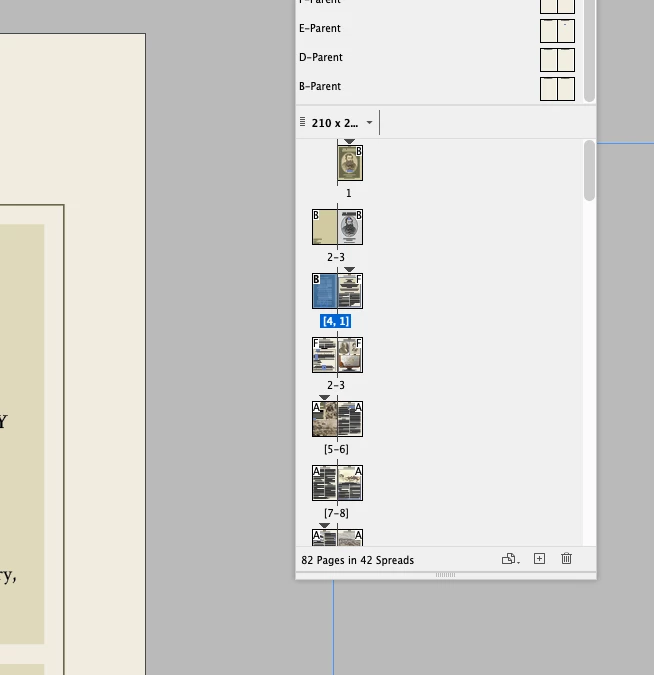
Hi all, I am formatting a book and wish page 1 to start on page 5, I have done the procedure and page 1 is on page 5 however page 4 missing. I'm so confused and can't work it out. Please see attached screen shot and if you look at the facing pages 4 is missing from where I began the new section at page 5. Thank you in advance.
Copy link to clipboard
Copied
What you want to get is not clear for me. On your screenshot, I see that you have created a lot of section starts, why? That is the cause of the page numbers inconcistancy. Which page must be numbered 5? The very first?
Copy link to clipboard
Copied
Thank you for replying, I have actually figured it out. Your right I had another section start which was causing the problem.
Copy link to clipboard
Copied
It's OK, I figured it out, I had a new section starting which I didn't realise.
Copy link to clipboard
Copied
You started a new section on page 5 which probably started with 5 again – also looks like a new section starts on page 9. It sometimes help to avoid confusion to also let the first pages 1–5 be displayed in Roman numerals or with a prefix.
Get ready! An upgraded Adobe Community experience is coming in January.
Learn more